Live smarter WordPress Theme


Edit Template Offline
2. Create new page and search for id 6540431
Edit Template Online
Create Awesome Websites


Free Nicepage Builder
Keywords
Service content and reusable contact details suit a managed site structure
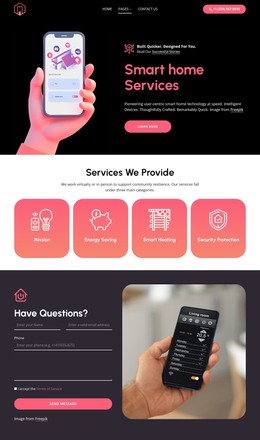
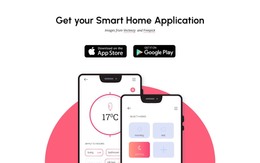
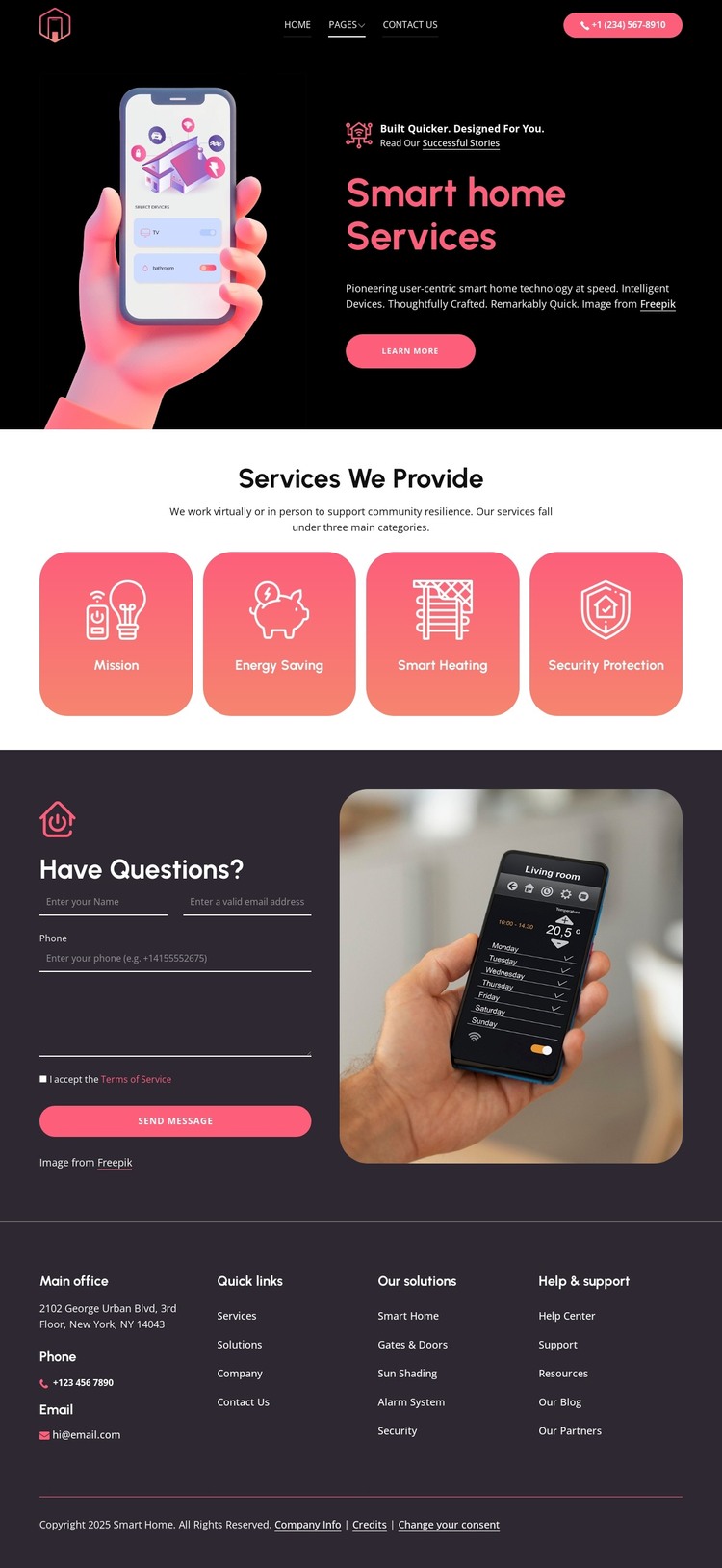
The service overview gives the design clear page-oriented content to organize around. Mission, Energy Saving, Smart Heating, and Security Protection appear as four distinct rounded cards, allowing the smart home offering to be presented through separate subject areas while preserving one coordinated visual system. The navigation bar supports that organization with a logo, primary links, and phone contact action, giving visitors a visible route through the site’s main content.
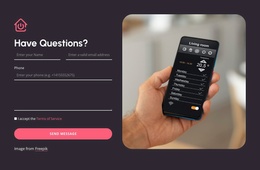
The inquiry section adds permanent page content with a different purpose. Its “Have Questions?” heading, message form, Send Message action, and smart home device image combine explanation and response in one defined region. The footer then supplies reusable site information through office address, phone, email, Quick links, Our solutions, and Help & support groups. These areas can be interpreted as stable content around which a WordPress project may later place regularly maintained material, but the analysis does not verify blog posts, categories, or other WordPress-specific structures.
The design’s value as a WordPress theme therefore comes from the relationship between organized service information and recurring site elements. Permanent service and contact content can retain the dark, device-led visual direction while the project’s broader managed content develops around it. This is a content interpretation, not a claim that WordPress content already exists in the template.
Customize with Nicepage
Open this ready-made template in the WordPress Website Builder and customize it visually in the Nicepage editor. Replace demo content, edit page sections, and adapt the design to your project without rebuilding the template from scratch.
Manage and Edit This Theme in WordPress
Customize and Install the WordPress Theme
Start with this ready-made theme instead of building the WordPress design from scratch. Customize its layout, content, typography, images, sections, and other design elements visually in Nicepage editor, then export and install the WordPress Theme, Plugin, and Pages on your WordPress site. The Nicepage WordPress Plugin lets you continue working with the site after installation.
Edit the Theme Directly in WordPress
After installation, you can edit the WordPress Theme directly in WordPress with the Nicepage WordPress Plugin. Use Site Style to customize site Colors, Fonts, Header, Footer, Blog, and Post Page Templates while working within your WordPress website.
Edit WordPress Pages Visually
Use the Nicepage WordPress Plugin to edit page content directly from the WordPress admin area. Open a WordPress Page with Nicepage and visually change its text, images, sections, and other page elements while continuing to manage the Page through WordPress.
WordPress Content and Theme Integration
Use the customized theme with WordPress Pages, Posts, Blog and Post Templates, menus, widgets, and other CMS-managed content. Shared theme elements such as Colors, Fonts, Header, Footer, Blog, and Post Page Templates can be managed as part of the overall site design, while WordPress provides the CMS environment for managing site content.
This workflow combines a ready-made WordPress Theme with visual customization, direct theme editing in WordPress, and continued content management through the Nicepage WordPress Plugin.