World's best restaurant WordPress Theme


Edit Template Offline
2. Create new page and search for id 32565
Edit Template Online
Create Awesome Websites


Free Nicepage Builder
Keywords
Permanent Restaurant Content Leaves Room for WordPress Publishing
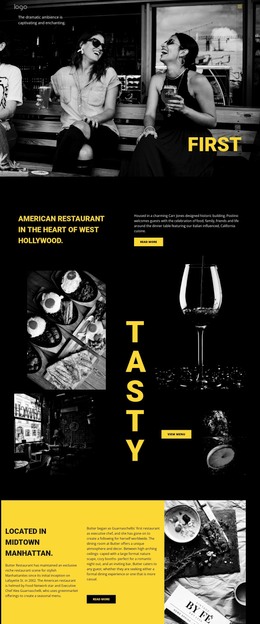
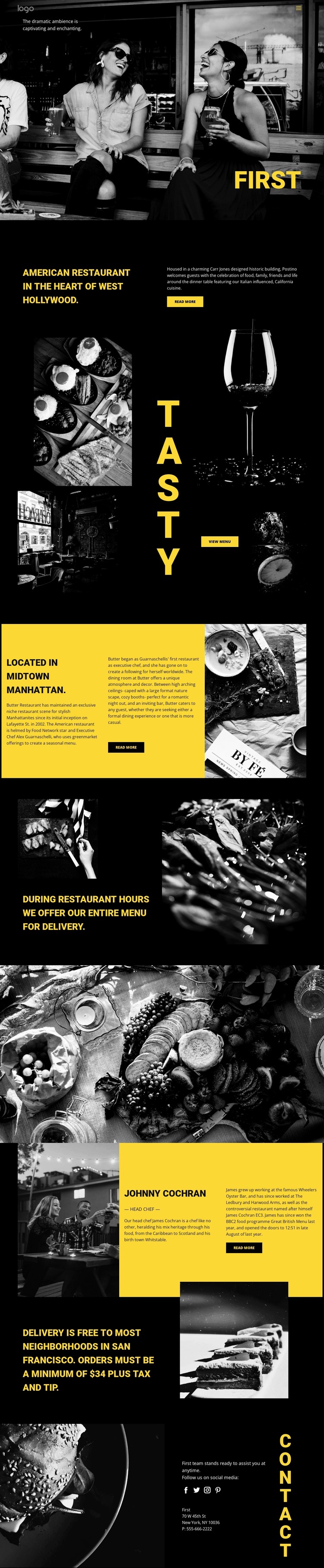
The page-oriented content is well suited to a restaurant theme because it separates information that can remain central to the site from visual sections that can be updated over time. The restaurant introduction and About Us content provide a stable explanation of the concept, while the food gallery and view-menu action create a page area for presenting dishes and menu direction. The chef profile adds another permanent content type through its image, role, biography, and read-more action.
Delivery information gives the theme a practical service layer. One section communicates availability during restaurant hours, and another presents coverage and a displayed $34 minimum order plus tax and tip. Those values are sample page content, but the separation of policy information from the visual gallery shows how service details can sit alongside editorial restaurant content. The closing contact area gathers social links, address information, and telephone detail, making it a clear permanent page region. If the project later adds regularly updated announcements, stories, or other publishable material, the existing black, yellow, and monochrome design direction can continue around that content without changing the core character of the restaurant page. WordPress provides the content environment for such pages and future publishing, but no blog, posts, categories, or other CMS structures are claimed as existing elements in this verified template.
Customize with Nicepage
Open this ready-made template in the WordPress Website Builder and customize it visually in the Nicepage editor. Replace demo content, edit page sections, and adapt the design to your project without rebuilding the template from scratch.
Manage and Edit This Theme in WordPress
Customize and Install the WordPress Theme
Start with this ready-made theme instead of building the WordPress design from scratch. Customize its layout, content, typography, images, sections, and other design elements visually in Nicepage editor, then export and install the WordPress Theme, Plugin, and Pages on your WordPress site. The Nicepage WordPress Plugin lets you continue working with the site after installation.
Edit the Theme Directly in WordPress
After installation, you can edit the WordPress Theme directly in WordPress with the Nicepage WordPress Plugin. Use Site Style to customize site Colors, Fonts, Header, Footer, Blog, and Post Page Templates while working within your WordPress website.
Edit WordPress Pages Visually
Use the Nicepage WordPress Plugin to edit page content directly from the WordPress admin area. Open a WordPress Page with Nicepage and visually change its text, images, sections, and other page elements while continuing to manage the Page through WordPress.
WordPress Content and Theme Integration
Use the customized theme with WordPress Pages, Posts, Blog and Post Templates, menus, widgets, and other CMS-managed content. Shared theme elements such as Colors, Fonts, Header, Footer, Blog, and Post Page Templates can be managed as part of the overall site design, while WordPress provides the CMS environment for managing site content.
This workflow combines a ready-made WordPress Theme with visual customization, direct theme editing in WordPress, and continued content management through the Nicepage WordPress Plugin.