Get personalized nutrition coaching WordPress Theme


Edit Template Offline
2. Create new page and search for id 6435437
Edit Template Online
Create Awesome Websites


Free Nicepage Builder
Keywords
Appointment content and reusable site areas suit a WordPress theme foundation
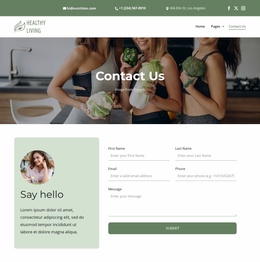
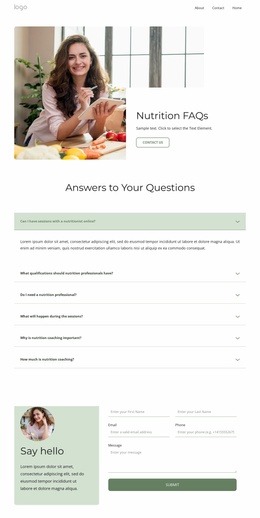
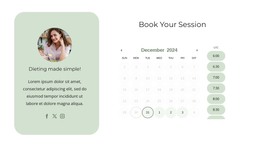
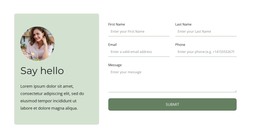
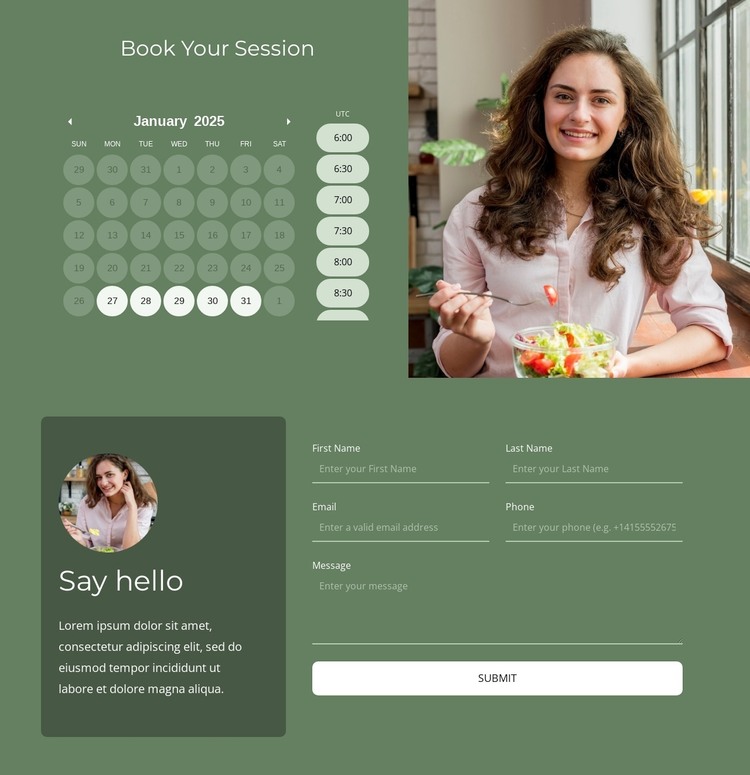
The calendar and time-slot selector give the design a clear page-oriented content area for appointment-focused work. They sit beside a lifestyle image, making the booking section both a practical interaction zone and a visual introduction. Around it, the “Say hello” form provides a separate area for name-based inquiries, while the footer subscription form creates a distinct route for ongoing communication.
The header and navigation broaden the theme foundation beyond one booking interaction. Two horizontal bars organize contact details, social links, branding, and navigation, with links pointing toward informational, service, portfolio, FAQ, booking, pricing, and blog areas. These verified regions can support a wider WordPress project’s page content without claiming that WordPress Posts, categories, or blog templates already exist in the design.
The four-column footer adds recurring site content through quick links, contact channels, social links, and subscription signup. Together with the header, it gives the page shared regions that can remain visually consistent as related content is introduced. WordPress Pages may be a natural interpretation for the permanent informational and booking-oriented areas, while regularly updated content could be planned separately if the project requires it. The important foundation is the existing relationship between navigation, scheduling, inquiry, and contact content, not a generic CMS label. The Nicepage WordPress Plugin is therefore optional rather than the central explanation of why this particular design works.
Customize with Nicepage
Open this ready-made template in the WordPress Website Builder and customize it visually in the Nicepage editor. Replace demo content, edit page sections, and adapt the design to your project without rebuilding the template from scratch.
Manage and Edit This Theme in WordPress
Customize and Install the WordPress Theme
Start with this ready-made theme instead of building the WordPress design from scratch. Customize its layout, content, typography, images, sections, and other design elements visually in Nicepage editor, then export and install the WordPress Theme, Plugin, and Pages on your WordPress site. The Nicepage WordPress Plugin lets you continue working with the site after installation.
Edit the Theme Directly in WordPress
After installation, you can edit the WordPress Theme directly in WordPress with the Nicepage WordPress Plugin. Use Site Style to customize site Colors, Fonts, Header, Footer, Blog, and Post Page Templates while working within your WordPress website.
Edit WordPress Pages Visually
Use the Nicepage WordPress Plugin to edit page content directly from the WordPress admin area. Open a WordPress Page with Nicepage and visually change its text, images, sections, and other page elements while continuing to manage the Page through WordPress.
WordPress Content and Theme Integration
Use the customized theme with WordPress Pages, Posts, Blog and Post Templates, menus, widgets, and other CMS-managed content. Shared theme elements such as Colors, Fonts, Header, Footer, Blog, and Post Page Templates can be managed as part of the overall site design, while WordPress provides the CMS environment for managing site content.
This workflow combines a ready-made WordPress Theme with visual customization, direct theme editing in WordPress, and continued content management through the Nicepage WordPress Plugin.