Nutrition services WordPress Theme


Edit Template Offline
2. Create new page and search for id 6435424
Edit Template Online
Create Awesome Websites


Free Nicepage Builder
Keywords
Service and FAQ Content Fits a Page-Oriented WordPress Theme
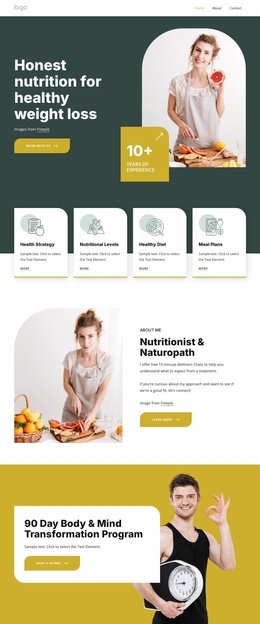
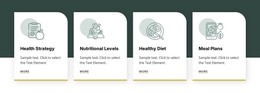
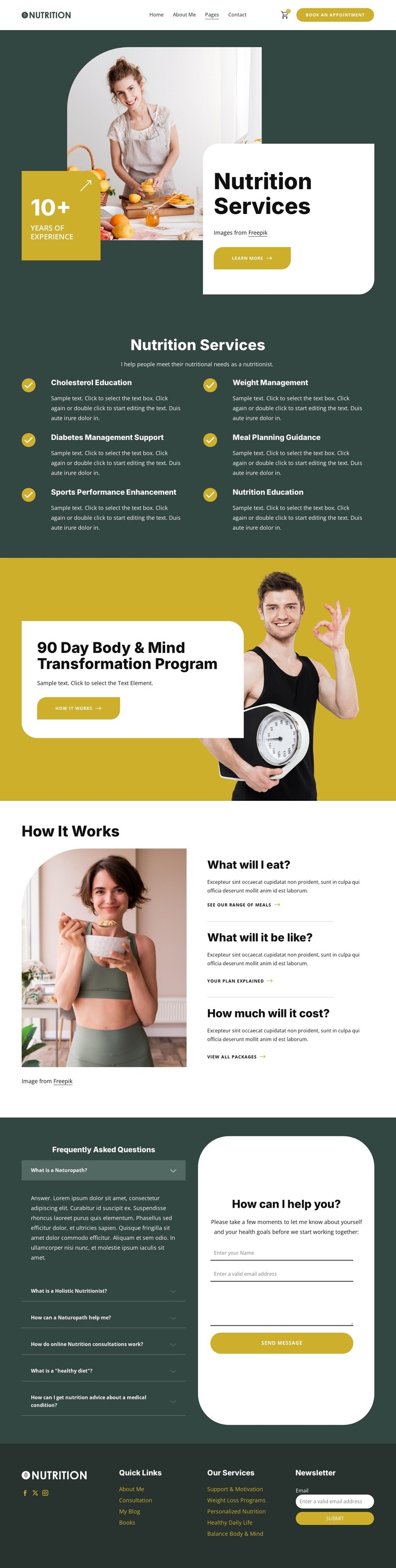
The six nutrition service categories provide clear permanent page content for a WordPress-oriented project. Weight management, diabetes management support, meal planning guidance, sports performance enhancement, cholesterol education, and nutrition education are arranged as a coordinated group, making the design suitable for presenting several related areas without losing the shared visual system. Their repeated treatment can also support consistent content organization as individual descriptions are developed.
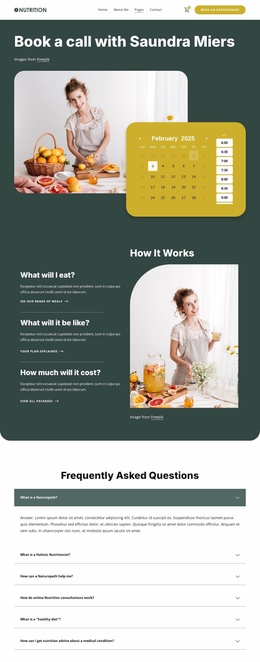
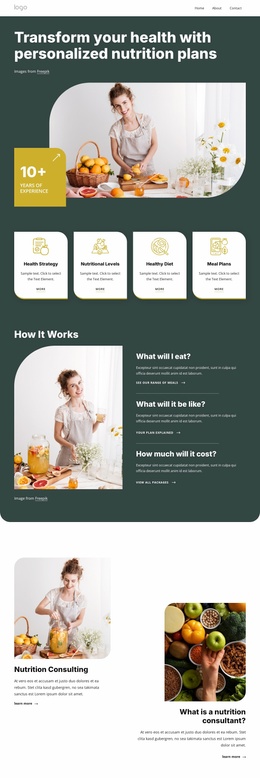
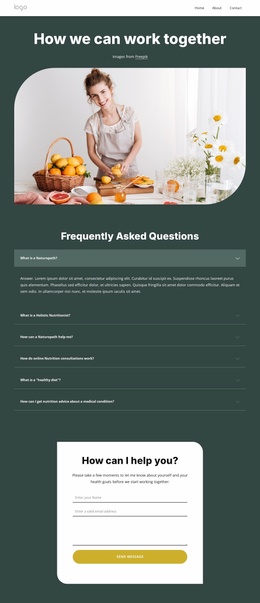
The 90 Day Body & Mind Transformation Program gives the page a distinct featured-content area rather than treating every offering as an identical service item. The How It Works section adds three question-led explanations about food, the experience, and cost, which can help organize practical guidance alongside the more promotional program content. The FAQ accordion then provides a compact place for common nutrition questions, while the form creates a direct consultation inquiry area with name, email, and message fields.
The footer contributes shared site elements that matter in a managed content environment: Quick Links, service links, Facebook, Twitter, Instagram, and newsletter signup. These regions can remain visually coordinated around page content managed in WordPress. Nicepage’s WordPress Plugin is an optional product bridge when direct theme-level visual editing is relevant, but the template’s main value comes from how its service, program, FAQ, and contact areas already divide the content.
Customize with Nicepage
Open this ready-made template in the WordPress Website Builder and customize it visually in the Nicepage editor. Replace demo content, edit page sections, and adapt the design to your project without rebuilding the template from scratch.
Manage and Edit This Theme in WordPress
Customize and Install the WordPress Theme
Start with this ready-made theme instead of building the WordPress design from scratch. Customize its layout, content, typography, images, sections, and other design elements visually in Nicepage editor, then export and install the WordPress Theme, Plugin, and Pages on your WordPress site. The Nicepage WordPress Plugin lets you continue working with the site after installation.
Edit the Theme Directly in WordPress
After installation, you can edit the WordPress Theme directly in WordPress with the Nicepage WordPress Plugin. Use Site Style to customize site Colors, Fonts, Header, Footer, Blog, and Post Page Templates while working within your WordPress website.
Edit WordPress Pages Visually
Use the Nicepage WordPress Plugin to edit page content directly from the WordPress admin area. Open a WordPress Page with Nicepage and visually change its text, images, sections, and other page elements while continuing to manage the Page through WordPress.
WordPress Content and Theme Integration
Use the customized theme with WordPress Pages, Posts, Blog and Post Templates, menus, widgets, and other CMS-managed content. Shared theme elements such as Colors, Fonts, Header, Footer, Blog, and Post Page Templates can be managed as part of the overall site design, while WordPress provides the CMS environment for managing site content.
This workflow combines a ready-made WordPress Theme with visual customization, direct theme editing in WordPress, and continued content management through the Nicepage WordPress Plugin.