Practical nutrition coaching Website Template



Edit Template Offline
2. Create new page and search for id 6426351
Edit Template Online
Create Awesome Websites


Free Nicepage Builder
Keywords
Service Categories and Personal Expertise Create a Website Foundation
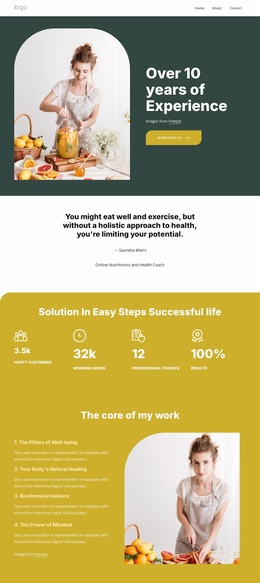
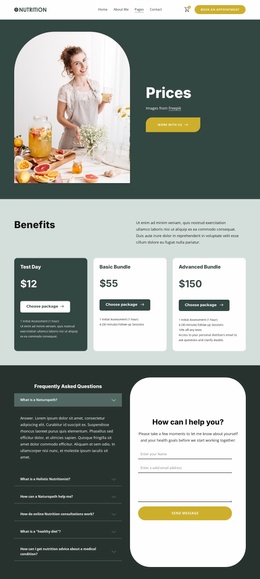
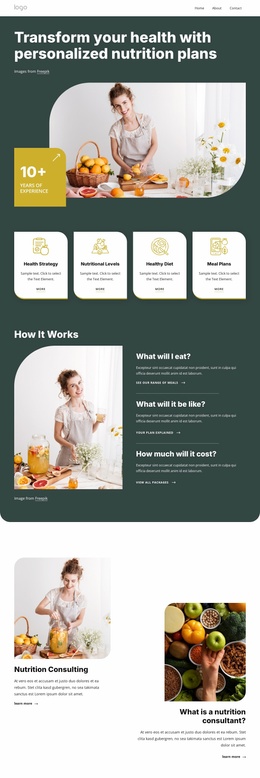
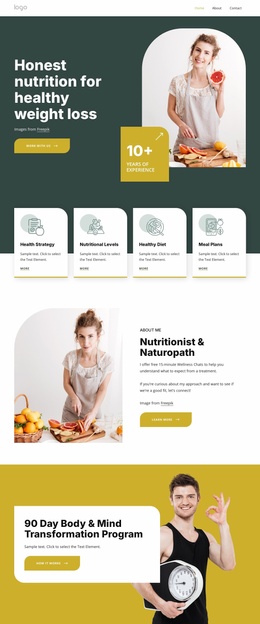
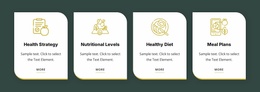
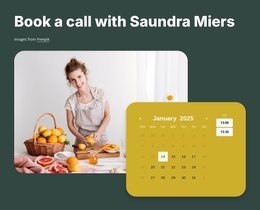
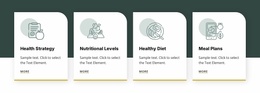
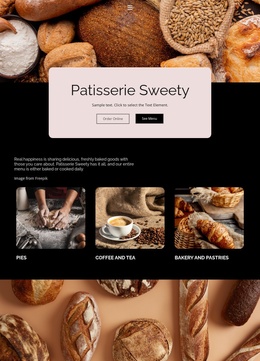
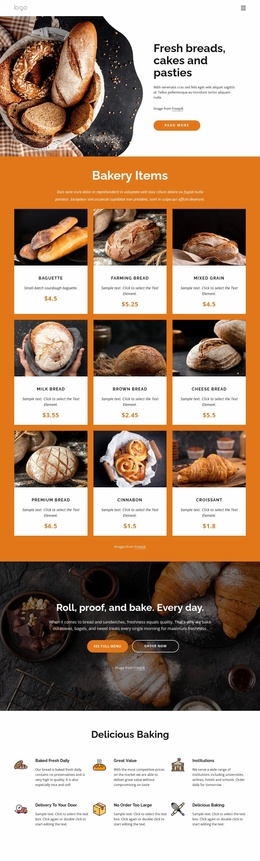
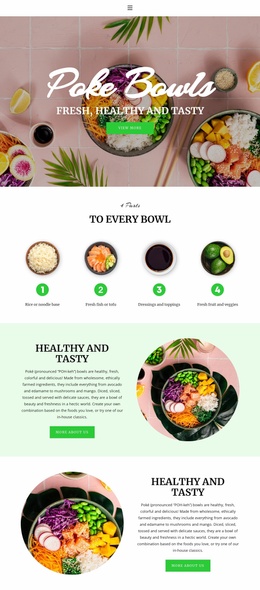
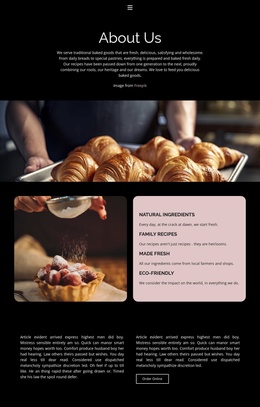
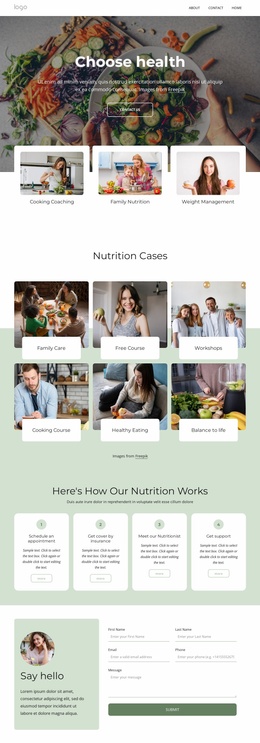
The page already defines several major content areas that can anchor a broader nutrition website. Four service cards separate Health Strategy, Nutritional Levels, Healthy Diet, and Meal Plans, giving the project an initial way to organize its core offerings. The “How It Works” section adds practical explanation around meals, plan expectations, and cost, while the two consulting cards provide a second presentation layer for describing services in more detail.
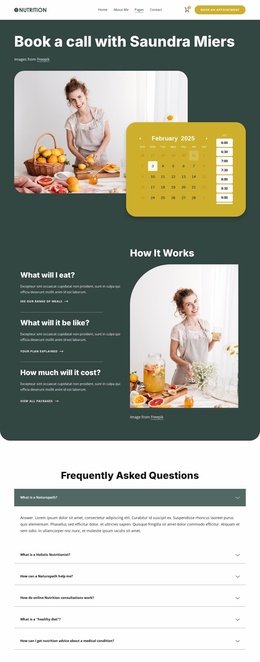
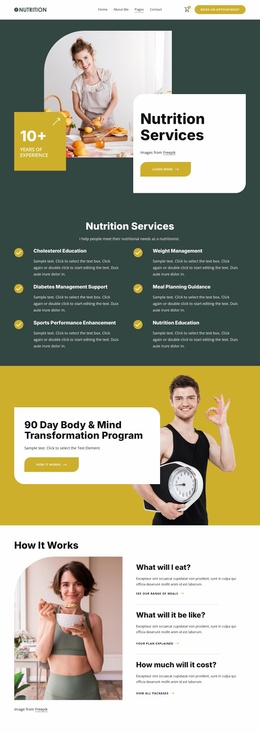
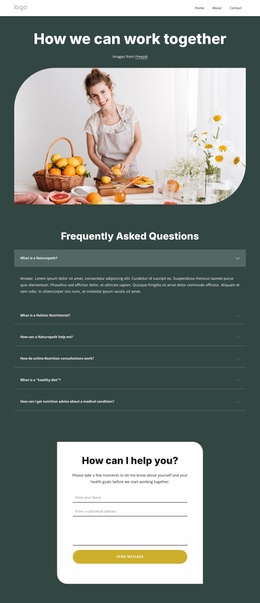
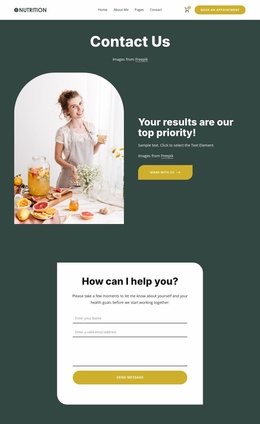
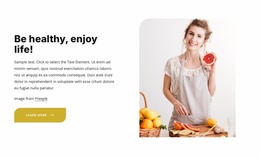
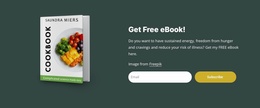
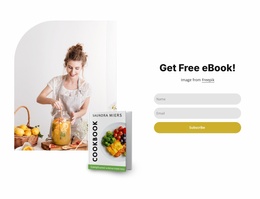
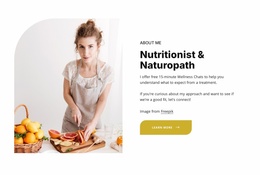
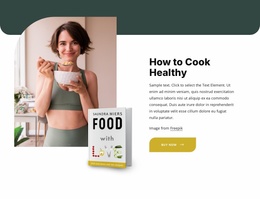
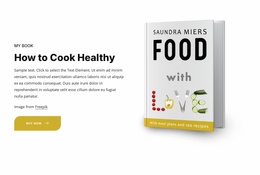
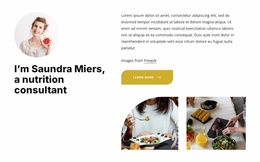
Personal and program content gives the foundation additional directions for expansion. The 90-day Body and Mind Transformation Program can serve as a focused program area, while Saundra Miers’s consultant profile establishes a clear about or expertise region. The collaboration section, three wellness-principle cards, testimonials, and the healthy cooking resource broaden the site beyond a single service pitch. At the lower end of the page, six FAQ items and the consultation inquiry form create a useful support and contact region; the newsletter signup, social links, quick links, and service links give the footer recurring site elements to carry into related pages. This does not prove that multiple completed pages are included, but it does show how the existing content categories could form a coherent foundation for additional service, program, profile, resource, or contact pages as the website project grows.
Customize with Nicepage
Open this ready-made template in the Website Template Builder and customize it visually in the Nicepage editor. Replace demo content, edit page sections, and adapt the design to your project without rebuilding the template from scratch.
Build a Complete Website From This Template
Customize the Website Visually
Use this ready-made website template as a starting point for your project and adapt its pages visually in Nicepage. Change content, images, typography, navigation, sections, and other design elements while keeping the website together as a single editable project.
Manage Website Pages in One Project
Use the Pages panel to open, add, duplicate, and manage the pages of your website. Work on individual pages while keeping navigation and the overall site structure accessible from the same project, making it easier to develop a complete website instead of managing separate page files.
Expand the Website With Matching Designs
When you need additional pages or sections, use Page Design Sets to find Page and Block Designs created in the same visual style. Design Sets group matching designs together, making it easier to expand the website with new content while maintaining a consistent look across its pages and sections.
Organize Larger Multi-Page Websites
As the website grows, use Page Folders to organize related pages and keep larger multi-page projects easier to navigate in the editor. This is especially useful for websites with separate service pages, company information, contacts, landing pages, and other content areas.
This workflow makes the template a practical foundation for building and expanding a complete website while managing its pages, content, and visual design within one Nicepage project.

Design Set (30)
-

-
-
-
-
-
-
-
-
-
-
Customize Any TemplateDownload
-
-
-
-
-
-
-
-
-
-