Food and nutrition service WordPress Theme


Edit Template Offline
2. Create new page and search for id 6456619
Edit Template Online
Create Awesome Websites


Free Nicepage Builder
Keywords
Service and Support Content Can Anchor WordPress Page Expansion
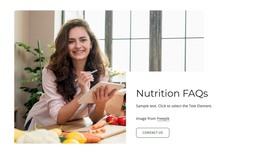
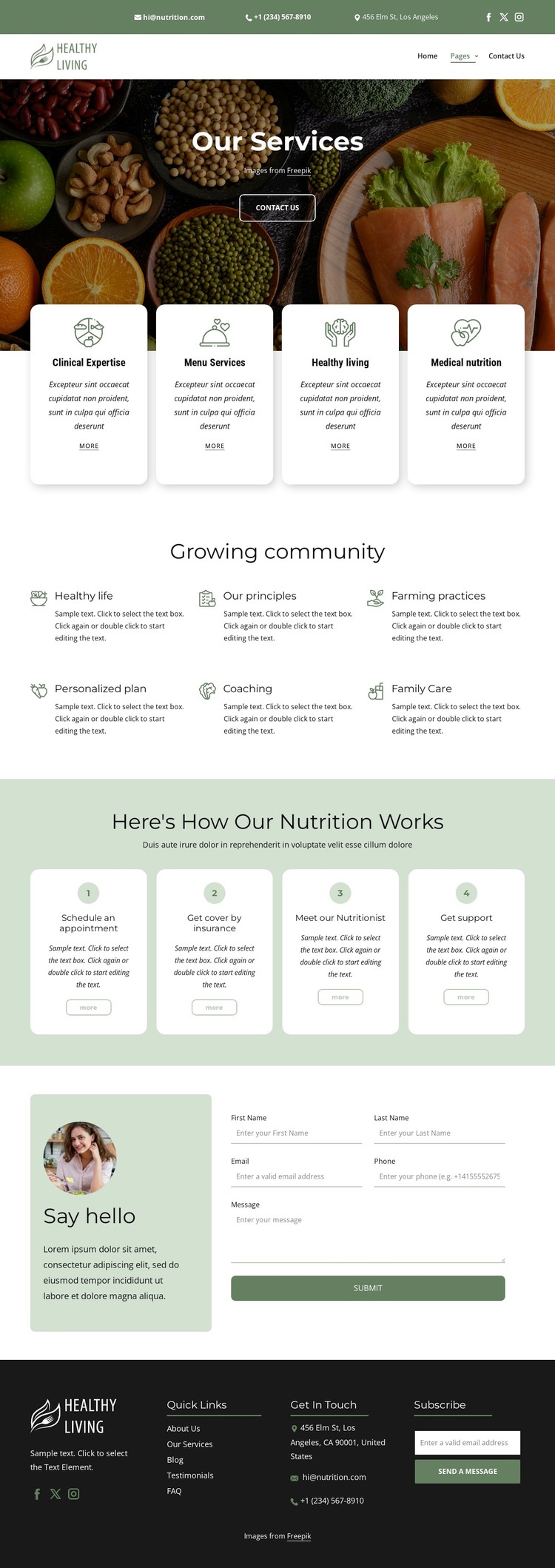
The four primary cards give the design a clear set of page-oriented content areas. Clinical Expertise, Menu Services, Healthy Living, and Medical Nutrition can each represent a distinct explanation within a WordPress-managed project, while their shared card treatment keeps the visual system connected. The six community topics add another group of recurring information, with personalized plans, coaching, family care, healthy life, principles, and farming practices broadening the subject beyond the initial service list.
The four-step nutrition process is especially useful as structured supporting content. It presents appointment scheduling, insurance coverage, meeting a nutritionist, and receiving support in an ordered relationship, allowing the project to distinguish practical guidance from service descriptions. The header navigation and dark footer provide shared site elements around these page areas, while Quick Links, Get In Touch, subscription content, and social links support movement between permanent information and communication points.
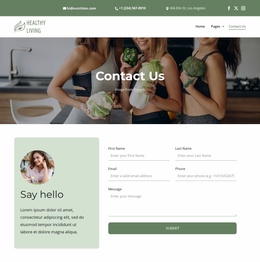
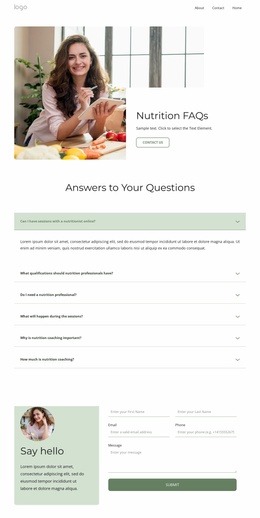
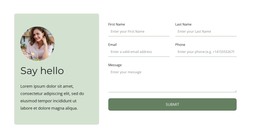
The contact inquiry form gives the page a direct response area, and the separate subscription form suggests a different type of ongoing communication. In a WordPress theme context, these roles can be interpreted as page content and recurring site content without claiming that posts, categories, or blog templates are already present. The design’s value lies in its organized service coverage and repeatable visual regions, giving WordPress content a coherent nutrition-focused presentation as the project expands.
Customize with Nicepage
Open this ready-made template in the WordPress Website Builder and customize it visually in the Nicepage editor. Replace demo content, edit page sections, and adapt the design to your project without rebuilding the template from scratch.
Manage and Edit This Theme in WordPress
Customize and Install the WordPress Theme
Start with this ready-made theme instead of building the WordPress design from scratch. Customize its layout, content, typography, images, sections, and other design elements visually in Nicepage editor, then export and install the WordPress Theme, Plugin, and Pages on your WordPress site. The Nicepage WordPress Plugin lets you continue working with the site after installation.
Edit the Theme Directly in WordPress
After installation, you can edit the WordPress Theme directly in WordPress with the Nicepage WordPress Plugin. Use Site Style to customize site Colors, Fonts, Header, Footer, Blog, and Post Page Templates while working within your WordPress website.
Edit WordPress Pages Visually
Use the Nicepage WordPress Plugin to edit page content directly from the WordPress admin area. Open a WordPress Page with Nicepage and visually change its text, images, sections, and other page elements while continuing to manage the Page through WordPress.
WordPress Content and Theme Integration
Use the customized theme with WordPress Pages, Posts, Blog and Post Templates, menus, widgets, and other CMS-managed content. Shared theme elements such as Colors, Fonts, Header, Footer, Blog, and Post Page Templates can be managed as part of the overall site design, while WordPress provides the CMS environment for managing site content.
This workflow combines a ready-made WordPress Theme with visual customization, direct theme editing in WordPress, and continued content management through the Nicepage WordPress Plugin.