Bagels, buns, rolls, biscuits and loaf breads WordPress Theme



Edit Template Offline
2. Create new page and search for id 4309158
Edit Template Online
Create Awesome Websites


Free Nicepage Builder
Keywords
Menu Content, Bakery Identity, and Contact Information in One Theme
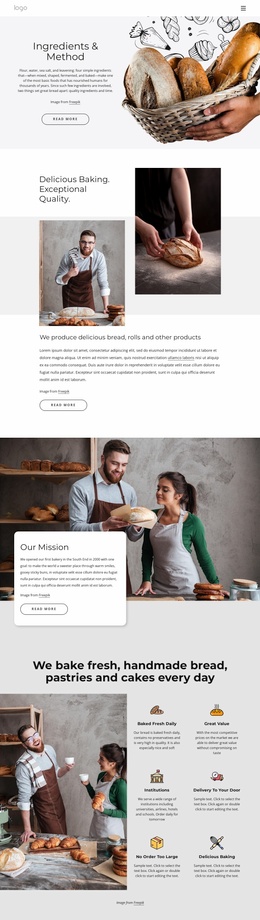
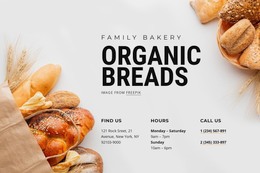
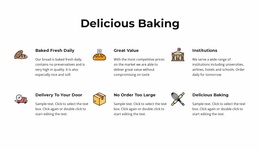
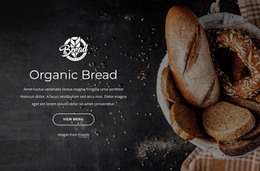
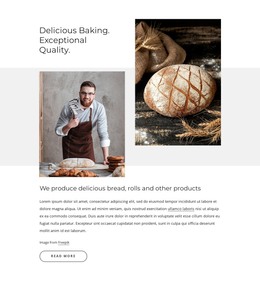
The page-oriented content is especially clear in the way the bakery explains itself before presenting its products. The Organic Bread hero introduces the subject and points visitors toward the menu, while the six feature items describe fresh baking, value, delivery, institutional customers, and capacity for large orders. This gives permanent bakery information a defined role separate from the product cards that follow.
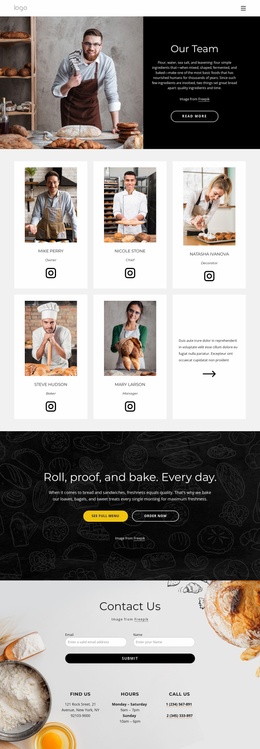
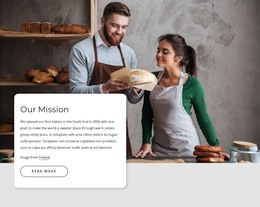
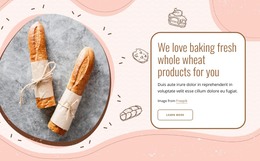
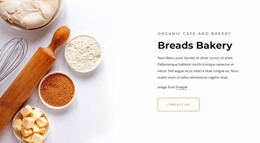
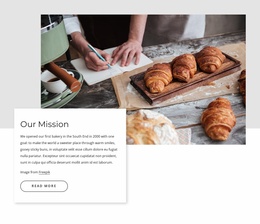
The About Bakery area adds content that can support the continuing identity of the organization: Our People, Our Values, Our History, Our Culture, Ingredients, and Our Bakery. The mission sections reinforce that identity through image-and-card presentations, while the references to universities, airlines, hotels, and schools broaden the content beyond individual retail customers. These relationships create useful page content for a bakery site without claiming that blog posts or other WordPress-specific structures already exist.
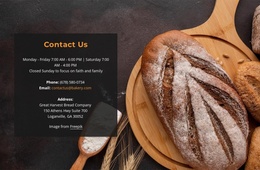
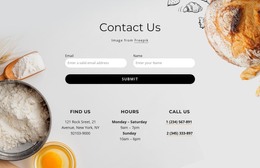
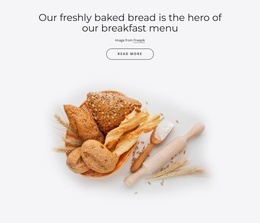
The six product cards provide a second content group centered on baguette, sourdough bread, mixed grain, milk bread, brown bread, and Cinnabon. Images, names, descriptions, and prices give visitors a consistent way to review the offering. The closing contact form then connects that product and service information with address, opening hours, and telephone channels. In a WordPress-managed project, permanent bakery pages and later editorial or promotional content could continue within the same visual direction. The navigation and footer complete the shared site elements around those content areas.
Customize with Nicepage
Open this ready-made template in the WordPress Website Builder and customize it visually in the Nicepage editor. Replace demo content, edit page sections, and adapt the design to your project without rebuilding the template from scratch.
Manage and Edit This Theme in WordPress
Customize and Install the WordPress Theme
Start with this ready-made theme instead of building the WordPress design from scratch. Customize its layout, content, typography, images, sections, and other design elements visually in Nicepage editor, then export and install the WordPress Theme, Plugin, and Pages on your WordPress site. The Nicepage WordPress Plugin lets you continue working with the site after installation.
Edit the Theme Directly in WordPress
After installation, you can edit the WordPress Theme directly in WordPress with the Nicepage WordPress Plugin. Use Site Style to customize site Colors, Fonts, Header, Footer, Blog, and Post Page Templates while working within your WordPress website.
Edit WordPress Pages Visually
Use the Nicepage WordPress Plugin to edit page content directly from the WordPress admin area. Open a WordPress Page with Nicepage and visually change its text, images, sections, and other page elements while continuing to manage the Page through WordPress.
WordPress Content and Theme Integration
Use the customized theme with WordPress Pages, Posts, Blog and Post Templates, menus, widgets, and other CMS-managed content. Shared theme elements such as Colors, Fonts, Header, Footer, Blog, and Post Page Templates can be managed as part of the overall site design, while WordPress provides the CMS environment for managing site content.
This workflow combines a ready-made WordPress Theme with visual customization, direct theme editing in WordPress, and continued content management through the Nicepage WordPress Plugin.