Tasty and fresh food WordPress Theme


Edit Template Offline
2. Create new page and search for id 19813
Edit Template Online
Create Awesome Websites


Free Nicepage Builder
Keywords
Bakery Content Areas Give WordPress Pages a Coherent Visual System
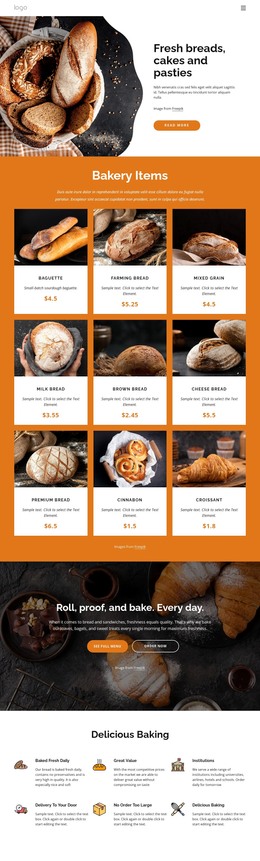
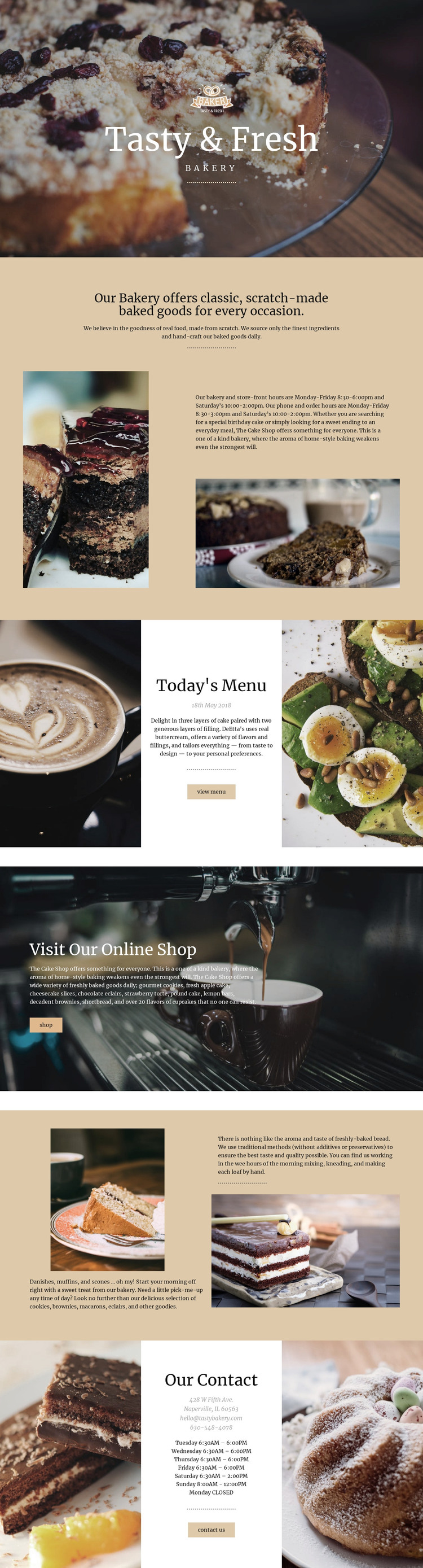
The hero and About Us section provide page-oriented content for introducing the bakery and explaining its scratch-made offer. The food imagery and descriptive copy work together as permanent business content, while the central menu area adds a more focused information section with a view-menu action. This division can help a WordPress-managed site keep its bakery story and menu information distinct without separating them from the same visual direction.
The online shop callout and the pastry-and-bread split section offer different content relationships. The shop block emphasizes a shopping action over a wide preparation photograph, whereas the split section gives product themes room for descriptions and supporting images. Cakes, cookies, bread, pastries, and other baked goods can therefore be organized as related page content rather than treated as one undifferentiated text panel. The analysis does not verify WordPress posts, blog structures, or product records, so those should not be presented as existing template elements.
The closing contact area brings together an address, opening hours, email and telephone channels, and a contact action. In a WordPress project, these permanent bakery details can remain visually coordinated with the page’s shared identity while the actual content is maintained through the CMS environment. The theme’s value lies in this relationship between fixed visual language and clearly separated bakery content areas, not in a claim that the current design already contains a complete WordPress site.
Customize with Nicepage
Open this ready-made template in the WordPress Website Builder and customize it visually in the Nicepage editor. Replace demo content, edit page sections, and adapt the design to your project without rebuilding the template from scratch.
Manage and Edit This Theme in WordPress
Customize and Install the WordPress Theme
Start with this ready-made theme instead of building the WordPress design from scratch. Customize its layout, content, typography, images, sections, and other design elements visually in Nicepage editor, then export and install the WordPress Theme, Plugin, and Pages on your WordPress site. The Nicepage WordPress Plugin lets you continue working with the site after installation.
Edit the Theme Directly in WordPress
After installation, you can edit the WordPress Theme directly in WordPress with the Nicepage WordPress Plugin. Use Site Style to customize site Colors, Fonts, Header, Footer, Blog, and Post Page Templates while working within your WordPress website.
Edit WordPress Pages Visually
Use the Nicepage WordPress Plugin to edit page content directly from the WordPress admin area. Open a WordPress Page with Nicepage and visually change its text, images, sections, and other page elements while continuing to manage the Page through WordPress.
WordPress Content and Theme Integration
Use the customized theme with WordPress Pages, Posts, Blog and Post Templates, menus, widgets, and other CMS-managed content. Shared theme elements such as Colors, Fonts, Header, Footer, Blog, and Post Page Templates can be managed as part of the overall site design, while WordPress provides the CMS environment for managing site content.
This workflow combines a ready-made WordPress Theme with visual customization, direct theme editing in WordPress, and continued content management through the Nicepage WordPress Plugin.