Organic bread menu WordPress Theme


Edit Template Offline
2. Create new page and search for id 3284325
Edit Template Online
Create Awesome Websites


Free Nicepage Builder
Keywords
Product Groups and Page Content Form a Practical Bakery Theme Direction
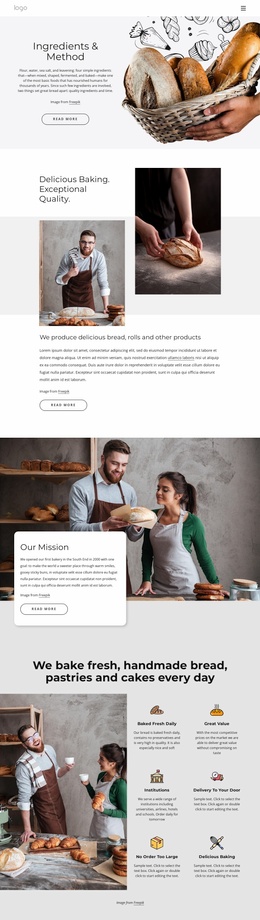
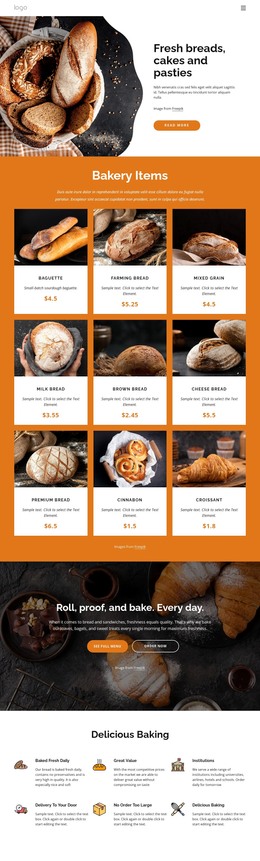
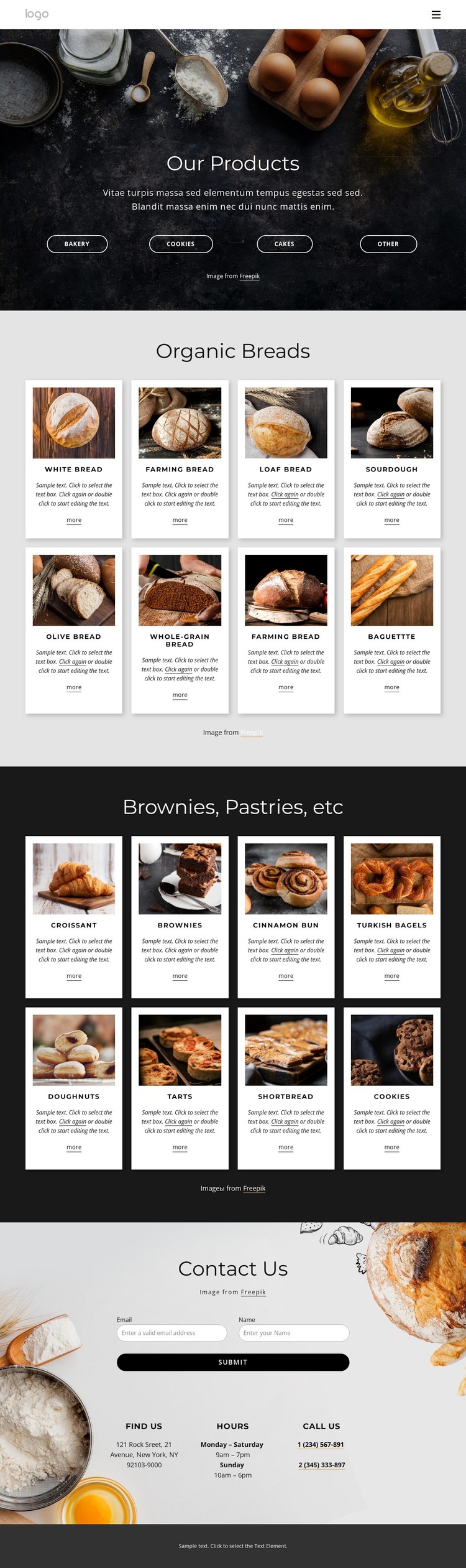
The page’s strongest WordPress-oriented content relationship is between its permanent product information and the repeated presentation used for each item. Our Products introduces four categories—Bakery, Cookies, Cakes, and Other—then Organic Breads displays eight bread cards and Brownies, Pastries, etc displays eight pastry and dessert cards. Each card combines bakery imagery, a product name, short description, and More link, creating a consistent pattern for page content that customers can browse.
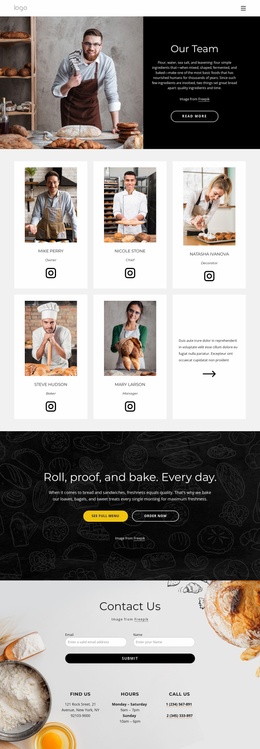
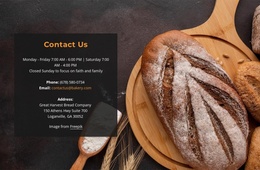
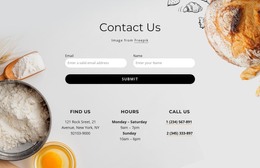
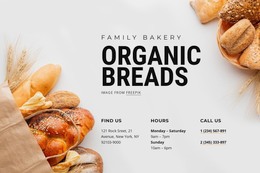
The navigation adds a broader site context through Home, About Us, Menu, and Landing links. This makes the design more than an isolated catalog grid: it has a recognizable place for the menu within a bakery project. The compact mobile control preserves that entry point when the available screen width changes. At the bottom, Contact Us provides another permanent content area, combining a form with name and email fields and practical information under Find Us, Hours, and Call Us.
A WordPress theme interpretation can therefore center on managing and extending page-oriented bakery content while preserving the shared visual system. Future editorial or product additions would need to be created and verified separately; the analysis does not establish existing posts, categories, or blog structures. What is confirmed is a strong foundation of navigation, categorized offerings, repeated product cards, and a contact response area that can remain visually connected as the site content develops.
Customize with Nicepage
Open this ready-made template in the WordPress Website Builder and customize it visually in the Nicepage editor. Replace demo content, edit page sections, and adapt the design to your project without rebuilding the template from scratch.
Manage and Edit This Theme in WordPress
Customize and Install the WordPress Theme
Start with this ready-made theme instead of building the WordPress design from scratch. Customize its layout, content, typography, images, sections, and other design elements visually in Nicepage editor, then export and install the WordPress Theme, Plugin, and Pages on your WordPress site. The Nicepage WordPress Plugin lets you continue working with the site after installation.
Edit the Theme Directly in WordPress
After installation, you can edit the WordPress Theme directly in WordPress with the Nicepage WordPress Plugin. Use Site Style to customize site Colors, Fonts, Header, Footer, Blog, and Post Page Templates while working within your WordPress website.
Edit WordPress Pages Visually
Use the Nicepage WordPress Plugin to edit page content directly from the WordPress admin area. Open a WordPress Page with Nicepage and visually change its text, images, sections, and other page elements while continuing to manage the Page through WordPress.
WordPress Content and Theme Integration
Use the customized theme with WordPress Pages, Posts, Blog and Post Templates, menus, widgets, and other CMS-managed content. Shared theme elements such as Colors, Fonts, Header, Footer, Blog, and Post Page Templates can be managed as part of the overall site design, while WordPress provides the CMS environment for managing site content.
This workflow combines a ready-made WordPress Theme with visual customization, direct theme editing in WordPress, and continued content management through the Nicepage WordPress Plugin.