Create identities and brands WordPress Theme


Edit Template Offline
2. Create new page and search for id 6187310
Edit Template Online
Create Awesome Websites


Free Nicepage Builder
Keywords
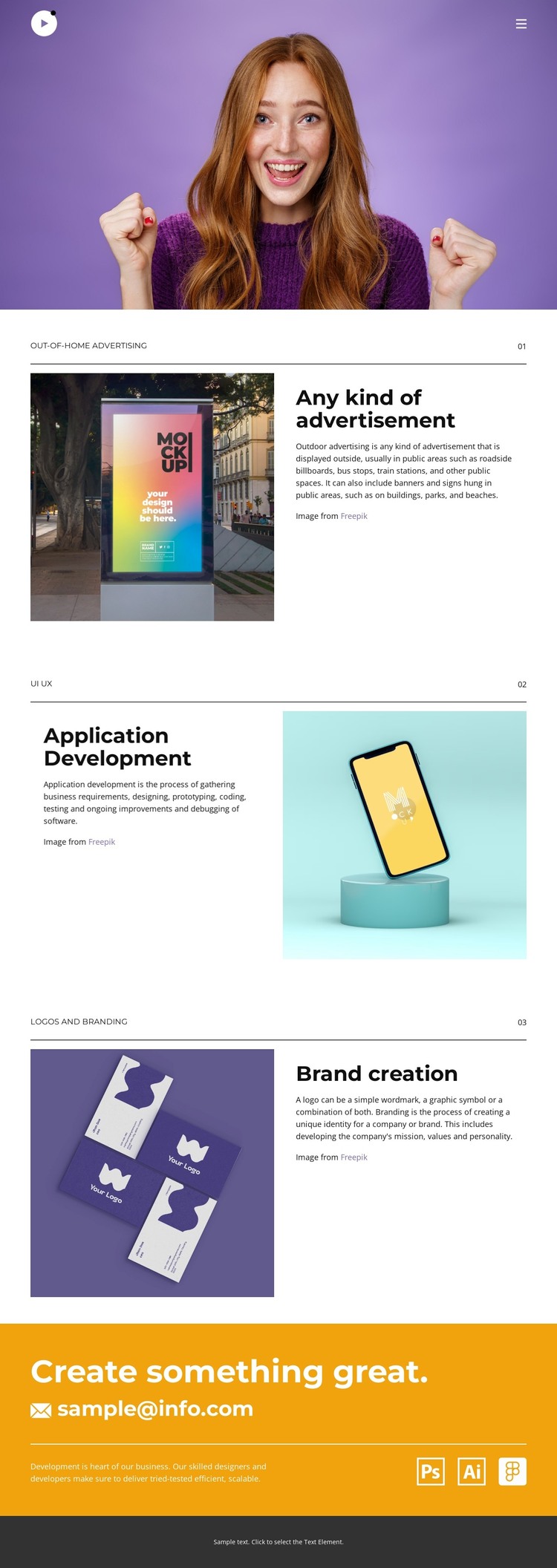
Project categories and contact content give the portfolio a WordPress-ready content shape
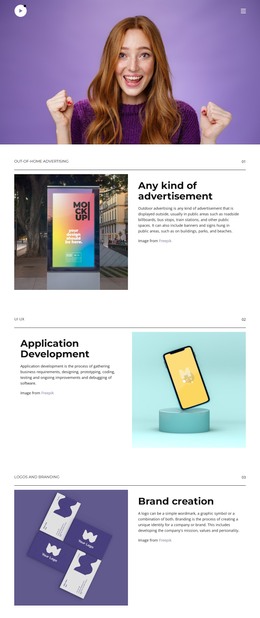
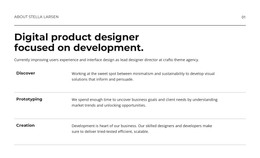
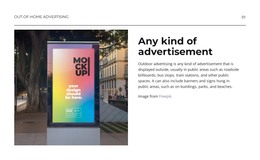
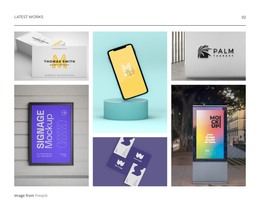
The three numbered portfolio categories create clear page-oriented content areas for a WordPress project. Out-of-home advertising, application development, and brand creation each combine a heading, explanatory copy, and project imagery, allowing the portfolio to present different kinds of work without losing a shared visual direction. The alternating image-and-text layouts also give each category a distinct presentation while keeping the relationships between project evidence and description consistent.
The navigation links for Home, About, Portfolio, and Contact establish the permanent destinations of the current design. Facebook, Twitter, and Instagram links add external identity channels, while the purple opening image supplies an immediate visual introduction before visitors reach the project content. Together, these elements separate the page into introductory, portfolio, navigation, and social roles that can be maintained as the site content develops.
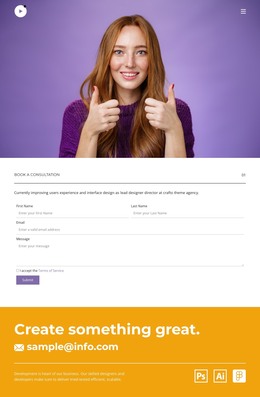
The orange closing band has a different role: its “Create something great.” message and displayed email address provide a direct contact area after the three project categories. In a WordPress-managed website, that arrangement can support a portfolio page alongside additional page content or regularly updated creative work, without claiming that posts or blog structures already exist. The design therefore offers a practical theme direction for organizing permanent portfolio information and future editorial additions within one recognizable visual system.
Customize with Nicepage
Open this ready-made template in the WordPress Website Builder and customize it visually in the Nicepage editor. Replace demo content, edit page sections, and adapt the design to your project without rebuilding the template from scratch.
Manage and Edit This Theme in WordPress
Customize and Install the WordPress Theme
Start with this ready-made theme instead of building the WordPress design from scratch. Customize its layout, content, typography, images, sections, and other design elements visually in Nicepage editor, then export and install the WordPress Theme, Plugin, and Pages on your WordPress site. The Nicepage WordPress Plugin lets you continue working with the site after installation.
Edit the Theme Directly in WordPress
After installation, you can edit the WordPress Theme directly in WordPress with the Nicepage WordPress Plugin. Use Site Style to customize site Colors, Fonts, Header, Footer, Blog, and Post Page Templates while working within your WordPress website.
Edit WordPress Pages Visually
Use the Nicepage WordPress Plugin to edit page content directly from the WordPress admin area. Open a WordPress Page with Nicepage and visually change its text, images, sections, and other page elements while continuing to manage the Page through WordPress.
WordPress Content and Theme Integration
Use the customized theme with WordPress Pages, Posts, Blog and Post Templates, menus, widgets, and other CMS-managed content. Shared theme elements such as Colors, Fonts, Header, Footer, Blog, and Post Page Templates can be managed as part of the overall site design, while WordPress provides the CMS environment for managing site content.
This workflow combines a ready-made WordPress Theme with visual customization, direct theme editing in WordPress, and continued content management through the Nicepage WordPress Plugin.