Humane training WordPress Theme



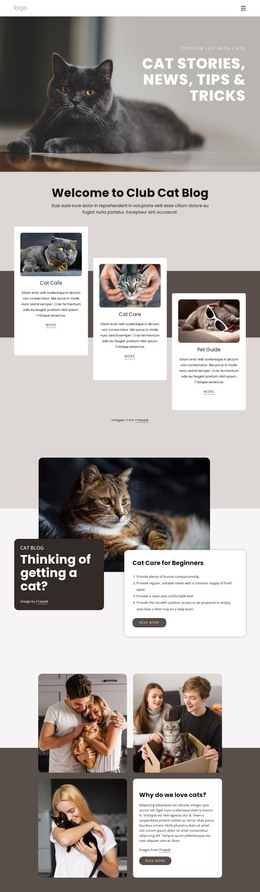
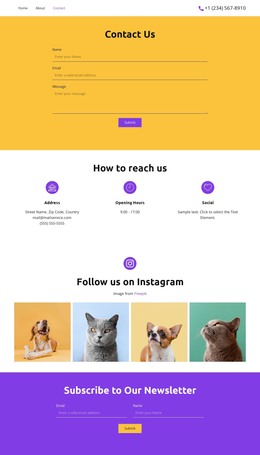
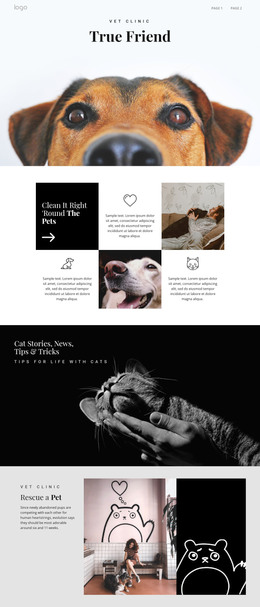
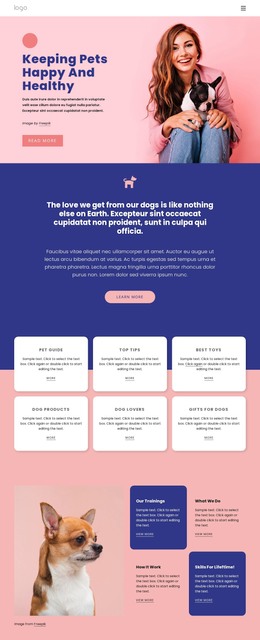
The Training Message Moves From Label to Portrait to Explanation
The left panel gives the block a clear page-content starting point: the Dog Training label identifies the subject, and “We use humane, natural, dog training methods” states the central approach. Large white typography, vertically centered on a muted blue-gray background, separates that message from the visual and explanatory material beside it. This makes the section suitable for a stable about or introductory area in a WordPress-managed page, where the training philosophy needs to be understood before visitors reach more detailed content.
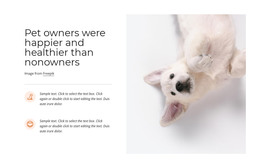
The central close-up portrait of a white dog provides a direct visual focus, while the right column supplies context through copy about positive, rewards-based training and how dogs think, learn, and communicate. The four social links beneath the paragraph create a compact connection point for Facebook, Twitter, Instagram, and YouTube, but they remain secondary to the informational purpose. The arrangement can therefore sit as a reusable page section while surrounding content handles programs, articles, testimonials, or contact details. Its three-region structure keeps the topic label, emotional image, explanatory text, and social destinations distinct, giving WordPress-oriented page content a recognizable visual pattern without requiring the section to carry the wider site's navigation or publishing structure.
Customize with Nicepage
Open this ready-made template in the WordPress Website Builder and customize it visually in the Nicepage editor. Replace demo content, edit page sections, and adapt the design to your project without rebuilding the template from scratch.
Edit Template Offline
2. Create a new page or select existing
3. Click Add new block, search for id 60970 and click enter
Edit Template Online
Create Awesome Websites


Free Nicepage Builder
Keywords
Manage and Edit This Theme in WordPress
Customize and Install the WordPress Theme
Start with this ready-made theme instead of building the WordPress design from scratch. Customize its layout, content, typography, images, sections, and other design elements visually in Nicepage editor, then export and install the WordPress Theme, Plugin, and Pages on your WordPress site. The Nicepage WordPress Plugin lets you continue working with the site after installation.
Edit the Theme Directly in WordPress
After installation, you can edit the WordPress Theme directly in WordPress with the Nicepage WordPress Plugin. Use Site Style to customize site Colors, Fonts, Header, Footer, Blog, and Post Page Templates while working within your WordPress website.
Edit WordPress Pages Visually
Use the Nicepage WordPress Plugin to edit page content directly from the WordPress admin area. Open a WordPress Page with Nicepage and visually change its text, images, sections, and other page elements while continuing to manage the Page through WordPress.
WordPress Content and Theme Integration
Use the customized theme with WordPress Pages, Posts, Blog and Post Templates, menus, widgets, and other CMS-managed content. Shared theme elements such as Colors, Fonts, Header, Footer, Blog, and Post Page Templates can be managed as part of the overall site design, while WordPress provides the CMS environment for managing site content.
This workflow combines a ready-made WordPress Theme with visual customization, direct theme editing in WordPress, and continued content management through the Nicepage WordPress Plugin.