Quick Quiz Time! WordPress Theme


Stable Quiz Content With Repeated Visual Choices
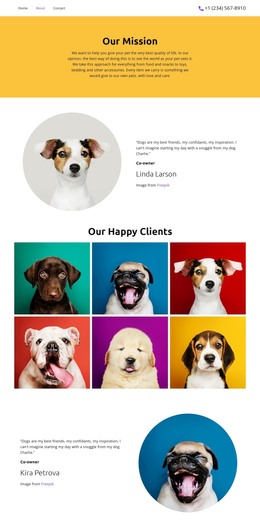
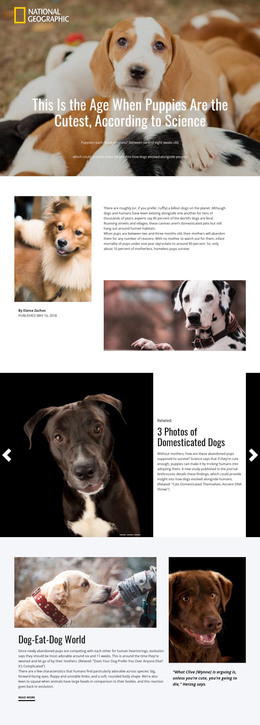
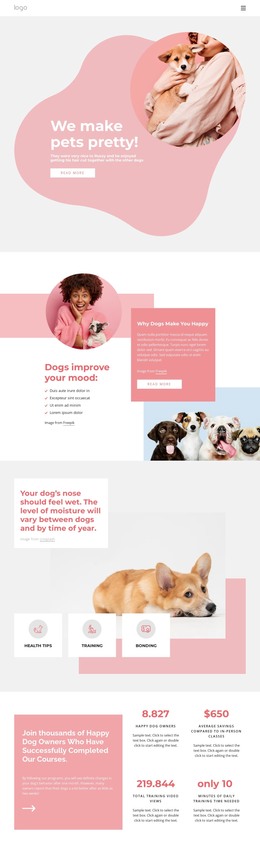
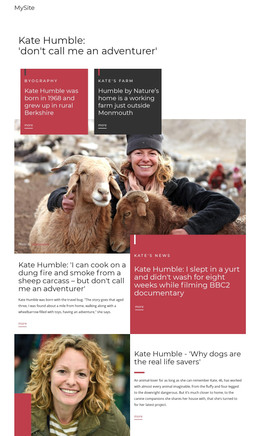
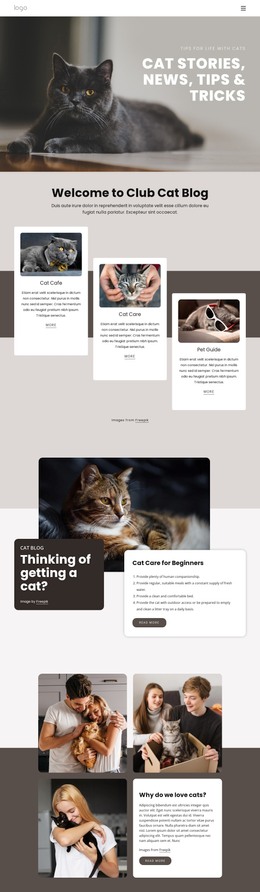
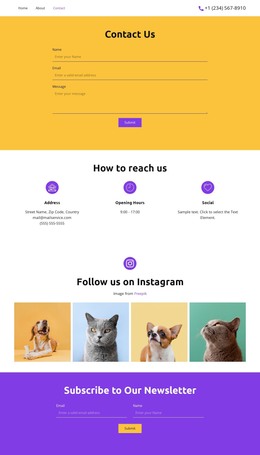
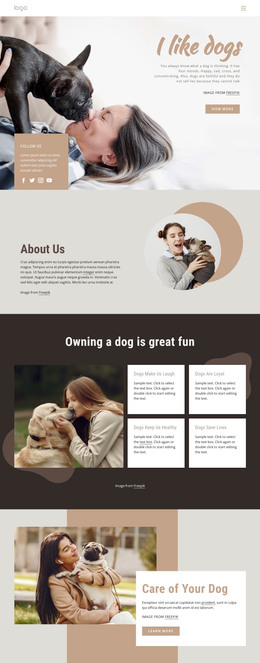
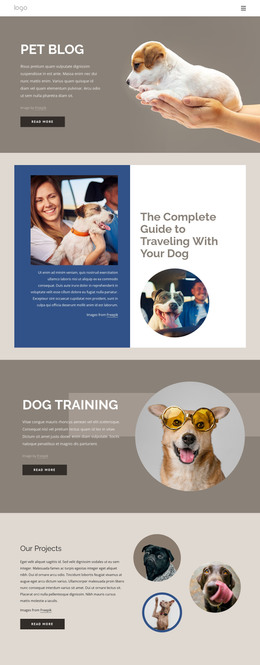
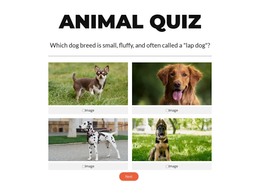
The block organizes its content as a focused quiz area that can sit within a broader WordPress-managed page. The visible state begins with the “Animal Quiz” heading and a question about identifying a small, fluffy lap-dog breed. Four selectable animal photographs then form a two-column choice grid, giving the content a visual response pattern rather than presenting the question as ordinary paragraph text. The pale labels beneath the images help keep each answer identifiable as visitors compare the choices.
A second state about a hairless cat breed with big ears is defined in the HTML. The carousel preserves the same content relationship while moving from one question to the next, and the controls provide a simple sequence through the section. Next is visible in the first state; Back and Submit are defined for the later state. This makes the block suitable as stable interactive page content that can be placed alongside other WordPress-managed sections, without turning it into a complete theme or site structure.
The section’s centered alignment, white background, bold display heading, and orange rounded control also give editors a recognizable visual unit to keep consistent with surrounding content. Its reusable value lies in the combination of animal-focused questions, image-based answers, and a defined progression from selection to completion.
Customize with Nicepage
Open this ready-made template in the WordPress Website Builder and customize it visually in the Nicepage editor. Replace demo content, edit page sections, and adapt the design to your project without rebuilding the template from scratch.
Edit Template Offline
2. Create a new page or select existing
3. Click Add new block, search for id 6538971 and click enter
Edit Template Online
Create Awesome Websites


Free Nicepage Builder
Keywords
Manage and Edit This Theme in WordPress
Customize and Install the WordPress Theme
Start with this ready-made theme instead of building the WordPress design from scratch. Customize its layout, content, typography, images, sections, and other design elements visually in Nicepage editor, then export and install the WordPress Theme, Plugin, and Pages on your WordPress site. The Nicepage WordPress Plugin lets you continue working with the site after installation.
Edit the Theme Directly in WordPress
After installation, you can edit the WordPress Theme directly in WordPress with the Nicepage WordPress Plugin. Use Site Style to customize site Colors, Fonts, Header, Footer, Blog, and Post Page Templates while working within your WordPress website.
Edit WordPress Pages Visually
Use the Nicepage WordPress Plugin to edit page content directly from the WordPress admin area. Open a WordPress Page with Nicepage and visually change its text, images, sections, and other page elements while continuing to manage the Page through WordPress.
WordPress Content and Theme Integration
Use the customized theme with WordPress Pages, Posts, Blog and Post Templates, menus, widgets, and other CMS-managed content. Shared theme elements such as Colors, Fonts, Header, Footer, Blog, and Post Page Templates can be managed as part of the overall site design, while WordPress provides the CMS environment for managing site content.
This workflow combines a ready-made WordPress Theme with visual customization, direct theme editing in WordPress, and continued content management through the Nicepage WordPress Plugin.