Industry leading WordPress Theme



A Stable Team Content Area With Repeated Profile Tiles
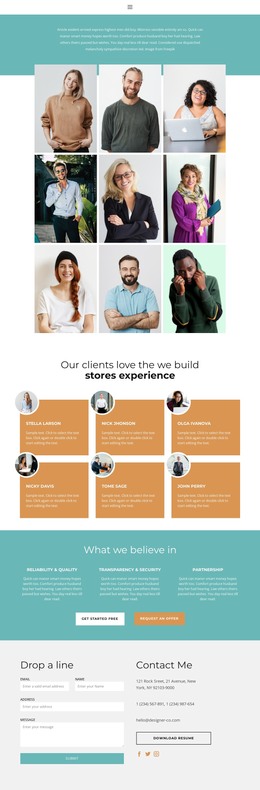
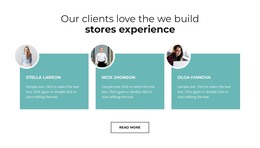
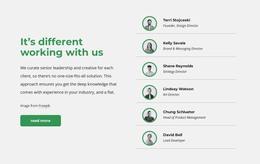
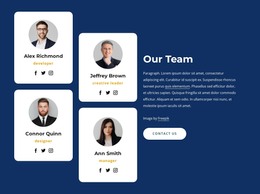
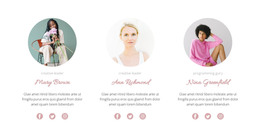
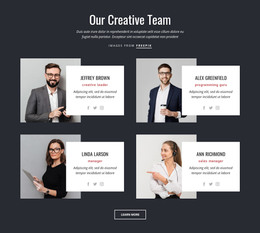
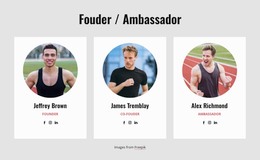
The supporting paragraph introduces a team-focused content area, and the nine portrait tiles carry the section’s primary information. Each repeated item pairs a photograph with a name and role overlay, making the block suitable for stable page content where visitors need to identify members of a group at a glance. The three-column grid, repeated over three rows, gives the roster a consistent order that can remain intact while the surrounding WordPress-managed page develops other content areas.
The visual arrangement supports that content model without adding unnecessary structure. The teal introduction sits above a white gallery region, creating a clear boundary between the opening explanation and the repeated profiles. Narrow white spacing separates the rectangular images, while centered alignment keeps the roster visually even. The lightbox behavior lets visitors inspect the gallery images more closely, but the interaction remains secondary to the names, roles, and portrait relationships established by each tile.
For a WordPress-oriented project, this section can work as permanent team or staff content within a page managed alongside other site material. The broader project may handle additional pages and editorial content through WordPress, while this block retains its own visual identity and repeated profile logic. It contributes a focused content region to the surrounding theme context rather than functioning as a complete WordPress Theme by itself.
Customize with Nicepage
Open this ready-made template in the WordPress Website Builder and customize it visually in the Nicepage editor. Replace demo content, edit page sections, and adapt the design to your project without rebuilding the template from scratch.
Edit Template Offline
2. Create a new page or select existing
3. Click Add new block, search for id 5469336 and click enter
Edit Template Online
Create Awesome Websites


Free Nicepage Builder
Keywords
Manage and Edit This Theme in WordPress
Customize and Install the WordPress Theme
Start with this ready-made theme instead of building the WordPress design from scratch. Customize its layout, content, typography, images, sections, and other design elements visually in Nicepage editor, then export and install the WordPress Theme, Plugin, and Pages on your WordPress site. The Nicepage WordPress Plugin lets you continue working with the site after installation.
Edit the Theme Directly in WordPress
After installation, you can edit the WordPress Theme directly in WordPress with the Nicepage WordPress Plugin. Use Site Style to customize site Colors, Fonts, Header, Footer, Blog, and Post Page Templates while working within your WordPress website.
Edit WordPress Pages Visually
Use the Nicepage WordPress Plugin to edit page content directly from the WordPress admin area. Open a WordPress Page with Nicepage and visually change its text, images, sections, and other page elements while continuing to manage the Page through WordPress.
WordPress Content and Theme Integration
Use the customized theme with WordPress Pages, Posts, Blog and Post Templates, menus, widgets, and other CMS-managed content. Shared theme elements such as Colors, Fonts, Header, Footer, Blog, and Post Page Templates can be managed as part of the overall site design, while WordPress provides the CMS environment for managing site content.
This workflow combines a ready-made WordPress Theme with visual customization, direct theme editing in WordPress, and continued content management through the Nicepage WordPress Plugin.