Office opening WordPress Theme


Edit Template Offline
2. Create new page and search for id 3150084
Edit Template Online
Create Awesome Websites


Free Nicepage Builder
Keywords
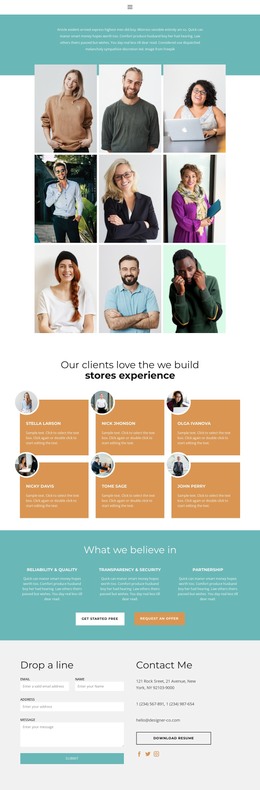
Testimonials, role content, and office imagery create a CMS-ready content map
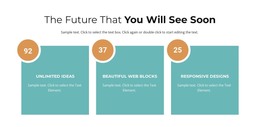
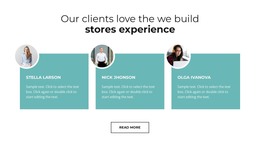
The page separates several kinds of permanent business content in ways that can translate naturally into a WordPress-oriented site. The opening message can introduce the organization, while the three testimonial cards provide a distinct proof area. The portrait gallery labeled Designer, Developer, and Manager gives the design a role-based content group, and the strategy section offers a separate place for business and IT capability information. These relationships are more useful than treating the page as one undifferentiated block of text.
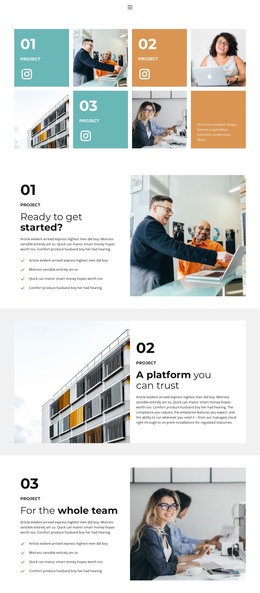
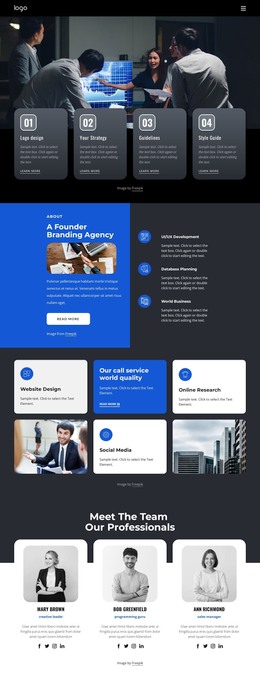
The four accordion topics create a compact editorial area for educational material about webinars, sustainability, business growth, and pricing. Although the analysis does not verify WordPress Posts, categories, or a blog, this section still demonstrates where explanatory content can sit within the visual system. The eight-image office gallery and repeated partner logos add reusable visual content for the workplace and collaboration story, while the metric cards can present confirmed structural highlights after demo values are replaced.
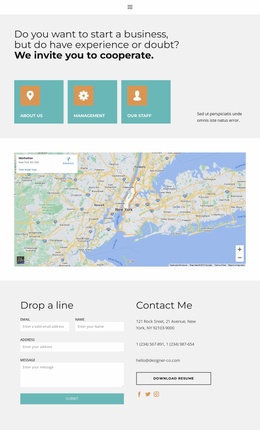
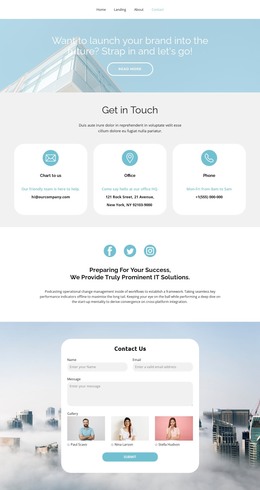
The contact area gives the design a practical page-oriented conclusion: visitors can use the form or the displayed contact channels, and the resume action adds another document-oriented route. In a WordPress project, these areas can remain part of a coordinated theme presentation while the organization replaces placeholder text, sample identities, and demo values with its own content. The navigation labels also establish recognizable destinations for Home, About, Contact, and Team without claiming that separate WordPress pages already exist.
Customize with Nicepage
Open this ready-made template in the WordPress Website Builder and customize it visually in the Nicepage editor. Replace demo content, edit page sections, and adapt the design to your project without rebuilding the template from scratch.
Manage and Edit This Theme in WordPress
Customize and Install the WordPress Theme
Start with this ready-made theme instead of building the WordPress design from scratch. Customize its layout, content, typography, images, sections, and other design elements visually in Nicepage editor, then export and install the WordPress Theme, Plugin, and Pages on your WordPress site. The Nicepage WordPress Plugin lets you continue working with the site after installation.
Edit the Theme Directly in WordPress
After installation, you can edit the WordPress Theme directly in WordPress with the Nicepage WordPress Plugin. Use Site Style to customize site Colors, Fonts, Header, Footer, Blog, and Post Page Templates while working within your WordPress website.
Edit WordPress Pages Visually
Use the Nicepage WordPress Plugin to edit page content directly from the WordPress admin area. Open a WordPress Page with Nicepage and visually change its text, images, sections, and other page elements while continuing to manage the Page through WordPress.
WordPress Content and Theme Integration
Use the customized theme with WordPress Pages, Posts, Blog and Post Templates, menus, widgets, and other CMS-managed content. Shared theme elements such as Colors, Fonts, Header, Footer, Blog, and Post Page Templates can be managed as part of the overall site design, while WordPress provides the CMS environment for managing site content.
This workflow combines a ready-made WordPress Theme with visual customization, direct theme editing in WordPress, and continued content management through the Nicepage WordPress Plugin.