Our professionals WordPress Theme



Permanent Team Content in Three Publishable Profile Units
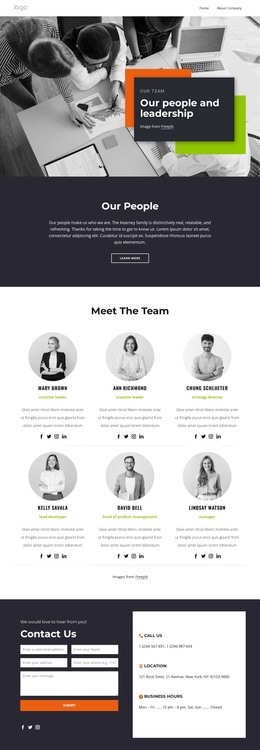
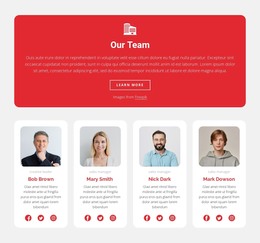
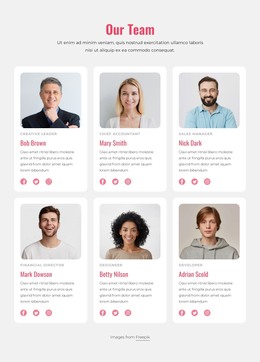
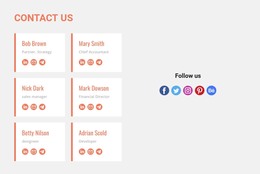
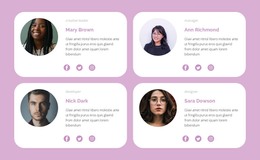
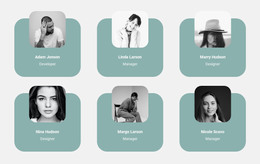
The heading and subtitle establish a durable subject for the section, while the three repeated profiles organize the people into comparable page-content units. A portrait provides immediate recognition, the name and role label identify each person, the biography supplies supporting context, and four social icons offer optional destinations. This makes the block suitable for a WordPress-managed page where team information needs to remain visible as part of the page’s main content rather than being treated as a temporary announcement.
The repeated structure also helps preserve consistency when the surrounding project grows. The three columns use the same order and alignment, so the section can remain visually stable beside other page content. Grayscale portraits and black typography create a unified treatment, while lime-green accent text gives the introduction a recognizable point of emphasis. The static arrangement keeps every profile available without requiring a carousel or expandable control.
In a WordPress Theme context, the block is best understood as one reusable content section within the broader site. It can support a services, about, or organization-focused page, while other areas handle navigation, additional pages, and changing editorial content. The visual section remains focused on presenting these three people and their roles.
Customize with Nicepage
Open this ready-made template in the WordPress Website Builder and customize it visually in the Nicepage editor. Replace demo content, edit page sections, and adapt the design to your project without rebuilding the template from scratch.
Edit Template Offline
2. Create a new page or select existing
3. Click Add new block, search for id 1096533 and click enter
Edit Template Online
Create Awesome Websites


Free Nicepage Builder
Keywords
Manage and Edit This Theme in WordPress
Customize and Install the WordPress Theme
Start with this ready-made theme instead of building the WordPress design from scratch. Customize its layout, content, typography, images, sections, and other design elements visually in Nicepage editor, then export and install the WordPress Theme, Plugin, and Pages on your WordPress site. The Nicepage WordPress Plugin lets you continue working with the site after installation.
Edit the Theme Directly in WordPress
After installation, you can edit the WordPress Theme directly in WordPress with the Nicepage WordPress Plugin. Use Site Style to customize site Colors, Fonts, Header, Footer, Blog, and Post Page Templates while working within your WordPress website.
Edit WordPress Pages Visually
Use the Nicepage WordPress Plugin to edit page content directly from the WordPress admin area. Open a WordPress Page with Nicepage and visually change its text, images, sections, and other page elements while continuing to manage the Page through WordPress.
WordPress Content and Theme Integration
Use the customized theme with WordPress Pages, Posts, Blog and Post Templates, menus, widgets, and other CMS-managed content. Shared theme elements such as Colors, Fonts, Header, Footer, Blog, and Post Page Templates can be managed as part of the overall site design, while WordPress provides the CMS environment for managing site content.
This workflow combines a ready-made WordPress Theme with visual customization, direct theme editing in WordPress, and continued content management through the Nicepage WordPress Plugin.