About our consulting firm WordPress Theme



Edit Template Offline
2. Create new page and search for id 4137404
Edit Template Online
Create Awesome Websites


Free Nicepage Builder
Keywords
Leadership, Beliefs, and Timeline Content Shape the WordPress Theme
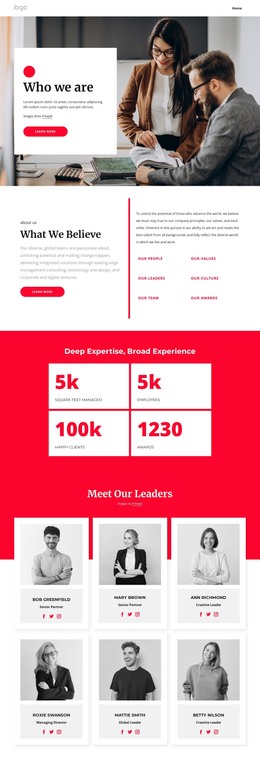
The “What We Believe” section gives the page a clear set of permanent organization-focused content areas: Our People, Our Values, Our Leaders, Our Culture, Our Team, and Our Awards. These categories can frame page content for visitors learning about the firm, while the six leadership cards provide a more personal layer through portraits, displayed roles, and social links. The three topic cards on Good leaders, Effective leaders, and Coaching extend that explanation without changing the page’s central about-page purpose.
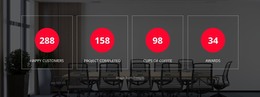
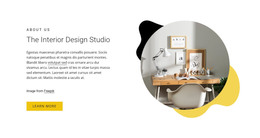
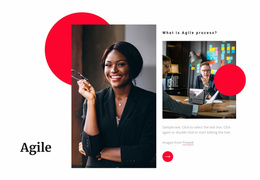
The four-step sequence from 2019 through 2022 adds a chronological content pattern that can be revised as the organization’s history develops. It works alongside the “Deep Expertise, Broad Experience” metric cards, although the displayed figures should be treated as demo values and replaced with verified information before publication. The image-led introduction and training section create supporting page areas around these more structured content groups.
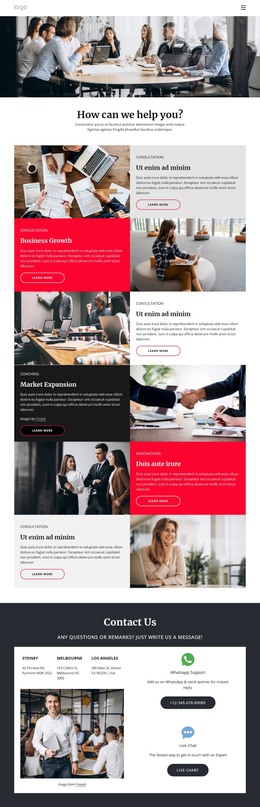
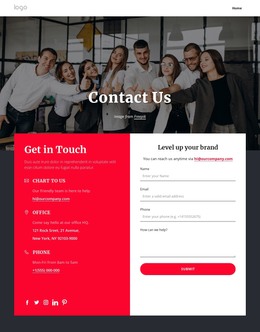
The contact section completes the page-oriented presentation with three location entries—Sydney, Melbourne, and Los Angeles—plus WhatsApp Support and Live Chat. In a WordPress-managed project, these permanent about and contact areas can remain part of the theme’s visual system while additional editorial content is added around them when needed. The navigation also gives the design clear routes between the organization’s core page subjects without claiming that those additional pages already exist.
Customize with Nicepage
Open this ready-made template in the WordPress Website Builder and customize it visually in the Nicepage editor. Replace demo content, edit page sections, and adapt the design to your project without rebuilding the template from scratch.
Manage and Edit This Theme in WordPress
Customize and Install the WordPress Theme
Start with this ready-made theme instead of building the WordPress design from scratch. Customize its layout, content, typography, images, sections, and other design elements visually in Nicepage editor, then export and install the WordPress Theme, Plugin, and Pages on your WordPress site. The Nicepage WordPress Plugin lets you continue working with the site after installation.
Edit the Theme Directly in WordPress
After installation, you can edit the WordPress Theme directly in WordPress with the Nicepage WordPress Plugin. Use Site Style to customize site Colors, Fonts, Header, Footer, Blog, and Post Page Templates while working within your WordPress website.
Edit WordPress Pages Visually
Use the Nicepage WordPress Plugin to edit page content directly from the WordPress admin area. Open a WordPress Page with Nicepage and visually change its text, images, sections, and other page elements while continuing to manage the Page through WordPress.
WordPress Content and Theme Integration
Use the customized theme with WordPress Pages, Posts, Blog and Post Templates, menus, widgets, and other CMS-managed content. Shared theme elements such as Colors, Fonts, Header, Footer, Blog, and Post Page Templates can be managed as part of the overall site design, while WordPress provides the CMS environment for managing site content.
This workflow combines a ready-made WordPress Theme with visual customization, direct theme editing in WordPress, and continued content management through the Nicepage WordPress Plugin.