Consulting company NYC WordPress Theme



Edit Template Offline
2. Create new page and search for id 4135389
Edit Template Online
Create Awesome Websites


Free Nicepage Builder
Keywords
Service Content and Repeated Entries Fit a WordPress Theme Structure
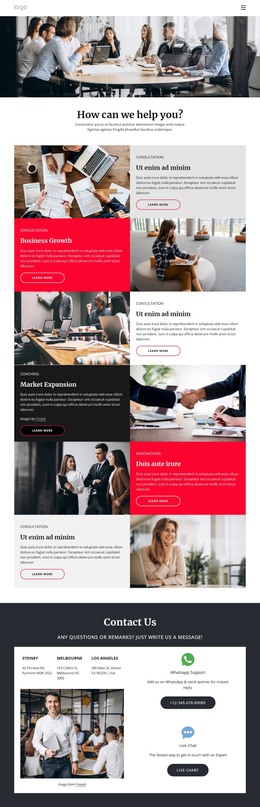
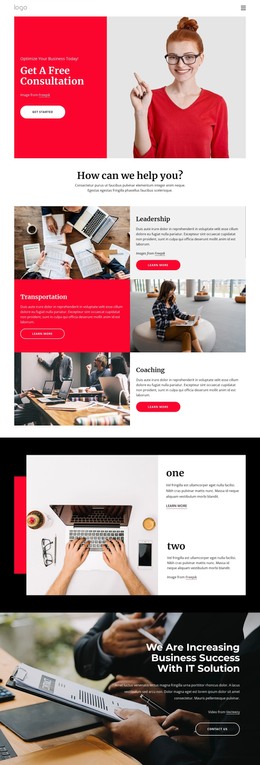
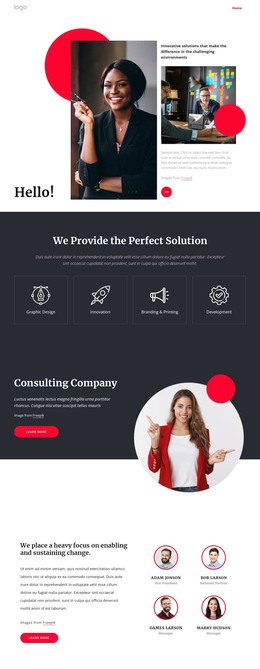
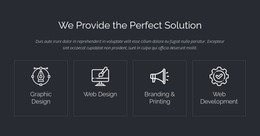
The page contains several kinds of content that can be interpreted naturally within a WordPress-oriented site. Four service cards provide a stable overview of Graphic Design, Innovation, Branding & Printing, and Development, while the later Strategy, Development, and Operations panels offer more detailed page content. This distinction allows a project to keep broad service navigation visible while expanding selected descriptions or related material around the same visual direction.
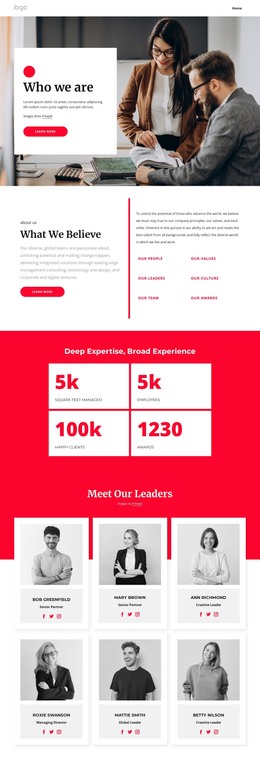
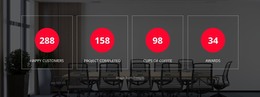
The four team entries and four testimonial cards create repeated content groups with clear presentation patterns. They can support people-focused and customer-proof content while remaining visually separate from the service areas. The four displayed counters work differently: they form a compact summary band over a dark image rather than a recurring editorial list. Together, these relationships give the theme several content roles without claiming that WordPress Posts, categories, or blog structures already exist in the template.
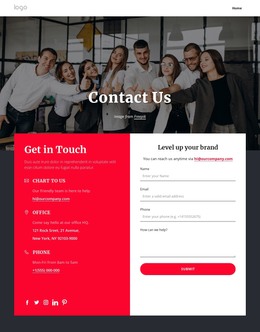
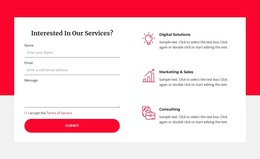
Location listings and direct-support options provide a practical closing content area. In a WordPress-managed project, permanent company information could remain alongside regularly updated service or editorial content while the shared navigation and footer preserve the design character. The theme therefore offers a useful visual environment for page-based consulting information, repeated entries, proof, and contact content. The interpretation comes from the actual structure of this design, not from replacing its section names with generic CMS terminology.
Customize with Nicepage
Open this ready-made template in the WordPress Website Builder and customize it visually in the Nicepage editor. Replace demo content, edit page sections, and adapt the design to your project without rebuilding the template from scratch.
Manage and Edit This Theme in WordPress
Customize and Install the WordPress Theme
Start with this ready-made theme instead of building the WordPress design from scratch. Customize its layout, content, typography, images, sections, and other design elements visually in Nicepage editor, then export and install the WordPress Theme, Plugin, and Pages on your WordPress site. The Nicepage WordPress Plugin lets you continue working with the site after installation.
Edit the Theme Directly in WordPress
After installation, you can edit the WordPress Theme directly in WordPress with the Nicepage WordPress Plugin. Use Site Style to customize site Colors, Fonts, Header, Footer, Blog, and Post Page Templates while working within your WordPress website.
Edit WordPress Pages Visually
Use the Nicepage WordPress Plugin to edit page content directly from the WordPress admin area. Open a WordPress Page with Nicepage and visually change its text, images, sections, and other page elements while continuing to manage the Page through WordPress.
WordPress Content and Theme Integration
Use the customized theme with WordPress Pages, Posts, Blog and Post Templates, menus, widgets, and other CMS-managed content. Shared theme elements such as Colors, Fonts, Header, Footer, Blog, and Post Page Templates can be managed as part of the overall site design, while WordPress provides the CMS environment for managing site content.
This workflow combines a ready-made WordPress Theme with visual customization, direct theme editing in WordPress, and continued content management through the Nicepage WordPress Plugin.