Consulting consultations WordPress Theme


Edit Template Offline
2. Create new page and search for id 4301572
Edit Template Online
Create Awesome Websites


Free Nicepage Builder
Keywords
Service content and recurring contact areas fit a WordPress theme structure
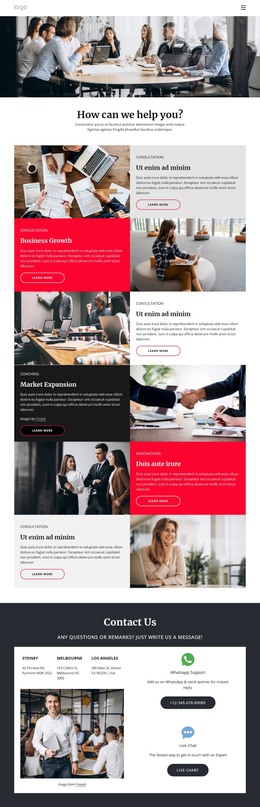
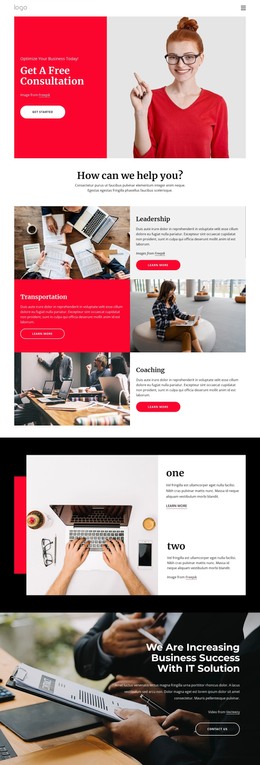
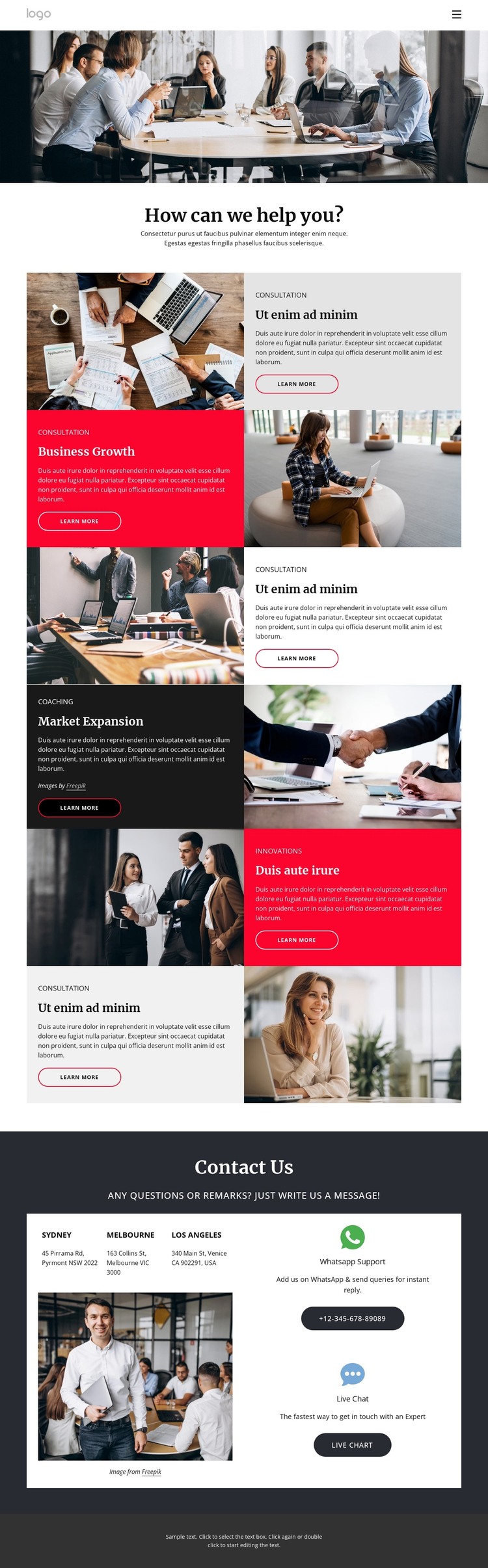
The first service sequence gives the design clear page-oriented content areas: “How can we help you?” introduces Consultation and Business Growth, then a second sequence continues with Coaching, Market Expansion, and Innovations. Each offering is presented through an image, label, supporting copy, and Learn more action. That repeated arrangement can give permanent consulting pages a consistent visual relationship while leaving the actual descriptions, imagery, and destinations available for project-specific content.
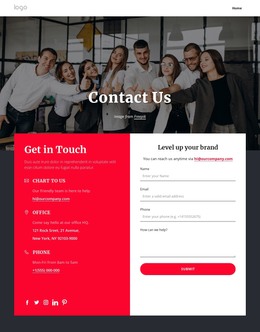
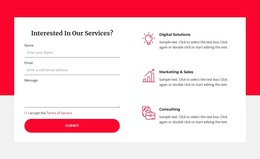
The contact region adds a different kind of content relationship. Sydney, Melbourne, and Los Angeles appear as location entries, while WhatsApp Support and Live Chat identify communication channels. Together, they create a useful closing area for site information rather than another service card. The compact navigation and dark footer note provide shared surroundings for these page sections, helping the visual system extend beyond the main portfolio presentation.
For a WordPress-managed project, the design can therefore be interpreted through permanent page content and recurring areas that may later sit alongside regularly updated material, without claiming that Posts, categories, or blog structures already exist. A WordPress Theme can preserve the alternating service rhythm while the consulting team replaces placeholder text, demo addresses, phone values, and links with verified information. The main benefit is the separation of service topics, locations, and contact channels into recognizable content areas that remain visually coordinated as the site develops.
Customize with Nicepage
Open this ready-made template in the WordPress Website Builder and customize it visually in the Nicepage editor. Replace demo content, edit page sections, and adapt the design to your project without rebuilding the template from scratch.
Manage and Edit This Theme in WordPress
Customize and Install the WordPress Theme
Start with this ready-made theme instead of building the WordPress design from scratch. Customize its layout, content, typography, images, sections, and other design elements visually in Nicepage editor, then export and install the WordPress Theme, Plugin, and Pages on your WordPress site. The Nicepage WordPress Plugin lets you continue working with the site after installation.
Edit the Theme Directly in WordPress
After installation, you can edit the WordPress Theme directly in WordPress with the Nicepage WordPress Plugin. Use Site Style to customize site Colors, Fonts, Header, Footer, Blog, and Post Page Templates while working within your WordPress website.
Edit WordPress Pages Visually
Use the Nicepage WordPress Plugin to edit page content directly from the WordPress admin area. Open a WordPress Page with Nicepage and visually change its text, images, sections, and other page elements while continuing to manage the Page through WordPress.
WordPress Content and Theme Integration
Use the customized theme with WordPress Pages, Posts, Blog and Post Templates, menus, widgets, and other CMS-managed content. Shared theme elements such as Colors, Fonts, Header, Footer, Blog, and Post Page Templates can be managed as part of the overall site design, while WordPress provides the CMS environment for managing site content.
This workflow combines a ready-made WordPress Theme with visual customization, direct theme editing in WordPress, and continued content management through the Nicepage WordPress Plugin.