Our dedicated HR professionals WordPress Theme


Edit Template Offline
2. Create new page and search for id 6517648
Edit Template Online
Create Awesome Websites


Free Nicepage Builder
Keywords
People, Updates, and Contact Content Fit a WordPress Theme Structure
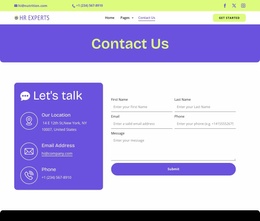
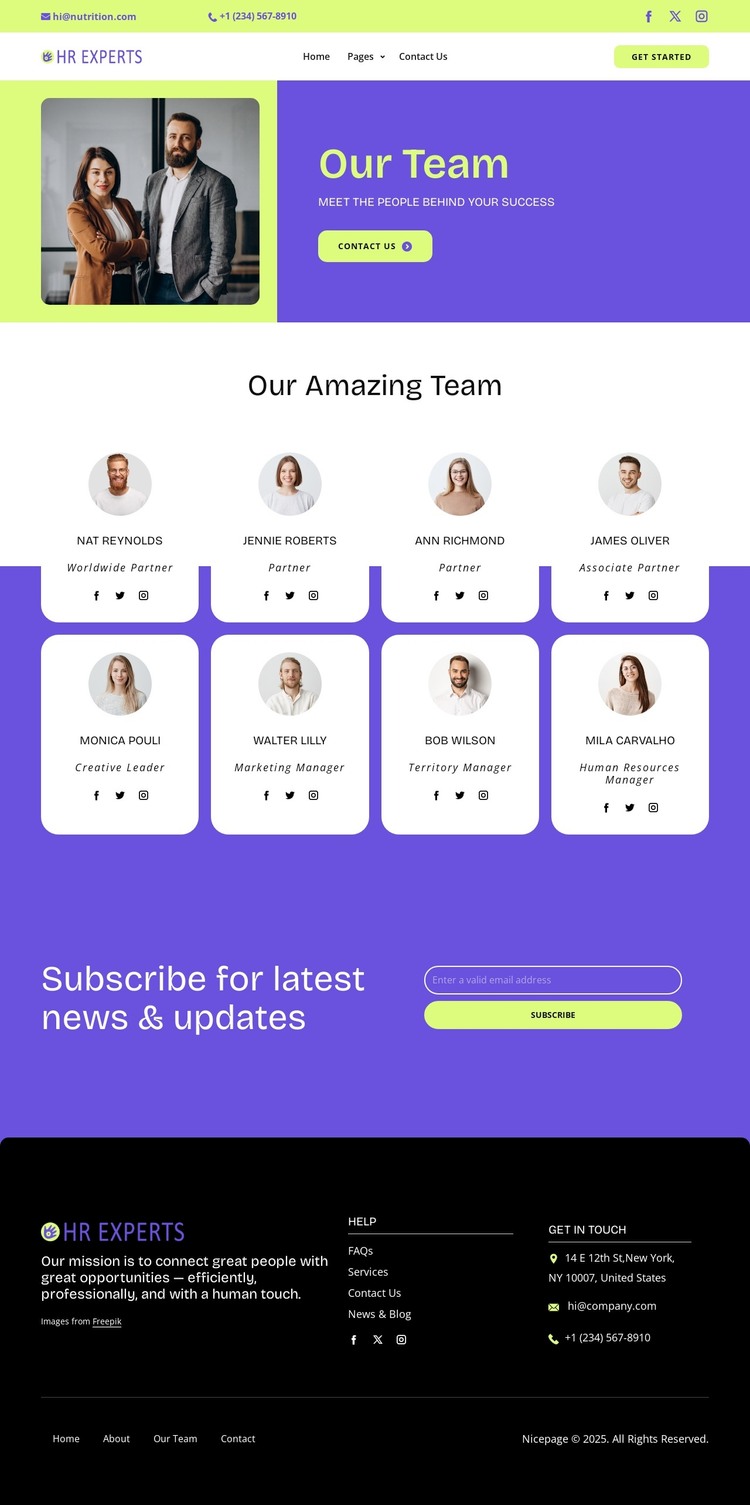
The page separates permanent organizational content from recurring contact and update areas. The opening header provides shared navigation, email and telephone links, social links, and a Get Started action, while the split hero presents the team photograph, Our Team heading, supporting subtitle, and Contact Us action as the page-specific introduction. This distinction gives the design a useful relationship between shared site elements and focused page content.
The central eight-card directory supplies a consistent content pattern for people and roles. Each repeated portrait card can be understood as a stable profile area within the visual system, with names, role labels, and social links kept in a common format. The arrangement is particularly appropriate for a site that needs to present its staff or recruitment professionals clearly, while leaving the surrounding design available for other page-oriented content. No additional blog or post structure is assumed from the template.
The newsletter block introduces a separate stream of communication through its latest-news heading, email input, and Subscribe action. The footer then groups mission messaging, help links, social links, address, email, telephone, and secondary navigation. In a WordPress theme context, these areas create a practical relationship between permanent team information, page-level contact content, and supporting site sections, while the underlying purple, black, white, and lime-green visual identity remains consistent.
Customize with Nicepage
Open this ready-made template in the WordPress Website Builder and customize it visually in the Nicepage editor. Replace demo content, edit page sections, and adapt the design to your project without rebuilding the template from scratch.
Manage and Edit This Theme in WordPress
Customize and Install the WordPress Theme
Start with this ready-made theme instead of building the WordPress design from scratch. Customize its layout, content, typography, images, sections, and other design elements visually in Nicepage editor, then export and install the WordPress Theme, Plugin, and Pages on your WordPress site. The Nicepage WordPress Plugin lets you continue working with the site after installation.
Edit the Theme Directly in WordPress
After installation, you can edit the WordPress Theme directly in WordPress with the Nicepage WordPress Plugin. Use Site Style to customize site Colors, Fonts, Header, Footer, Blog, and Post Page Templates while working within your WordPress website.
Edit WordPress Pages Visually
Use the Nicepage WordPress Plugin to edit page content directly from the WordPress admin area. Open a WordPress Page with Nicepage and visually change its text, images, sections, and other page elements while continuing to manage the Page through WordPress.
WordPress Content and Theme Integration
Use the customized theme with WordPress Pages, Posts, Blog and Post Templates, menus, widgets, and other CMS-managed content. Shared theme elements such as Colors, Fonts, Header, Footer, Blog, and Post Page Templates can be managed as part of the overall site design, while WordPress provides the CMS environment for managing site content.
This workflow combines a ready-made WordPress Theme with visual customization, direct theme editing in WordPress, and continued content management through the Nicepage WordPress Plugin.