The best leaders drive transformation WordPress Theme


The light-gray panel gives WordPress page content a focal point
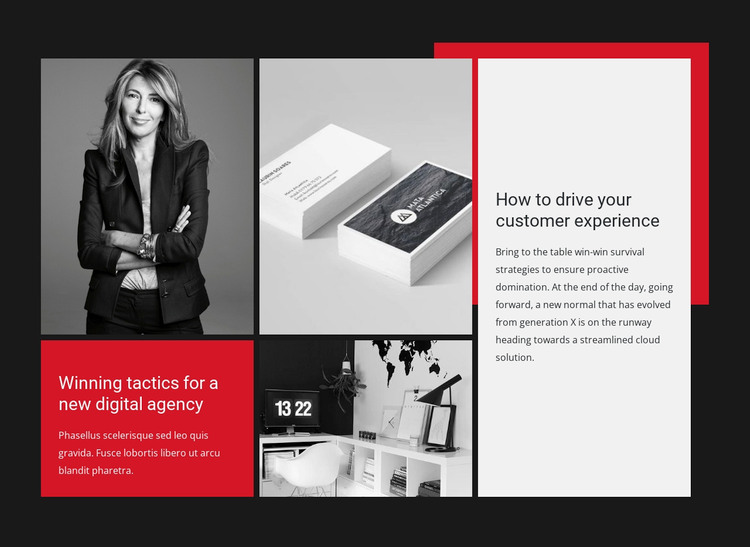
The light-gray panel on the right provides the clearest reading area in this block: a heading and supporting paragraph sit within a tall vertical region, while three monochrome photographic areas distribute visual interest across the opposite side. The red lower-left panel introduces a shorter editorial statement, and the red rectangular accent behind the upper-right area reinforces the connection between the text and image zones. This hierarchy makes the section feel like an arranged article fragment rather than a simple image gallery.
For a WordPress-managed page, the block can hold stable editorial content related to subjects such as digital agency work or customer experience. The larger right-side panel is suited to the main explanatory passage, while the red panel can distinguish a secondary idea or thematic prompt. These roles describe how the section can participate in publishable page content; they do not make the block a standalone WordPress Theme.
Because the interaction is static, readers can see the visual and textual relationships together without opening controls or changing slides. That makes the section practical for a permanent page area that needs a strong visual identity while remaining easy to place beside other WordPress-managed content. The dark charcoal field and monochrome imagery also provide a consistent container for the editorial message, with the surrounding project handling navigation and additional page roles.
Customize with Nicepage
Open this ready-made template in the WordPress Website Builder and customize it visually in the Nicepage editor. Replace demo content, edit page sections, and adapt the design to your project without rebuilding the template from scratch.
Edit Template Offline
2. Create a new page or select existing
3. Click Add new block, search for id 41023 and click enter
Edit Template Online
Create Awesome Websites


Free Nicepage Builder
Keywords
Manage and Edit This Theme in WordPress
Customize and Install the WordPress Theme
Start with this ready-made theme instead of building the WordPress design from scratch. Customize its layout, content, typography, images, sections, and other design elements visually in Nicepage editor, then export and install the WordPress Theme, Plugin, and Pages on your WordPress site. The Nicepage WordPress Plugin lets you continue working with the site after installation.
Edit the Theme Directly in WordPress
After installation, you can edit the WordPress Theme directly in WordPress with the Nicepage WordPress Plugin. Use Site Style to customize site Colors, Fonts, Header, Footer, Blog, and Post Page Templates while working within your WordPress website.
Edit WordPress Pages Visually
Use the Nicepage WordPress Plugin to edit page content directly from the WordPress admin area. Open a WordPress Page with Nicepage and visually change its text, images, sections, and other page elements while continuing to manage the Page through WordPress.
WordPress Content and Theme Integration
Use the customized theme with WordPress Pages, Posts, Blog and Post Templates, menus, widgets, and other CMS-managed content. Shared theme elements such as Colors, Fonts, Header, Footer, Blog, and Post Page Templates can be managed as part of the overall site design, while WordPress provides the CMS environment for managing site content.
This workflow combines a ready-made WordPress Theme with visual customization, direct theme editing in WordPress, and continued content management through the Nicepage WordPress Plugin.