Advantages over the rest WordPress Theme


Stable service content gains a clear WordPress page role
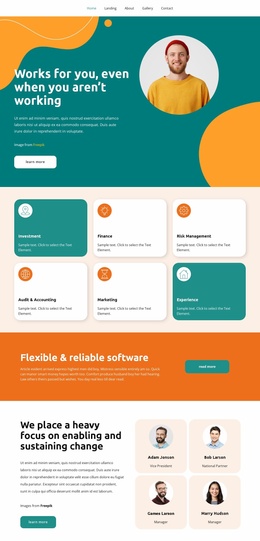
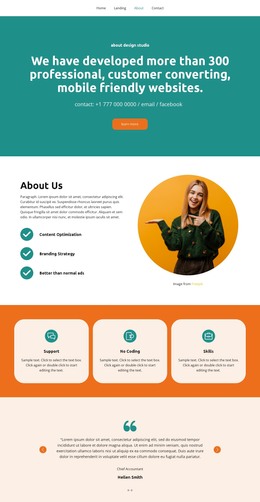
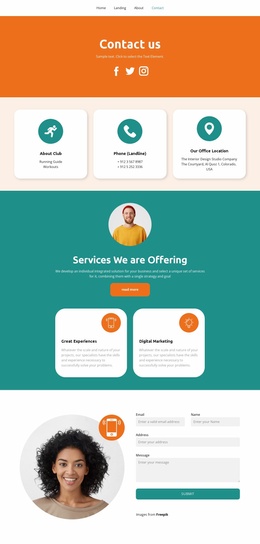
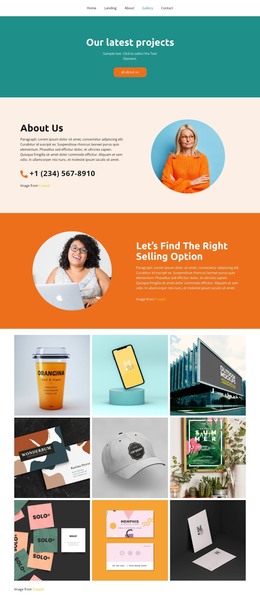
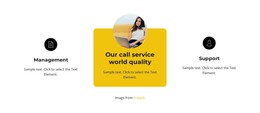
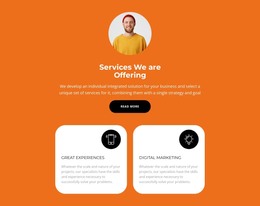
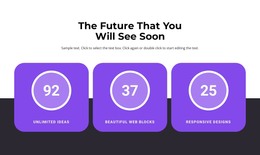
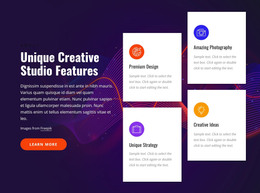
The labels Management, Our call service world quality, and Support read as durable informational content rather than a time-sensitive list of updates. Each one is paired with a short description, allowing the section to summarize what a service-oriented project offers within a WordPress-managed page. The three-column row keeps these content units visible together, which is useful when visitors need a quick overview before reading fuller explanations elsewhere.
The presentation also gives the content a reusable visual pattern. Black circular icons mark the two side items, while the central service is placed in a bright yellow rounded card with a circular image above its title. That difference can identify a featured capability without changing the section's underlying content model. Centered bold titles and generous spacing help preserve readability when the wording or supporting imagery is adapted for a particular page.
In a WordPress Theme context, the block works as one publishable page section rather than as the theme itself. It can remain a stable feature or services area while other content regions handle introductions, detailed service information, articles, testimonials, or contact details. The central card may guide editorial emphasis, whereas the side items maintain supporting context. This makes the section suitable for a permanent page role that can be revised as the site's service descriptions evolve, without losing the established three-item relationship.
Customize with Nicepage
Open this ready-made template in the WordPress Website Builder and customize it visually in the Nicepage editor. Replace demo content, edit page sections, and adapt the design to your project without rebuilding the template from scratch.
Edit Template Offline
2. Create a new page or select existing
3. Click Add new block, search for id 3910399 and click enter
Edit Template Online
Create Awesome Websites


Free Nicepage Builder
Keywords
Manage and Edit This Theme in WordPress
Customize and Install the WordPress Theme
Start with this ready-made theme instead of building the WordPress design from scratch. Customize its layout, content, typography, images, sections, and other design elements visually in Nicepage editor, then export and install the WordPress Theme, Plugin, and Pages on your WordPress site. The Nicepage WordPress Plugin lets you continue working with the site after installation.
Edit the Theme Directly in WordPress
After installation, you can edit the WordPress Theme directly in WordPress with the Nicepage WordPress Plugin. Use Site Style to customize site Colors, Fonts, Header, Footer, Blog, and Post Page Templates while working within your WordPress website.
Edit WordPress Pages Visually
Use the Nicepage WordPress Plugin to edit page content directly from the WordPress admin area. Open a WordPress Page with Nicepage and visually change its text, images, sections, and other page elements while continuing to manage the Page through WordPress.
WordPress Content and Theme Integration
Use the customized theme with WordPress Pages, Posts, Blog and Post Templates, menus, widgets, and other CMS-managed content. Shared theme elements such as Colors, Fonts, Header, Footer, Blog, and Post Page Templates can be managed as part of the overall site design, while WordPress provides the CMS environment for managing site content.
This workflow combines a ready-made WordPress Theme with visual customization, direct theme editing in WordPress, and continued content management through the Nicepage WordPress Plugin.