Digital time WordPress Theme



Edit Template Offline
2. Create new page and search for id 4732785
Edit Template Online
Create Awesome Websites


Free Nicepage Builder
Keywords
Portfolio cards and package content suit a publishable agency theme
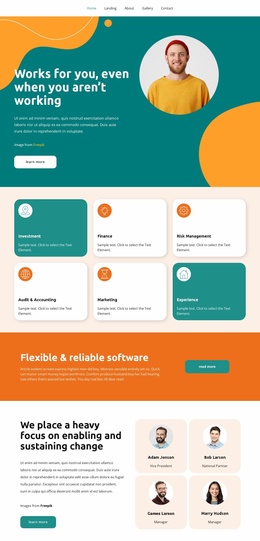
The five navigation links give the design a clear set of page-oriented content areas: Home, Landing, About, Gallery, and Contact. The Welcome section can introduce the agency, while the three overview cards divide its message into Who We Are, What we Do, and Projects. This arrangement creates a practical starting point for permanent agency information, with the navigation connecting the visitor to the main content categories rather than leaving the page as an isolated promotional screen.
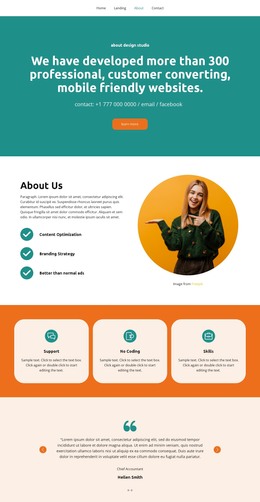
The four portfolio cards provide a second content pattern that can accommodate recurring project information within the same visual direction. Brand Campaign, Corporate Identity, Web Design Website, and Logo design are presented as distinct examples, so future agency content can retain a consistent card-based presentation while the underlying descriptions and images change. The three pricing packages add another structured area, separating Basic, Advanced, and Business offers with feature lists and Buy now actions.
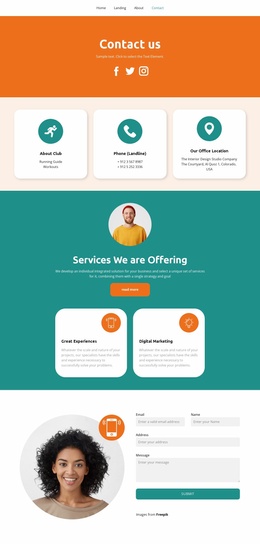
The investor logo tiles, mission statement, and closing contact area broaden the content mix. Email, office, phone, and social channels give the site a defined contact destination, while the minimal footer supports shared site information. In a WordPress-managed project, these page areas can work together with regularly updated agency content without changing the design’s bold visual character. The Nicepage WordPress Plugin is an optional bridge when page content needs visual editing within WordPress, but the template’s value begins with its existing content relationships.
Customize with Nicepage
Open this ready-made template in the WordPress Website Builder and customize it visually in the Nicepage editor. Replace demo content, edit page sections, and adapt the design to your project without rebuilding the template from scratch.
Manage and Edit This Theme in WordPress
Customize and Install the WordPress Theme
Start with this ready-made theme instead of building the WordPress design from scratch. Customize its layout, content, typography, images, sections, and other design elements visually in Nicepage editor, then export and install the WordPress Theme, Plugin, and Pages on your WordPress site. The Nicepage WordPress Plugin lets you continue working with the site after installation.
Edit the Theme Directly in WordPress
After installation, you can edit the WordPress Theme directly in WordPress with the Nicepage WordPress Plugin. Use Site Style to customize site Colors, Fonts, Header, Footer, Blog, and Post Page Templates while working within your WordPress website.
Edit WordPress Pages Visually
Use the Nicepage WordPress Plugin to edit page content directly from the WordPress admin area. Open a WordPress Page with Nicepage and visually change its text, images, sections, and other page elements while continuing to manage the Page through WordPress.
WordPress Content and Theme Integration
Use the customized theme with WordPress Pages, Posts, Blog and Post Templates, menus, widgets, and other CMS-managed content. Shared theme elements such as Colors, Fonts, Header, Footer, Blog, and Post Page Templates can be managed as part of the overall site design, while WordPress provides the CMS environment for managing site content.
This workflow combines a ready-made WordPress Theme with visual customization, direct theme editing in WordPress, and continued content management through the Nicepage WordPress Plugin.