Empowering Financial Freedom WordPress Theme


Edit Template Offline
2. Create new page and search for id 6298806
Edit Template Online
Create Awesome Websites


Free Nicepage Builder
Keywords
Team Profiles and Solution Content Fit a Managed Business Site
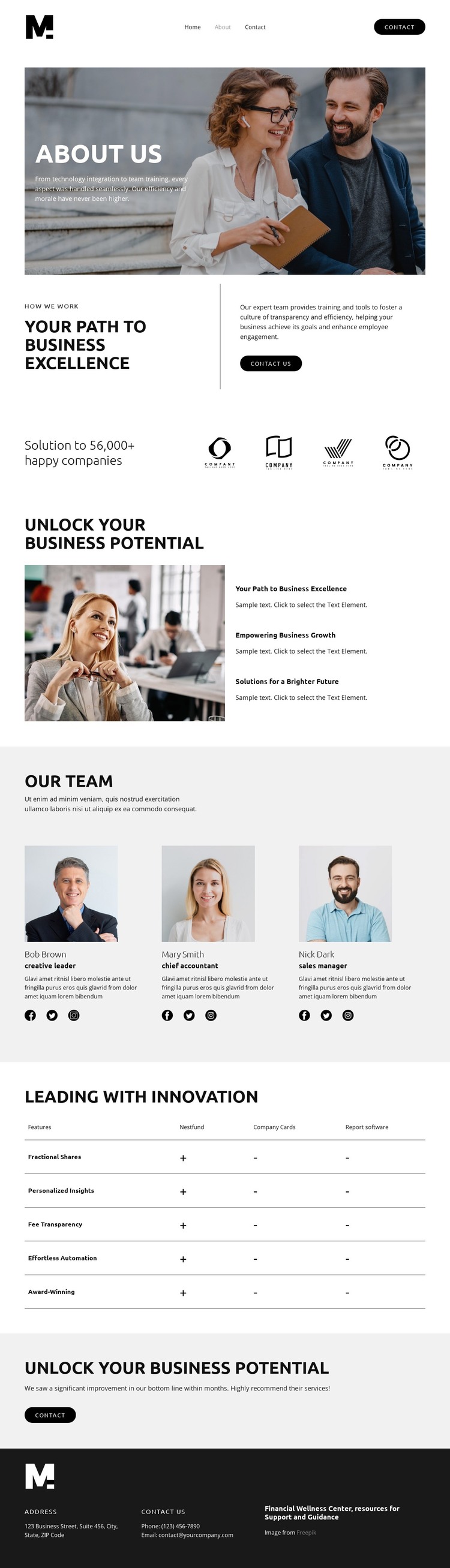
The page’s permanent information areas translate naturally into a WordPress-oriented content structure. The About Us introduction can carry the organization’s approach, while the capability section gives page content a clear place to explain business training, technology integration, employee engagement, and growth-related work. These areas are relatively stable and can form the core of an organization-focused page rather than functioning only as decorative blocks.
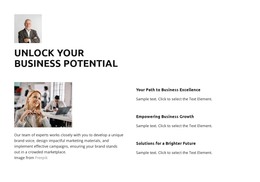
The team section adds a different content relationship. Three repeated cards contain portraits, roles, biographies, and social profile links, making them suitable for maintaining people-focused information within the same visual direction. The five-row comparison table then organizes more detailed solution content across Nestfund, Company Cards, and Report Software. Its repeated rows and named columns create a defined presentation for updating feature descriptions without changing the page’s broader identity.
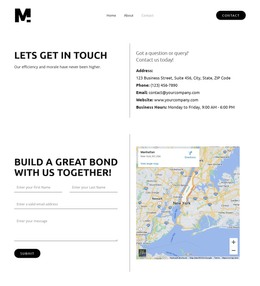
Navigation, contact buttons, and the footer connect these content areas into a usable site context. The footer’s address, phone, email, and organization statement provide shared contact information, while the opening and closing actions support inquiry-oriented page content. In a WordPress project, the theme interpretation is therefore less about replacing the design with generic CMS language and more about preserving this relationship between permanent About content, recurring team information, solution detail, and contact communication.
Customize with Nicepage
Open this ready-made template in the WordPress Website Builder and customize it visually in the Nicepage editor. Replace demo content, edit page sections, and adapt the design to your project without rebuilding the template from scratch.
Manage and Edit This Theme in WordPress
Customize and Install the WordPress Theme
Start with this ready-made theme instead of building the WordPress design from scratch. Customize its layout, content, typography, images, sections, and other design elements visually in Nicepage editor, then export and install the WordPress Theme, Plugin, and Pages on your WordPress site. The Nicepage WordPress Plugin lets you continue working with the site after installation.
Edit the Theme Directly in WordPress
After installation, you can edit the WordPress Theme directly in WordPress with the Nicepage WordPress Plugin. Use Site Style to customize site Colors, Fonts, Header, Footer, Blog, and Post Page Templates while working within your WordPress website.
Edit WordPress Pages Visually
Use the Nicepage WordPress Plugin to edit page content directly from the WordPress admin area. Open a WordPress Page with Nicepage and visually change its text, images, sections, and other page elements while continuing to manage the Page through WordPress.
WordPress Content and Theme Integration
Use the customized theme with WordPress Pages, Posts, Blog and Post Templates, menus, widgets, and other CMS-managed content. Shared theme elements such as Colors, Fonts, Header, Footer, Blog, and Post Page Templates can be managed as part of the overall site design, while WordPress provides the CMS environment for managing site content.
This workflow combines a ready-made WordPress Theme with visual customization, direct theme editing in WordPress, and continued content management through the Nicepage WordPress Plugin.