
Faucet Website Builder
For faucet repair teams, urgent customer questions focus on service coverage, recent work, and how to contact them. A no-code editor helps organize those details into clear blocks and lets you check how they look on a phone before publishing.
More Website Builder from Interior Category
-

-

-
-
-
-
Build Website with no CodingDownload
-
-
-
-
-
-
-
-
-
-
-
-
-
-
-
-
-
-
-
-
-
-
-
-
-
-









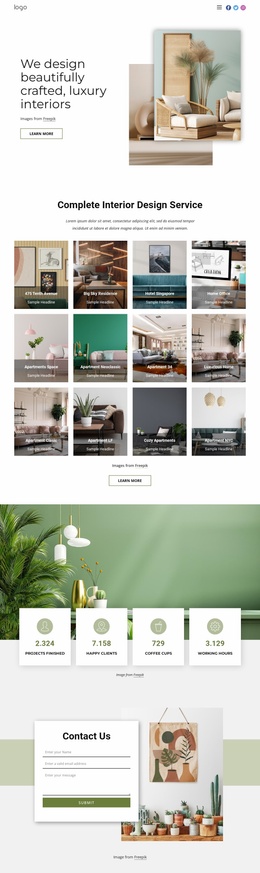

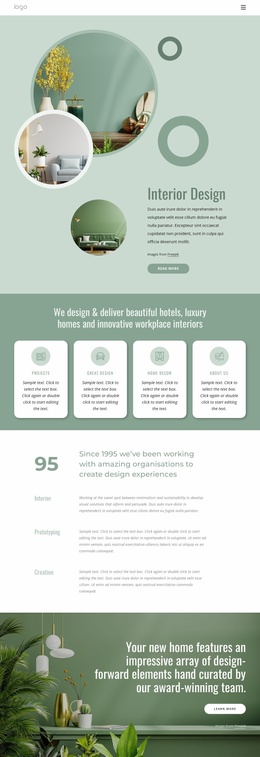



Other Interior Website Builder
Functional Faucet Website Builder
A faucet website builder suits businesses that sell or install kitchen and bathroom faucets and want their own site without hiring a developer. For a small showroom, that means collection sections, featured models, and a way to ask about stock. An installer needs a service list, photos of finished jobs, and a quick way to book a visit. In Nicepage, both start with ready Blocks and Elements you can arrange with drag and drop.
Laying Out Collections or Services
The first page comes together in the same order for both businesses:
- Decide what the home page leads to: the faucet range or the list of services.
- Add matching blocks, such as a large opening image, a category section, and model cards.
- Replace the sample photos and text with your own, keeping each block's layout.
- Drag sections into the order visitors need, putting collections ahead of the company story or services ahead of the gallery.
Say the showroom adds wall-mounted bathroom faucets in polished chrome. One image and text section becomes their introduction once the photo and heading change, and a duplicated card row holds the models. An installer can do the same with kitchen jobs, bathroom jobs, and its service area. None of this involves code, which matters when the range or the service list keeps changing.
Testing What Visitors Will Touch
Once the pages look right, run through the parts visitors tap and click:
- In Responsive Modes, check that a model card on a phone screen still shows its sizes under the photo.
- Send a test request through each form and confirm it arrives in the inbox you expect.
- Click the phone number and menu links again on the live site, because a preview only shows how things look.
On a narrow screen, an installer's contact button should stay within thumb reach, since people often search with the cabinet under the sink already open.
Going Live Under Your Name
Nicepage Online publishes the finished site to Nicepage Hosting, and you can connect a custom domain that matches the name on your van or showroom sign. It is not general hosting for third-party software, so extras like a stock database need a different setup. Before promising online sales, check what your plan supports, since taking payments is a separate question.
A showroom can later give a new collection its own spot on the home page. Next on an installer's list might be touchless faucet installation, with a note on batteries versus an outlet under the sink. Either way, the update follows the same loop: edit a block, check the phone view, and publish again.