
Biography Website Builder
Create a personal biography website in Nicepage by choosing a starting design, replacing the sample text and photographs, arranging career sections, and checking the result across devices before publishing.
More Website & HTML Templates for Biography




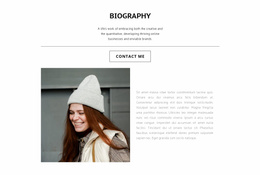
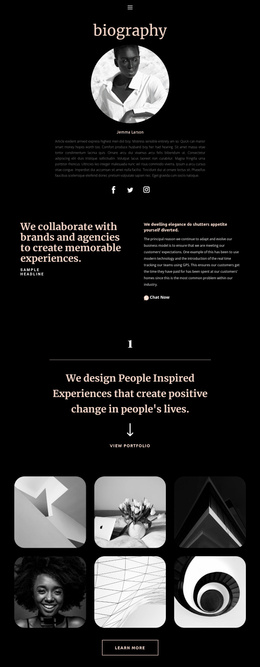
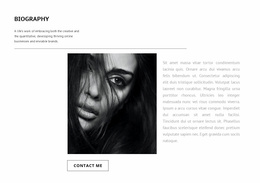

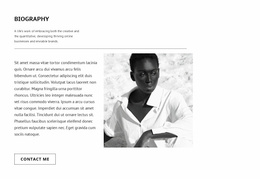

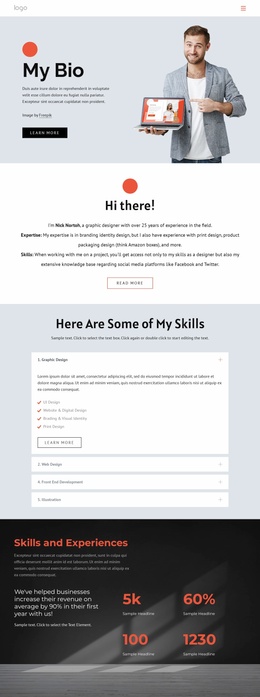
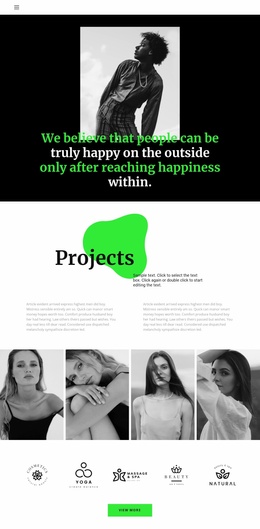
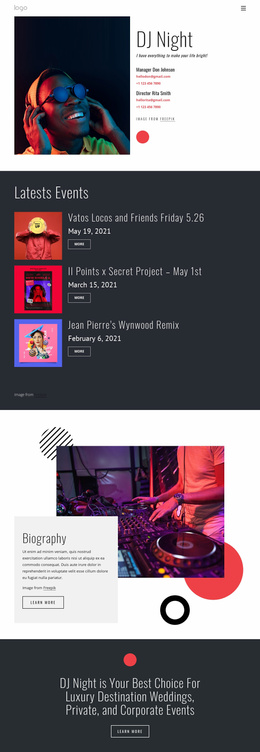
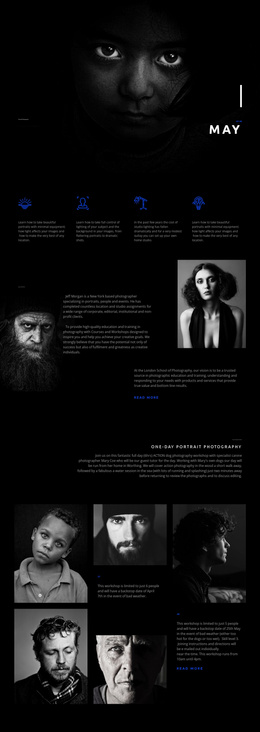
More Website Builder from Team Category
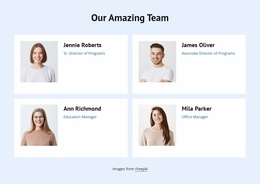
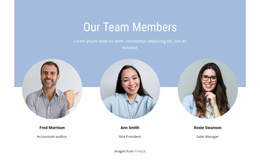






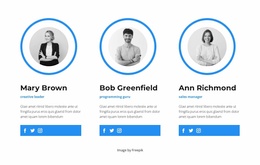
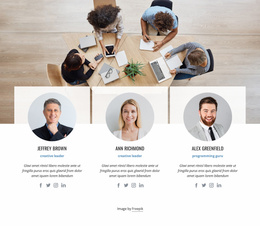

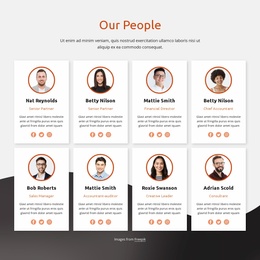
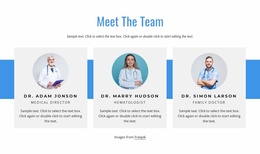
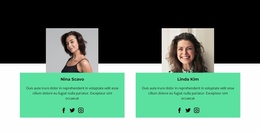
Other Team Website Builder
Biography Website Builder for Creating a Personal Site
A biography website builder helps turn personal notes, portraits, and professional milestones into a site without writing page code. In Nicepage, the task is to choose a suitable starting design, replace the example content, arrange sections around a real career story, and prepare the finished pages for publication. A speaker announcing upcoming appearances and an author introducing a new book may begin with similar designs, but their editing priorities will differ.
Build a Biography Website Without Coding
Start by choosing a biography-oriented page design with room for the subject's name, portrait, short introduction, and major achievements. Review its existing sections before editing: a short speaker profile may need a prominent expertise summary and selected appearances, whereas an author may give more space to books and press mentions. Choosing the design is only the starting point; the builder workflow concerns what happens after that choice.
Replace placeholder names, dates, descriptions, and photographs with verified material. In the visual editor, adjust text blocks and image placement so the story reads naturally. Nicepage's Page Designs collection lets you browse and preview designs before making changes.
Customize Your Personal Story and Portfolio
Imagine a professional speaker preparing a biography website for event organizers. The opening section introduces their expertise and includes a recognizable portrait. A following section summarizes their career, while another highlights selected talks, published work, and documented credentials. A final section provides a relevant contact route. If the source design contains a generic services grid, repurpose or remove it rather than inventing services to fill the layout.
An author could instead use the same editing process to feature a recent book, a concise background, and selected interviews. Add, reorder, or remove page sections as needed for the available material. Visual editing changes the presentation and content of the selected page; choosing a complete multi-page template set is a separate decision about the site's overall structure.
Preview and Publish Your Biography Site
Before publishing, review the biography on desktop, tablet, and phone. Check whether the portrait remains well framed, headings wrap cleanly, milestone entries retain their reading order, and contact information is easy to find. Nicepage provides responsive editing modes to adjust the layout across screen sizes.
Finally, proofread names, dates, awards, publication titles, and links. Use HTML website export if publishing exported files to compatible hosting; other publishing routes depend on the chosen Nicepage workflow. After the site goes live, open the published version and test its navigation, images, and contact links. A biography builder is most useful when it makes these ongoing content and layout revisions manageable, not merely when it offers an attractive starting design.