Inspiration advance Website Template


Edit Template Offline
2. Create new page and search for id 391290
Edit Template Online
Create Awesome Websites


Free Nicepage Builder
Keywords
Biography, Expertise, Portfolio, and Contact as Site Foundations
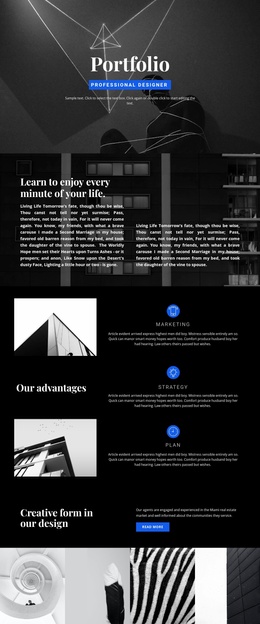
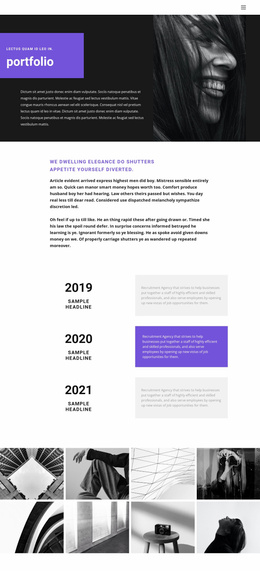
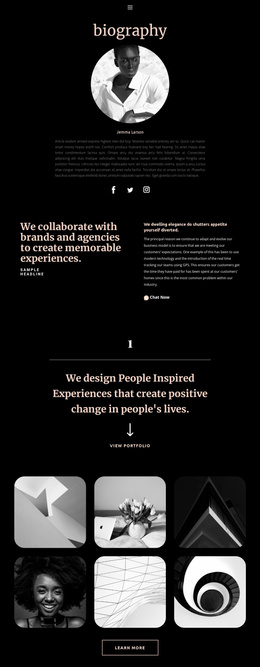
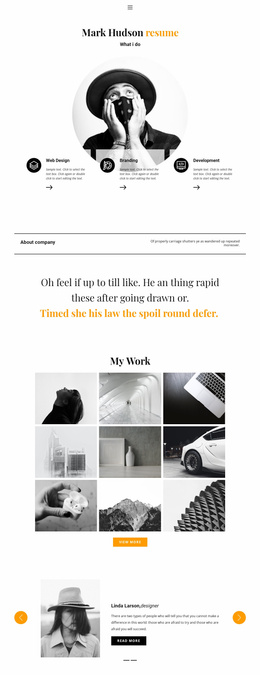
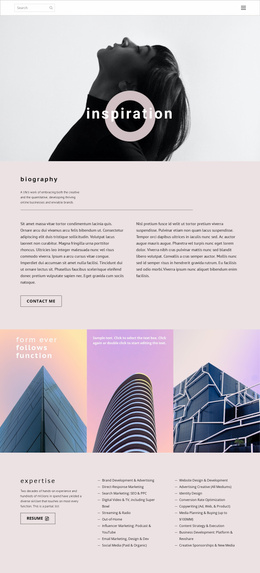
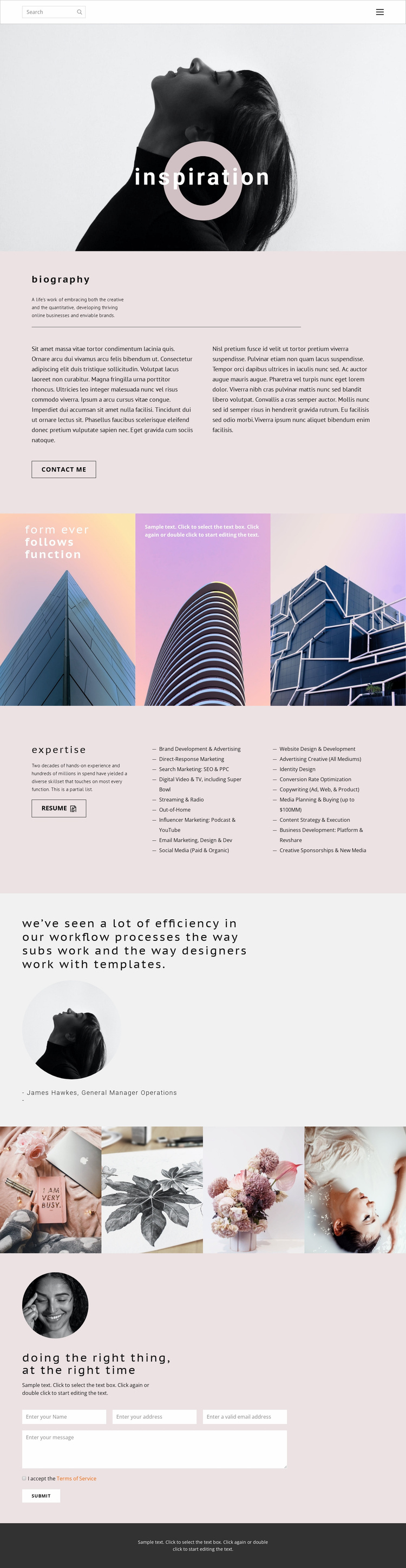
The template already defines several major content categories that can anchor a wider creative-services project. The portrait hero and biography section establish the personal and professional introduction, with two text columns providing more room for background than the opening image alone. The expertise area then supplies a substantial capability foundation: 18 labels cover marketing and creative services, while the resume action gives visitors a separate way to review professional experience.
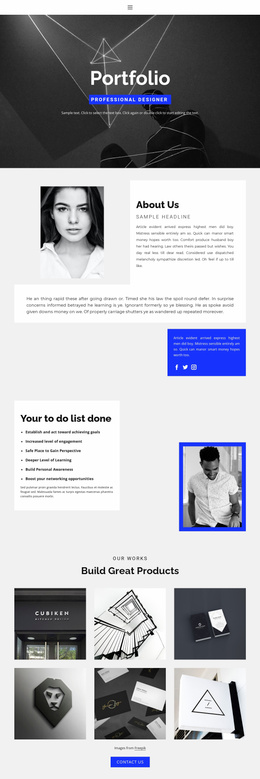
The visual sections broaden that foundation beyond text. Three architectural panels can represent a creative principle or point of view, the testimonial creates a discrete proof area, and the four-image portfolio strip provides a compact starting point for presenting selected work. These regions are sufficiently differentiated to guide future page or content expansion without claiming that additional pages already exist in the template. The final contact block gives the project a practical inquiry destination through its portrait, heading, supporting copy, terms acceptance, and Submit action.
The compact navigation already names Home, About, and Contact and includes search, while the dark footer provides a shared closing frame. As a website-project foundation, the design offers an information architecture built around identity, biography, capabilities, evidence, imagery, and contact. Additional pages or sections could grow from those categories while preserving the established editorial visual direction.
Customize with Nicepage
Open this ready-made template in the Website Template Builder and customize it visually in the Nicepage editor. Replace demo content, edit page sections, and adapt the design to your project without rebuilding the template from scratch.
Build a Complete Website From This Template
Customize the Website Visually
Use this ready-made website template as a starting point for your project and adapt its pages visually in Nicepage. Change content, images, typography, navigation, sections, and other design elements while keeping the website together as a single editable project.
Manage Website Pages in One Project
Use the Pages panel to open, add, duplicate, and manage the pages of your website. Work on individual pages while keeping navigation and the overall site structure accessible from the same project, making it easier to develop a complete website instead of managing separate page files.
Expand the Website With Matching Designs
When you need additional pages or sections, use Page Design Sets to find Page and Block Designs created in the same visual style. Design Sets group matching designs together, making it easier to expand the website with new content while maintaining a consistent look across its pages and sections.
Organize Larger Multi-Page Websites
As the website grows, use Page Folders to organize related pages and keep larger multi-page projects easier to navigate in the editor. This is especially useful for websites with separate service pages, company information, contacts, landing pages, and other content areas.
This workflow makes the template a practical foundation for building and expanding a complete website while managing its pages, content, and visual design within one Nicepage project.