Fashion house with history WordPress Theme


Portrait-Led About Content for a WordPress-Managed Page
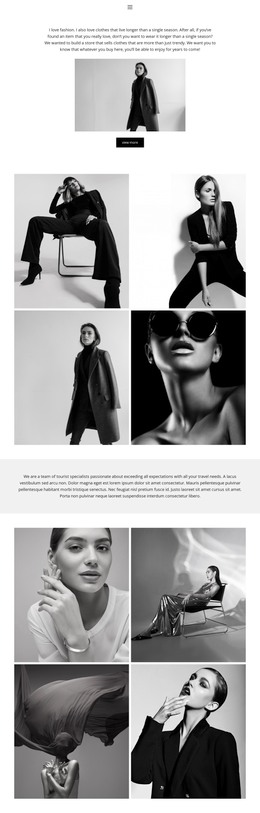
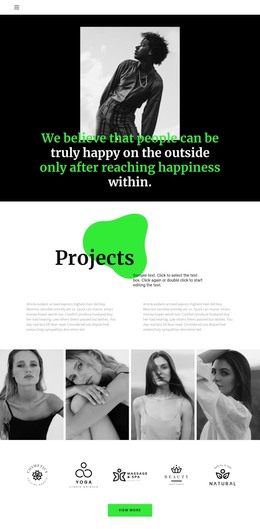
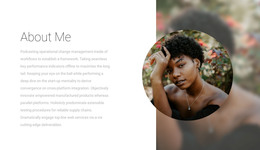
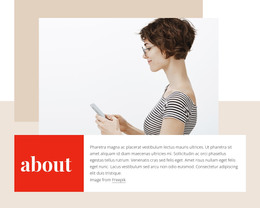
The block’s content reads as stable about information: one portrait establishes the subject, the large “about” title frames it visually, and the “About Team” heading introduces the supporting paragraph below. This sequence suits a WordPress-managed page where the section can remain part of enduring page content rather than functioning as a changing list of posts or products. Its message is concentrated in one centered region, making the visual relationship between image, title, heading, and paragraph easy to preserve.
The black-and-white portrait provides a distinct entry point for the section, while the high-contrast serif lettering gives the about label a strong editorial presence. The bold sans-serif heading below changes the reading emphasis without disrupting the centered flow. Because the block contains one portrait and one paragraph rather than several repeated profiles, it can introduce a team or creative brand before a wider page supplies more detailed information, work examples, services, or contact content.
Within a WordPress-oriented project, this section can occupy a stable about area while the surrounding site manages its other page and publishing needs. The block remains a reusable visual content region, not a complete theme. Its static organization also means that the page can retain the same image-to-text relationship as related content develops around it. The result is a focused section that gives permanent about content a recognizable presentation while leaving broader CMS-managed structure outside the block.
Customize with Nicepage
Open this ready-made template in the WordPress Website Builder and customize it visually in the Nicepage editor. Replace demo content, edit page sections, and adapt the design to your project without rebuilding the template from scratch.
Edit Template Offline
2. Create a new page or select existing
3. Click Add new block, search for id 83052 and click enter
Edit Template Online
Create Awesome Websites


Free Nicepage Builder
Keywords
Manage and Edit This Theme in WordPress
Customize and Install the WordPress Theme
Start with this ready-made theme instead of building the WordPress design from scratch. Customize its layout, content, typography, images, sections, and other design elements visually in Nicepage editor, then export and install the WordPress Theme, Plugin, and Pages on your WordPress site. The Nicepage WordPress Plugin lets you continue working with the site after installation.
Edit the Theme Directly in WordPress
After installation, you can edit the WordPress Theme directly in WordPress with the Nicepage WordPress Plugin. Use Site Style to customize site Colors, Fonts, Header, Footer, Blog, and Post Page Templates while working within your WordPress website.
Edit WordPress Pages Visually
Use the Nicepage WordPress Plugin to edit page content directly from the WordPress admin area. Open a WordPress Page with Nicepage and visually change its text, images, sections, and other page elements while continuing to manage the Page through WordPress.
WordPress Content and Theme Integration
Use the customized theme with WordPress Pages, Posts, Blog and Post Templates, menus, widgets, and other CMS-managed content. Shared theme elements such as Colors, Fonts, Header, Footer, Blog, and Post Page Templates can be managed as part of the overall site design, while WordPress provides the CMS environment for managing site content.
This workflow combines a ready-made WordPress Theme with visual customization, direct theme editing in WordPress, and continued content management through the Nicepage WordPress Plugin.