Mountain Hiking Holidays WordPress Theme


Layered Outdoor Content for a WordPress-Managed Page
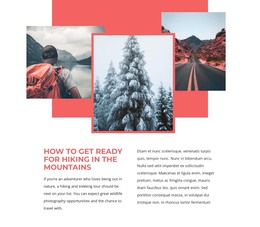
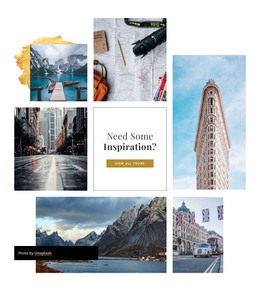
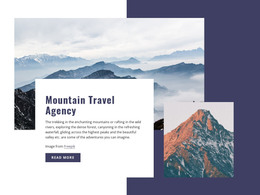
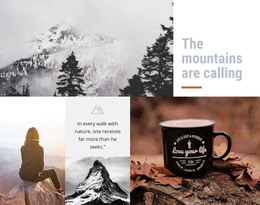
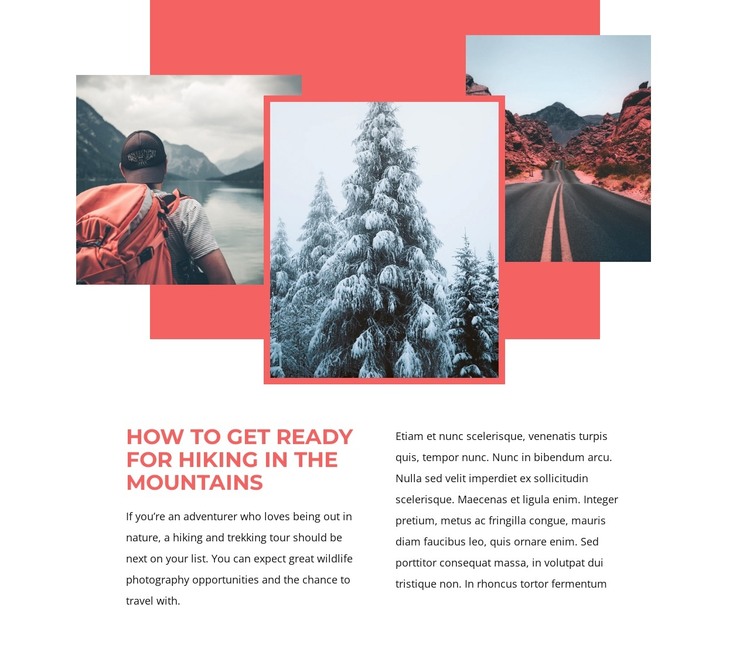
The block’s content reads as a stable informational section: a heading about preparing for mountain hiking, supporting copy about hiking and trekking tours, and a related visual collage. Three outdoor photographs overlap above the text, while the coral-red rectangle and matching border around the central snowy-tree photograph connect the imagery to the section’s typographic accent. This gives the content a defined visual identity without requiring additional page-level elements.
The two-column text area provides the main reading structure beneath the images. One column can carry the primary hiking explanation, while the second supports the wider subject with related nature and wildlife-photography material. Because the layout separates the collage from the copy, the section can remain understandable when placed among other WordPress-managed page content. Its interaction is static, so the emphasis stays on reading and visual association rather than on a carousel, form, or expandable control.
In a WordPress-oriented project, this block can serve as permanent page content for a travel or outdoor section. The wider site can manage other pages and editorial material around it, while this reusable region preserves its heading, photographs, coral-red framing, and two-column content relationship. That makes it appropriate for a page that needs a focused hiking passage without presenting the section itself as a complete theme or website.
Customize with Nicepage
Open this ready-made template in the WordPress Website Builder and customize it visually in the Nicepage editor. Replace demo content, edit page sections, and adapt the design to your project without rebuilding the template from scratch.
Edit Template Offline
2. Create a new page or select existing
3. Click Add new block, search for id 71132 and click enter
Edit Template Online
Create Awesome Websites


Free Nicepage Builder
Keywords
Manage and Edit This Theme in WordPress
Customize and Install the WordPress Theme
Start with this ready-made theme instead of building the WordPress design from scratch. Customize its layout, content, typography, images, sections, and other design elements visually in Nicepage editor, then export and install the WordPress Theme, Plugin, and Pages on your WordPress site. The Nicepage WordPress Plugin lets you continue working with the site after installation.
Edit the Theme Directly in WordPress
After installation, you can edit the WordPress Theme directly in WordPress with the Nicepage WordPress Plugin. Use Site Style to customize site Colors, Fonts, Header, Footer, Blog, and Post Page Templates while working within your WordPress website.
Edit WordPress Pages Visually
Use the Nicepage WordPress Plugin to edit page content directly from the WordPress admin area. Open a WordPress Page with Nicepage and visually change its text, images, sections, and other page elements while continuing to manage the Page through WordPress.
WordPress Content and Theme Integration
Use the customized theme with WordPress Pages, Posts, Blog and Post Templates, menus, widgets, and other CMS-managed content. Shared theme elements such as Colors, Fonts, Header, Footer, Blog, and Post Page Templates can be managed as part of the overall site design, while WordPress provides the CMS environment for managing site content.
This workflow combines a ready-made WordPress Theme with visual customization, direct theme editing in WordPress, and continued content management through the Nicepage WordPress Plugin.