The Benefits of joining a run club WordPress Theme



Edit Template Offline
2. Create new page and search for id 6118853
Edit Template Online
Create Awesome Websites


Free Nicepage Builder
Keywords
Activity Cards and Coach Profiles Divide the Theme Into Content Areas
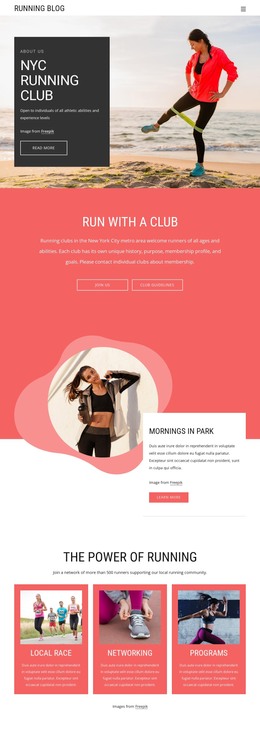
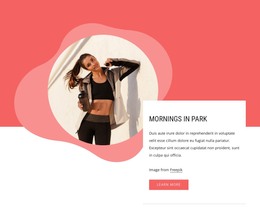
The four activity cards give the design a useful page-oriented content structure for a WordPress-managed running community. Walking, Running, Indoor, and Community can remain distinct informational areas, while the nearby message about free Tuesday and Thursday morning group runs provides a focused section for participation details. The hero’s Join us action and the later Learn more action connect those areas without making the theme dependent on one undifferentiated text block.
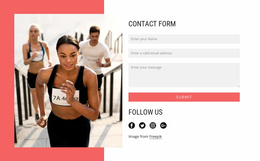
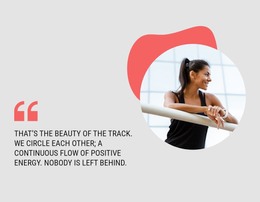
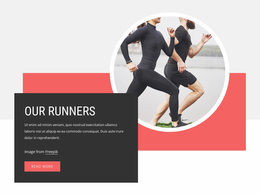
The four coach profile cards create a separate people-focused content zone. Their repeated layout is suited to presenting coach names, roles, and biography text as the project’s real information replaces the supplied sample content. The nine-image gallery can carry the visual side of group activity, while the quotation about positive energy and leaving nobody behind gives the permanent page content a recognizable community position. At the end, the contact form and social-link row provide dedicated areas for inquiries and ongoing communication. In a WordPress theme interpretation, these relationships matter because they separate activity information, schedule messaging, people, imagery, values, and contact content while preserving one visual direction. The design can therefore support a site where page content and later published community updates sit within the same athletic presentation, without assuming that blog posts or other CMS structures are already present.
Customize with Nicepage
Open this ready-made template in the WordPress Website Builder and customize it visually in the Nicepage editor. Replace demo content, edit page sections, and adapt the design to your project without rebuilding the template from scratch.
Manage and Edit This Theme in WordPress
Customize and Install the WordPress Theme
Start with this ready-made theme instead of building the WordPress design from scratch. Customize its layout, content, typography, images, sections, and other design elements visually in Nicepage editor, then export and install the WordPress Theme, Plugin, and Pages on your WordPress site. The Nicepage WordPress Plugin lets you continue working with the site after installation.
Edit the Theme Directly in WordPress
After installation, you can edit the WordPress Theme directly in WordPress with the Nicepage WordPress Plugin. Use Site Style to customize site Colors, Fonts, Header, Footer, Blog, and Post Page Templates while working within your WordPress website.
Edit WordPress Pages Visually
Use the Nicepage WordPress Plugin to edit page content directly from the WordPress admin area. Open a WordPress Page with Nicepage and visually change its text, images, sections, and other page elements while continuing to manage the Page through WordPress.
WordPress Content and Theme Integration
Use the customized theme with WordPress Pages, Posts, Blog and Post Templates, menus, widgets, and other CMS-managed content. Shared theme elements such as Colors, Fonts, Header, Footer, Blog, and Post Page Templates can be managed as part of the overall site design, while WordPress provides the CMS environment for managing site content.
This workflow combines a ready-made WordPress Theme with visual customization, direct theme editing in WordPress, and continued content management through the Nicepage WordPress Plugin.