Breathing exercises and relaxation WordPress Theme


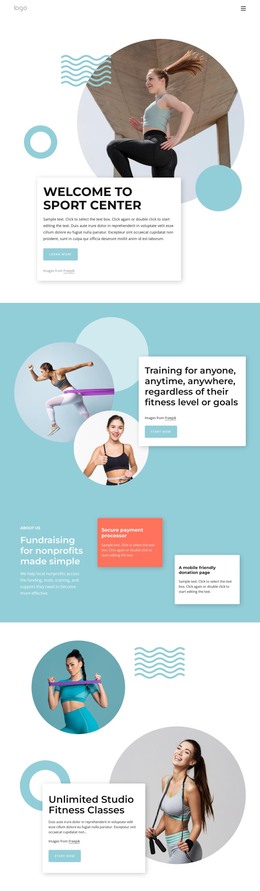
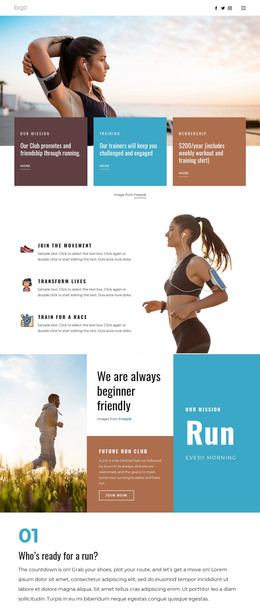
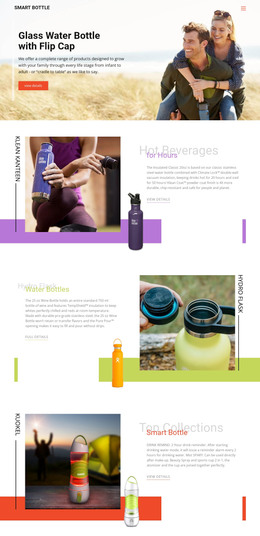
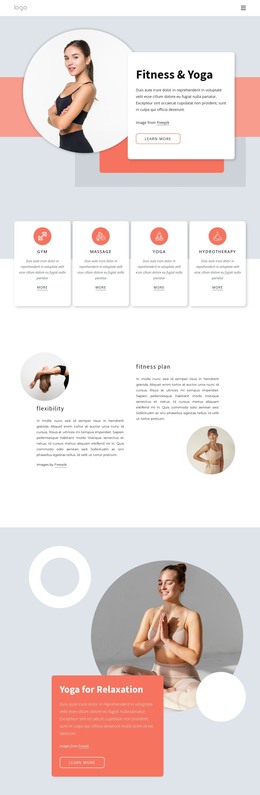
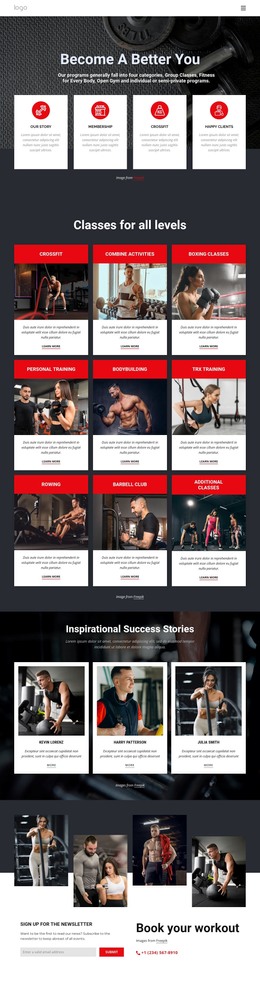
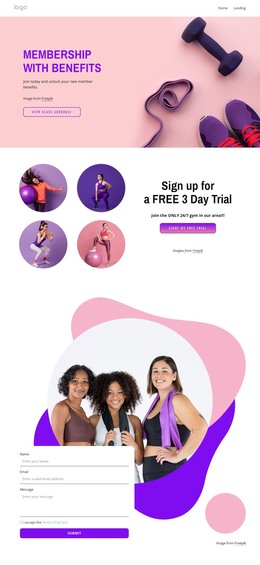
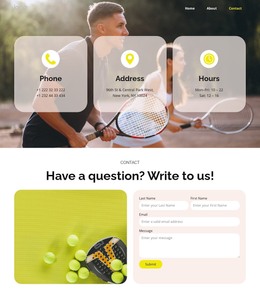
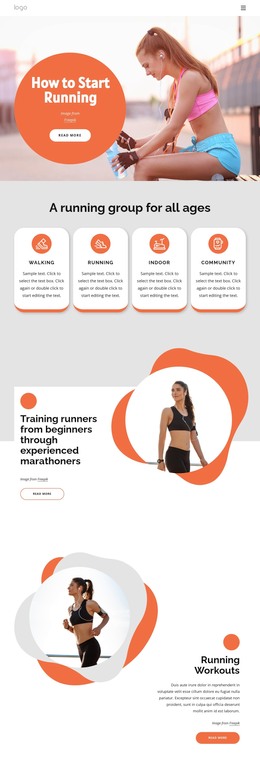
Two Photographic Panels Establish Stable Yoga Page Content
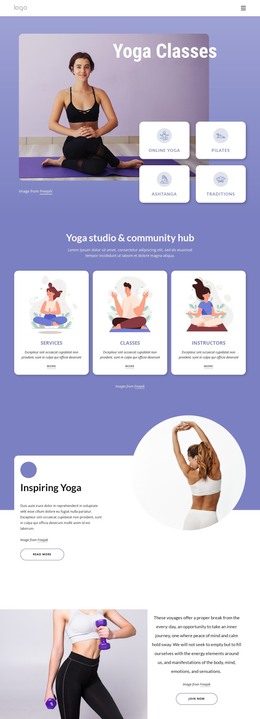
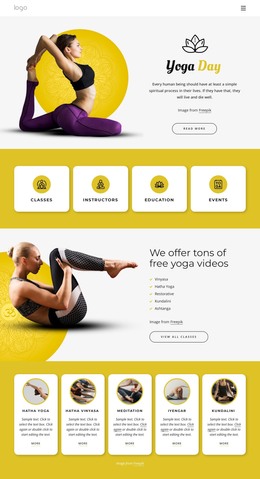
The block reads as a concise piece of page content because its message is concentrated in a subject title and a coordinated pair of images. “YOGA” and “HOME” appear in white near the top of the left panel, while the neighboring panel continues the indoor yoga imagery. Equal panel widths keep the visual emphasis balanced and make the section immediately recognizable as one introductory content area.
That arrangement can fit a WordPress-managed page where stable topic information needs to remain visually consistent alongside other content. The left image provides the reading entry point, and the second photograph broadens the visual setting without introducing another text group or competing action. Since the interaction is static, the section communicates through image selection, title placement, contrast, and the measured division between its two halves.
The WordPress context is therefore centered on the block’s role as reusable page content rather than on changing editorial items. A yoga-focused page can place this section before descriptions, schedules, instructor information, or other material maintained elsewhere in the project. The block continues to contribute one clearly bounded visual message: it identifies the subject through the overlaid title and supports it with paired practice imagery. That focused structure allows the surrounding page to grow while preserving the section’s original visual logic.
Customize with Nicepage
Open this ready-made template in the WordPress Website Builder and customize it visually in the Nicepage editor. Replace demo content, edit page sections, and adapt the design to your project without rebuilding the template from scratch.
Edit Template Offline
2. Create a new page or select existing
3. Click Add new block, search for id 66074 and click enter
Edit Template Online
Create Awesome Websites


Free Nicepage Builder
Keywords
Manage and Edit This Theme in WordPress
Customize and Install the WordPress Theme
Start with this ready-made theme instead of building the WordPress design from scratch. Customize its layout, content, typography, images, sections, and other design elements visually in Nicepage editor, then export and install the WordPress Theme, Plugin, and Pages on your WordPress site. The Nicepage WordPress Plugin lets you continue working with the site after installation.
Edit the Theme Directly in WordPress
After installation, you can edit the WordPress Theme directly in WordPress with the Nicepage WordPress Plugin. Use Site Style to customize site Colors, Fonts, Header, Footer, Blog, and Post Page Templates while working within your WordPress website.
Edit WordPress Pages Visually
Use the Nicepage WordPress Plugin to edit page content directly from the WordPress admin area. Open a WordPress Page with Nicepage and visually change its text, images, sections, and other page elements while continuing to manage the Page through WordPress.
WordPress Content and Theme Integration
Use the customized theme with WordPress Pages, Posts, Blog and Post Templates, menus, widgets, and other CMS-managed content. Shared theme elements such as Colors, Fonts, Header, Footer, Blog, and Post Page Templates can be managed as part of the overall site design, while WordPress provides the CMS environment for managing site content.
This workflow combines a ready-made WordPress Theme with visual customization, direct theme editing in WordPress, and continued content management through the Nicepage WordPress Plugin.