Membership with benefits WordPress Theme


Edit Template Offline
2. Create new page and search for id 5692007
Edit Template Online
Create Awesome Websites


Free Nicepage Builder
Keywords
Trial Promotion and Membership Content Leave Room for WordPress Pages
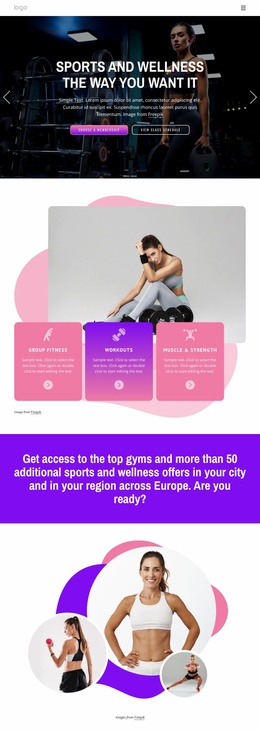
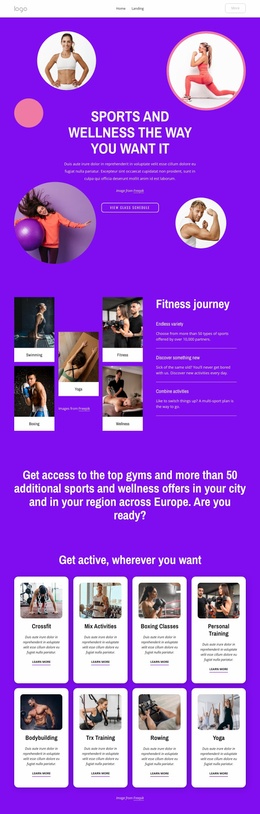
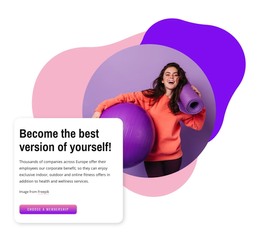
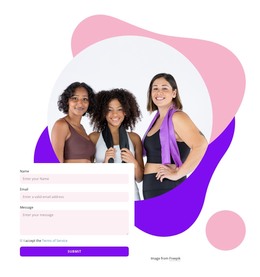
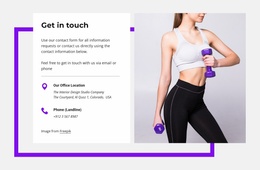
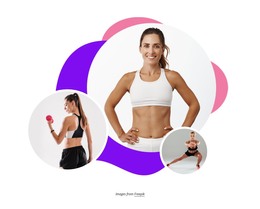
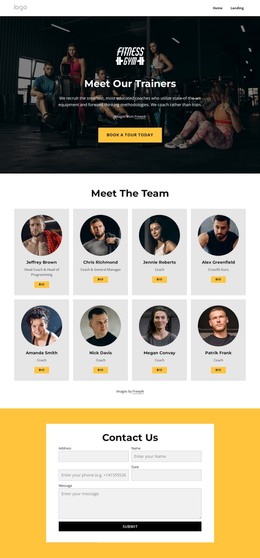
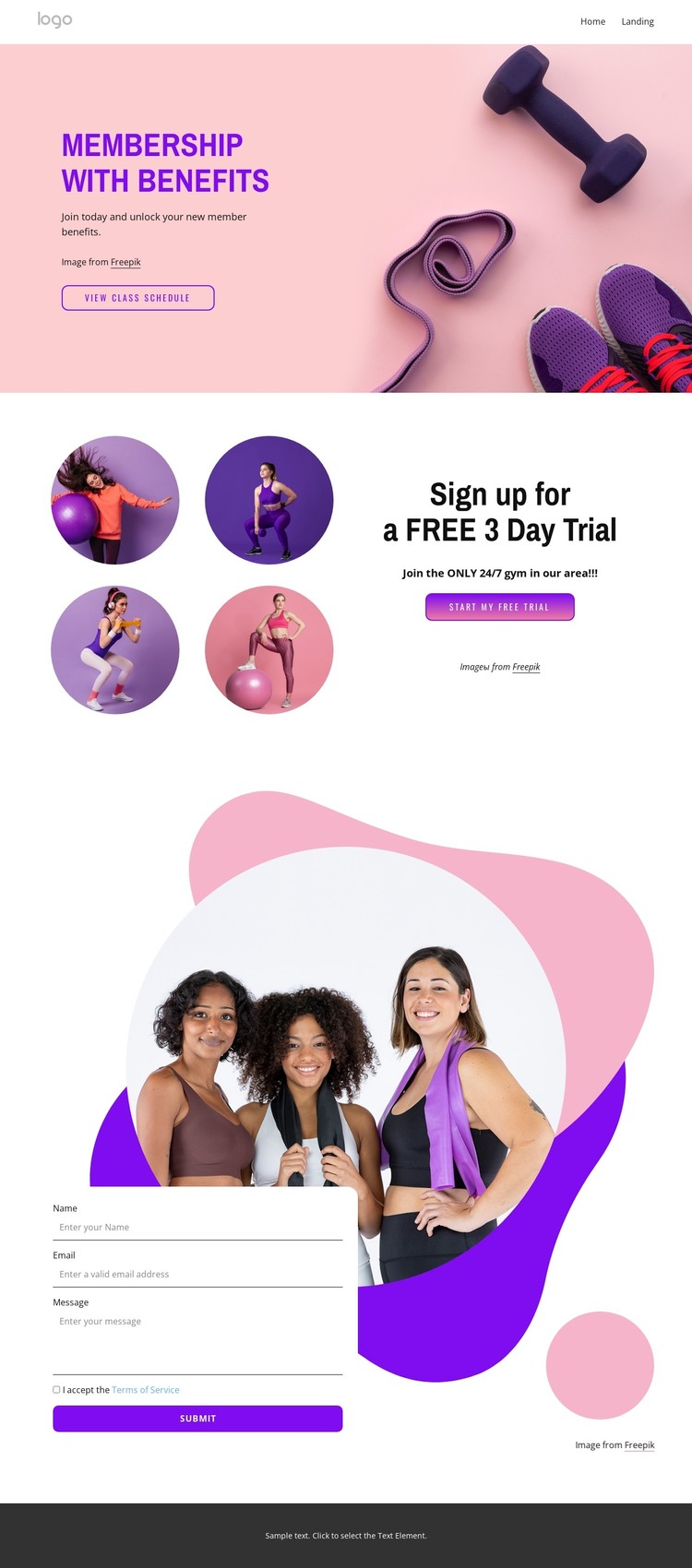
The permanent page content is clearly divided into a membership introduction, class schedule direction, trial promotion, and contact interaction. The opening hero can carry the gym’s primary membership message and the View Class Schedule action, while the split section gives the free three-day trial a separate content focus. Its four circular fitness images provide a visual pattern that can support the offer without being confused with the general membership introduction.
The contact form adds a practical page-level interaction for inquiries or signups, with terms acceptance and a Submit action defining the closing response area. These content zones can work together in a WordPress-oriented project where permanent page information remains connected to a shared theme direction. The pastel pink, purple, white, and dark gray palette, bold sans-serif typography, rounded buttons, organic shapes, navigation, and dark footer provide the reusable visual character. The analysis does not verify blog posts, categories, or other WordPress-specific structures, so none are presented as existing template elements. Instead, this design is best understood as a fitness page whose membership, schedule, trial, and contact content can be placed within a WordPress-managed site. The trial section emphasizes a focused promotional update, while the form preserves a separate route for ongoing inquiries.
Customize with Nicepage
Open this ready-made template in the WordPress Website Builder and customize it visually in the Nicepage editor. Replace demo content, edit page sections, and adapt the design to your project without rebuilding the template from scratch.
Manage and Edit This Theme in WordPress
Customize and Install the WordPress Theme
Start with this ready-made theme instead of building the WordPress design from scratch. Customize its layout, content, typography, images, sections, and other design elements visually in Nicepage editor, then export and install the WordPress Theme, Plugin, and Pages on your WordPress site. The Nicepage WordPress Plugin lets you continue working with the site after installation.
Edit the Theme Directly in WordPress
After installation, you can edit the WordPress Theme directly in WordPress with the Nicepage WordPress Plugin. Use Site Style to customize site Colors, Fonts, Header, Footer, Blog, and Post Page Templates while working within your WordPress website.
Edit WordPress Pages Visually
Use the Nicepage WordPress Plugin to edit page content directly from the WordPress admin area. Open a WordPress Page with Nicepage and visually change its text, images, sections, and other page elements while continuing to manage the Page through WordPress.
WordPress Content and Theme Integration
Use the customized theme with WordPress Pages, Posts, Blog and Post Templates, menus, widgets, and other CMS-managed content. Shared theme elements such as Colors, Fonts, Header, Footer, Blog, and Post Page Templates can be managed as part of the overall site design, while WordPress provides the CMS environment for managing site content.
This workflow combines a ready-made WordPress Theme with visual customization, direct theme editing in WordPress, and continued content management through the Nicepage WordPress Plugin.