Multi-functional sport center WordPress Theme



Edit Template Offline
2. Create new page and search for id 412904
Edit Template Online
Create Awesome Websites


Free Nicepage Builder
Keywords
Class Content and Page-Oriented Actions Fit a Fitness Theme Structure
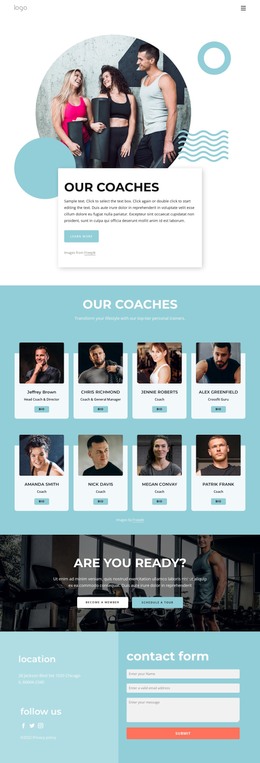
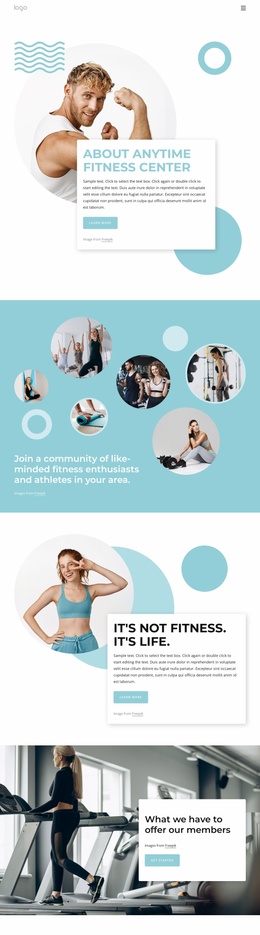
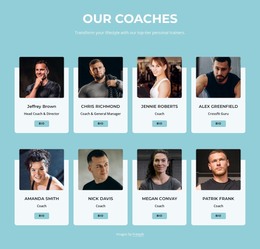
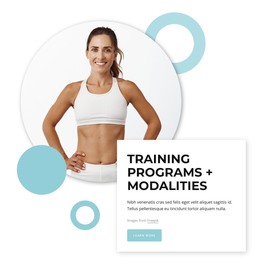
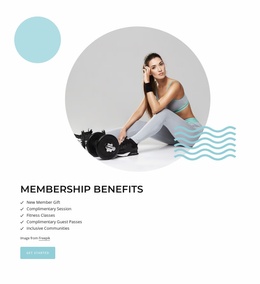
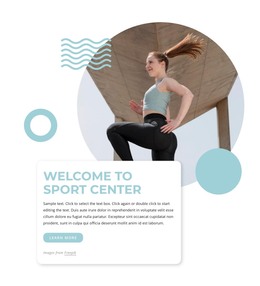
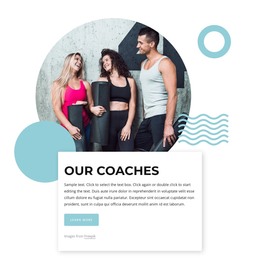
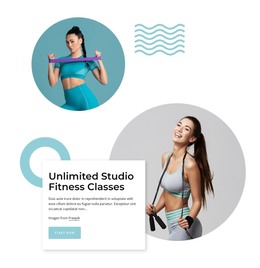
The page already separates several kinds of content that can remain visually coordinated in a WordPress-managed site. The welcome and training sections function as core page information, while the Unlimited Studio Fitness Classes area focuses on a specific part of the center’s offer. The About Us section adds descriptive content about the environment and class experience, giving the design more editorial depth than a sequence of promotional buttons alone.
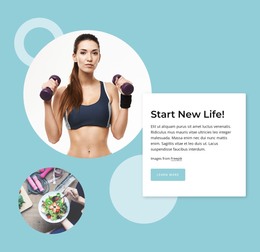
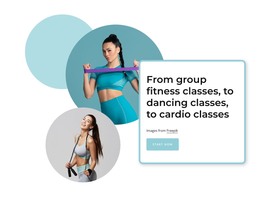
The class list—cycling, Pilates, mind and body, core, cardio, circuit, and sports training—can be interpreted as recurring fitness content that a project may later expand or update. This does not mean that WordPress Posts, categories, or blog structures are already present. Instead, the existing content areas show where page copy, class descriptions, and related visual material can belong while the theme’s aqua palette, circular photography, and overlapping cards preserve a shared identity.
Membership and tour actions provide a prominent page-level response area, and the contact form creates a separate communication point. Location, social links, navigation, mobile navigation, and footer information support the broader site context. Together, these relationships make the design suitable for a WordPress theme interpretation centered on organized fitness content and reusable page regions rather than on CMS terminology alone.
Customize with Nicepage
Open this ready-made template in the WordPress Website Builder and customize it visually in the Nicepage editor. Replace demo content, edit page sections, and adapt the design to your project without rebuilding the template from scratch.
Manage and Edit This Theme in WordPress
Customize and Install the WordPress Theme
Start with this ready-made theme instead of building the WordPress design from scratch. Customize its layout, content, typography, images, sections, and other design elements visually in Nicepage editor, then export and install the WordPress Theme, Plugin, and Pages on your WordPress site. The Nicepage WordPress Plugin lets you continue working with the site after installation.
Edit the Theme Directly in WordPress
After installation, you can edit the WordPress Theme directly in WordPress with the Nicepage WordPress Plugin. Use Site Style to customize site Colors, Fonts, Header, Footer, Blog, and Post Page Templates while working within your WordPress website.
Edit WordPress Pages Visually
Use the Nicepage WordPress Plugin to edit page content directly from the WordPress admin area. Open a WordPress Page with Nicepage and visually change its text, images, sections, and other page elements while continuing to manage the Page through WordPress.
WordPress Content and Theme Integration
Use the customized theme with WordPress Pages, Posts, Blog and Post Templates, menus, widgets, and other CMS-managed content. Shared theme elements such as Colors, Fonts, Header, Footer, Blog, and Post Page Templates can be managed as part of the overall site design, while WordPress provides the CMS environment for managing site content.
This workflow combines a ready-made WordPress Theme with visual customization, direct theme editing in WordPress, and continued content management through the Nicepage WordPress Plugin.