Local running programs WordPress Theme



Edit Template Offline
2. Create new page and search for id 6070878
Edit Template Online
Create Awesome Websites


Free Nicepage Builder
Keywords
Topic Content and Repeated Program Cards Fit a Club Content Structure
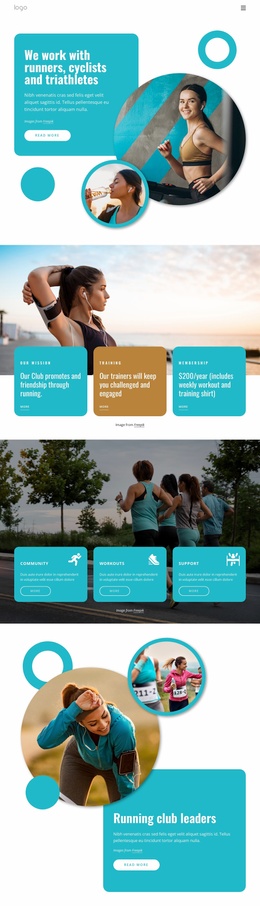
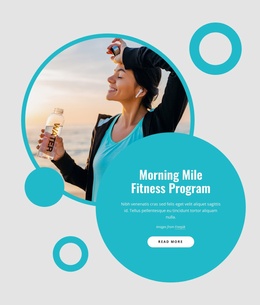
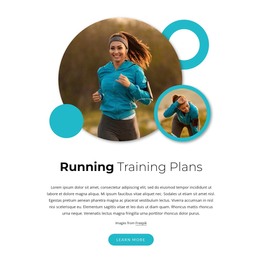
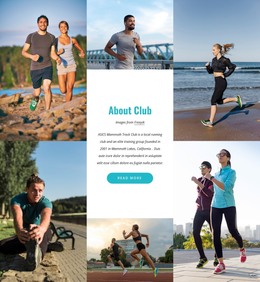
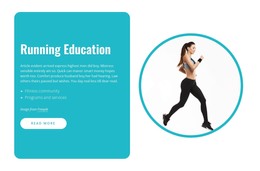
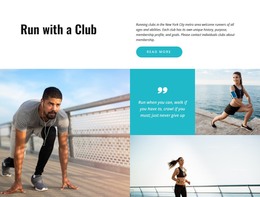
The four running-topic items create a useful page-oriented content group for a club site. Workouts, weight loss, jogging, and health benefits are presented as separate image-and-text areas, so each subject can retain its own explanation while remaining visually connected to the club introduction. The opening Join Us section supplies organization context, and the split About Club block gives that context a dedicated place instead of mixing it into every activity item.
The eight repeated activity cards offer a different kind of content relationship. They organize venue or program labels such as training groups, running locations, and weekly activities into a consistent visual directory. In a WordPress project, this distinction between club information and recurring program-oriented content can support a clearer editorial structure without claiming that WordPress posts, categories, or blog content already exist in the template. The three contact cards then keep practical club details separate from the activity presentation.
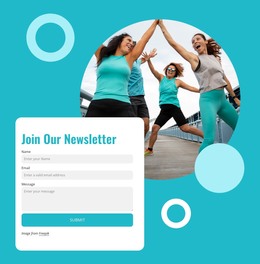
The newsletter form provides a closing communication area requesting a name, email address, and message. It follows the membership invitation and contact section, giving updates a natural position after visitors have seen the club's purpose and activity coverage. Nicepage's WordPress Plugin can support editing WordPress content in the CMS environment, but the main value here comes from the template's existing separation of introduction, topics, programs, contact information, and signup content.
Customize with Nicepage
Open this ready-made template in the WordPress Website Builder and customize it visually in the Nicepage editor. Replace demo content, edit page sections, and adapt the design to your project without rebuilding the template from scratch.
Manage and Edit This Theme in WordPress
Customize and Install the WordPress Theme
Start with this ready-made theme instead of building the WordPress design from scratch. Customize its layout, content, typography, images, sections, and other design elements visually in Nicepage editor, then export and install the WordPress Theme, Plugin, and Pages on your WordPress site. The Nicepage WordPress Plugin lets you continue working with the site after installation.
Edit the Theme Directly in WordPress
After installation, you can edit the WordPress Theme directly in WordPress with the Nicepage WordPress Plugin. Use Site Style to customize site Colors, Fonts, Header, Footer, Blog, and Post Page Templates while working within your WordPress website.
Edit WordPress Pages Visually
Use the Nicepage WordPress Plugin to edit page content directly from the WordPress admin area. Open a WordPress Page with Nicepage and visually change its text, images, sections, and other page elements while continuing to manage the Page through WordPress.
WordPress Content and Theme Integration
Use the customized theme with WordPress Pages, Posts, Blog and Post Templates, menus, widgets, and other CMS-managed content. Shared theme elements such as Colors, Fonts, Header, Footer, Blog, and Post Page Templates can be managed as part of the overall site design, while WordPress provides the CMS environment for managing site content.
This workflow combines a ready-made WordPress Theme with visual customization, direct theme editing in WordPress, and continued content management through the Nicepage WordPress Plugin.