Wellness center help and answers WordPress Theme


Edit Template Offline
2. Create new page and search for id 6561442
Edit Template Online
Create Awesome Websites


Free Nicepage Builder
Keywords
Practical FAQ Content Gives the Theme a Clear WordPress Page Role
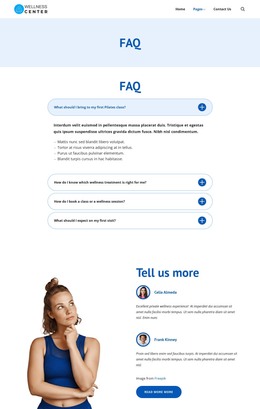
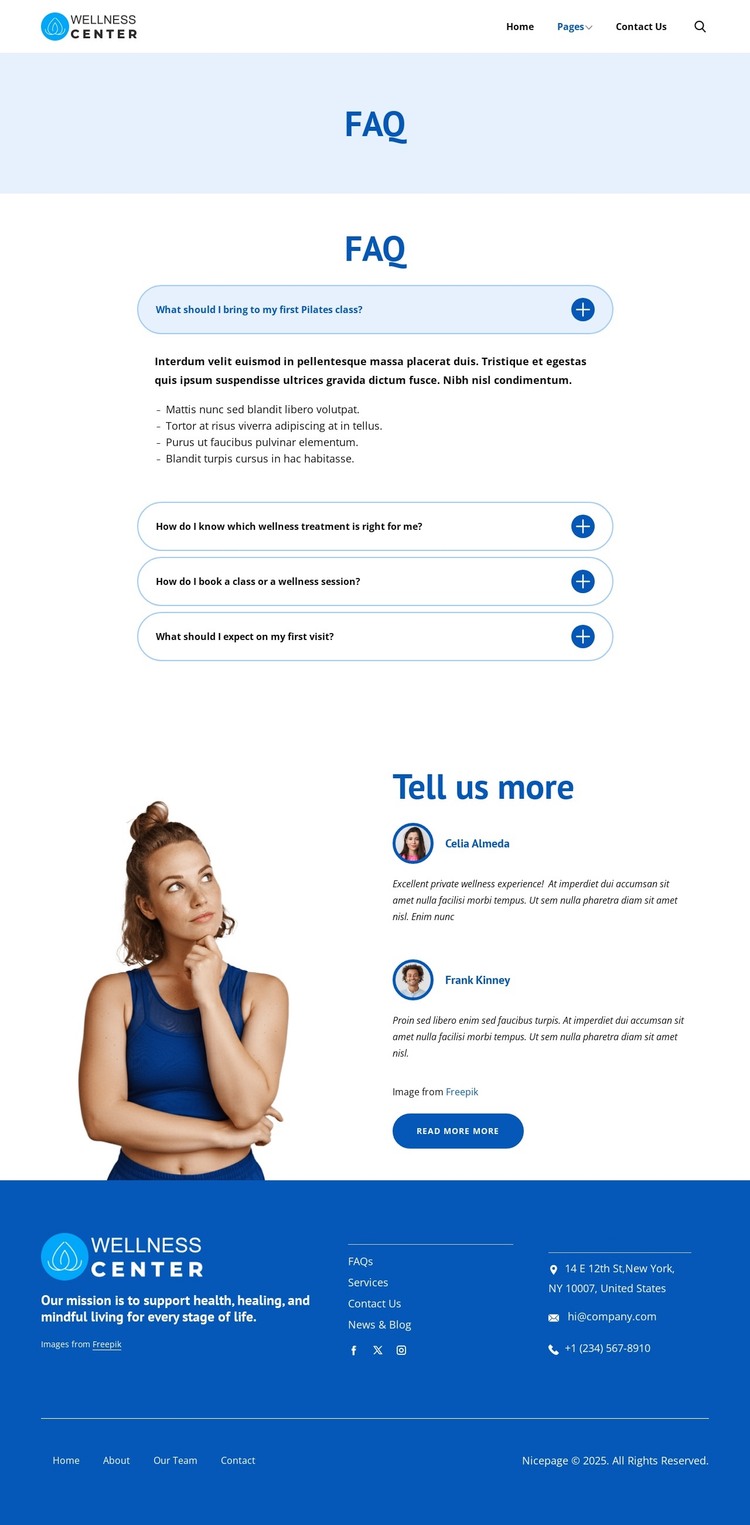
The four expandable questions provide the strongest page-oriented content structure in this design. They address practical concerns about Pilates classes, wellness treatments, booking, and first visits, so they can serve as permanent informational content rather than as decorative text. The accordion presentation keeps each subject distinct and gives the page a clear role within a wellness site where visitors may need answers before contacting the center. The header search control adds a separate way to locate information as the content collection grows.
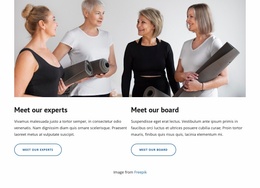
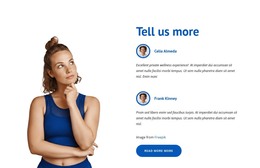
The lower section supports a different content relationship. A wellness photograph sits beside two testimonial entries and a read-more button, creating a place for supporting visitor perspectives and onward exploration after the direct questions have been answered. The footer contributes shared site content through its mission statement, help links, social links, contact details, and lower navigation. Together, these regions suggest how permanent page content and recurring site elements can remain visually coordinated in a WordPress-oriented project without claiming that Posts, categories, or other CMS structures already exist here.
The sample names, address, email, phone number, and testimonial wording should be replaced with verified project content. The design’s useful theme role comes from its separation of practical answers, supporting experiences, search, and contact information, allowing a wellness site to organize related content around the same visual system.
Customize with Nicepage
Open this ready-made template in the WordPress Website Builder and customize it visually in the Nicepage editor. Replace demo content, edit page sections, and adapt the design to your project without rebuilding the template from scratch.
Manage and Edit This Theme in WordPress
Customize and Install the WordPress Theme
Start with this ready-made theme instead of building the WordPress design from scratch. Customize its layout, content, typography, images, sections, and other design elements visually in Nicepage editor, then export and install the WordPress Theme, Plugin, and Pages on your WordPress site. The Nicepage WordPress Plugin lets you continue working with the site after installation.
Edit the Theme Directly in WordPress
After installation, you can edit the WordPress Theme directly in WordPress with the Nicepage WordPress Plugin. Use Site Style to customize site Colors, Fonts, Header, Footer, Blog, and Post Page Templates while working within your WordPress website.
Edit WordPress Pages Visually
Use the Nicepage WordPress Plugin to edit page content directly from the WordPress admin area. Open a WordPress Page with Nicepage and visually change its text, images, sections, and other page elements while continuing to manage the Page through WordPress.
WordPress Content and Theme Integration
Use the customized theme with WordPress Pages, Posts, Blog and Post Templates, menus, widgets, and other CMS-managed content. Shared theme elements such as Colors, Fonts, Header, Footer, Blog, and Post Page Templates can be managed as part of the overall site design, while WordPress provides the CMS environment for managing site content.
This workflow combines a ready-made WordPress Theme with visual customization, direct theme editing in WordPress, and continued content management through the Nicepage WordPress Plugin.