Family and education center WordPress Theme

Edit Template Offline
2. Create new page and search for id 6086855
Edit Template Online
Create Awesome Websites


Free Nicepage Builder
Keywords
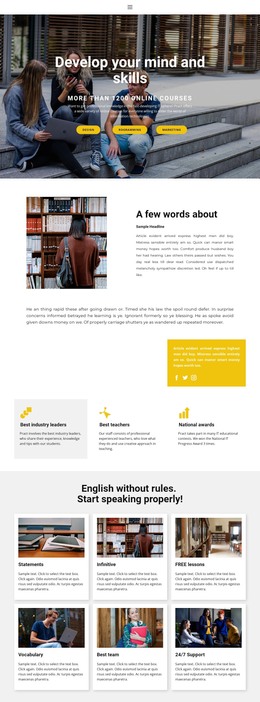
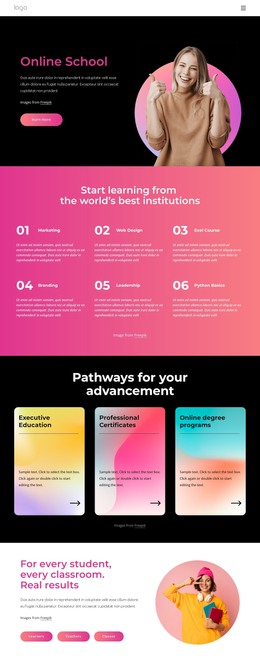
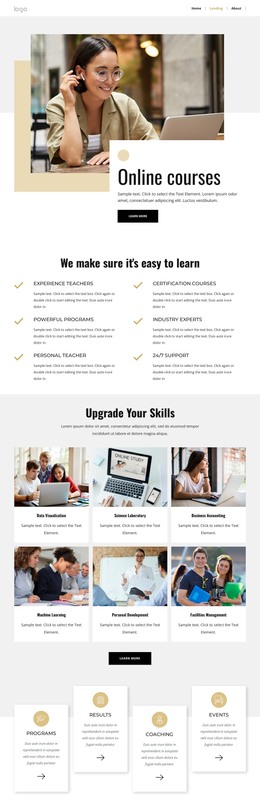
Research topics and program cards give the theme clear content groupings
The overview grid is particularly useful for interpreting this design as a WordPress theme because it divides institutional information into recognizable page-oriented subjects. Who We Are, News & Resources, History, Leadership, Research, and Current Projects suggest different kinds of center content, while Education and Ideas broaden the subject range. These are verified labels in the design, not proof that WordPress Posts, categories, or blog structures already exist, but they provide a clear basis for organizing managed content around the theme.
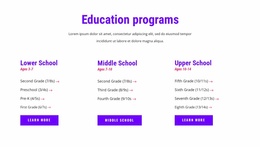
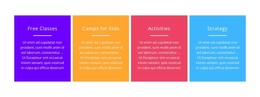
The four program and support cards offer a second content relationship. They can introduce recurring program areas while preserving the same visual treatment used across the page. The mission statement and six education information tiles then provide more permanent explanatory content around the center’s purpose, story, and identity. This combination distinguishes stable organizational information from the practical program emphasis without requiring the design to be reduced to a generic CMS shell.
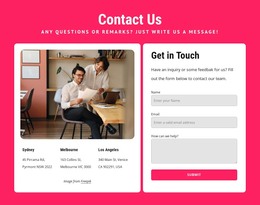
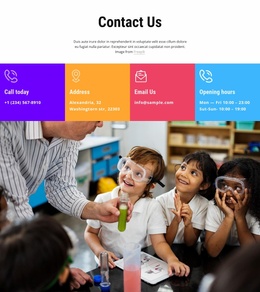
The Contact Us section completes the page-oriented interpretation with four channel cards for phone, email, address, and opening hours. In a WordPress project, these areas can remain part of the shared visual direction while the underlying page content is maintained through the CMS. The theme therefore maps naturally to educational information, program descriptions, resource-oriented sections, and contact content, while avoiding unsupported claims that particular WordPress features are already present.
Customize with Nicepage
Open this ready-made template in the WordPress Website Builder and customize it visually in the Nicepage editor. Replace demo content, edit page sections, and adapt the design to your project without rebuilding the template from scratch.
Manage and Edit This Theme in WordPress
Customize and Install the WordPress Theme
Start with this ready-made theme instead of building the WordPress design from scratch. Customize its layout, content, typography, images, sections, and other design elements visually in Nicepage editor, then export and install the WordPress Theme, Plugin, and Pages on your WordPress site. The Nicepage WordPress Plugin lets you continue working with the site after installation.
Edit the Theme Directly in WordPress
After installation, you can edit the WordPress Theme directly in WordPress with the Nicepage WordPress Plugin. Use Site Style to customize site Colors, Fonts, Header, Footer, Blog, and Post Page Templates while working within your WordPress website.
Edit WordPress Pages Visually
Use the Nicepage WordPress Plugin to edit page content directly from the WordPress admin area. Open a WordPress Page with Nicepage and visually change its text, images, sections, and other page elements while continuing to manage the Page through WordPress.
WordPress Content and Theme Integration
Use the customized theme with WordPress Pages, Posts, Blog and Post Templates, menus, widgets, and other CMS-managed content. Shared theme elements such as Colors, Fonts, Header, Footer, Blog, and Post Page Templates can be managed as part of the overall site design, while WordPress provides the CMS environment for managing site content.
This workflow combines a ready-made WordPress Theme with visual customization, direct theme editing in WordPress, and continued content management through the Nicepage WordPress Plugin.