Creativity and crafting WordPress Theme


Edit Template Offline
2. Create new page and search for id 6267337
Edit Template Online
Create Awesome Websites


Free Nicepage Builder
Keywords
Profile Content Gives the Theme a Clear WordPress Page Role
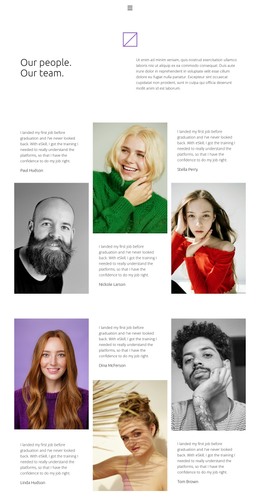
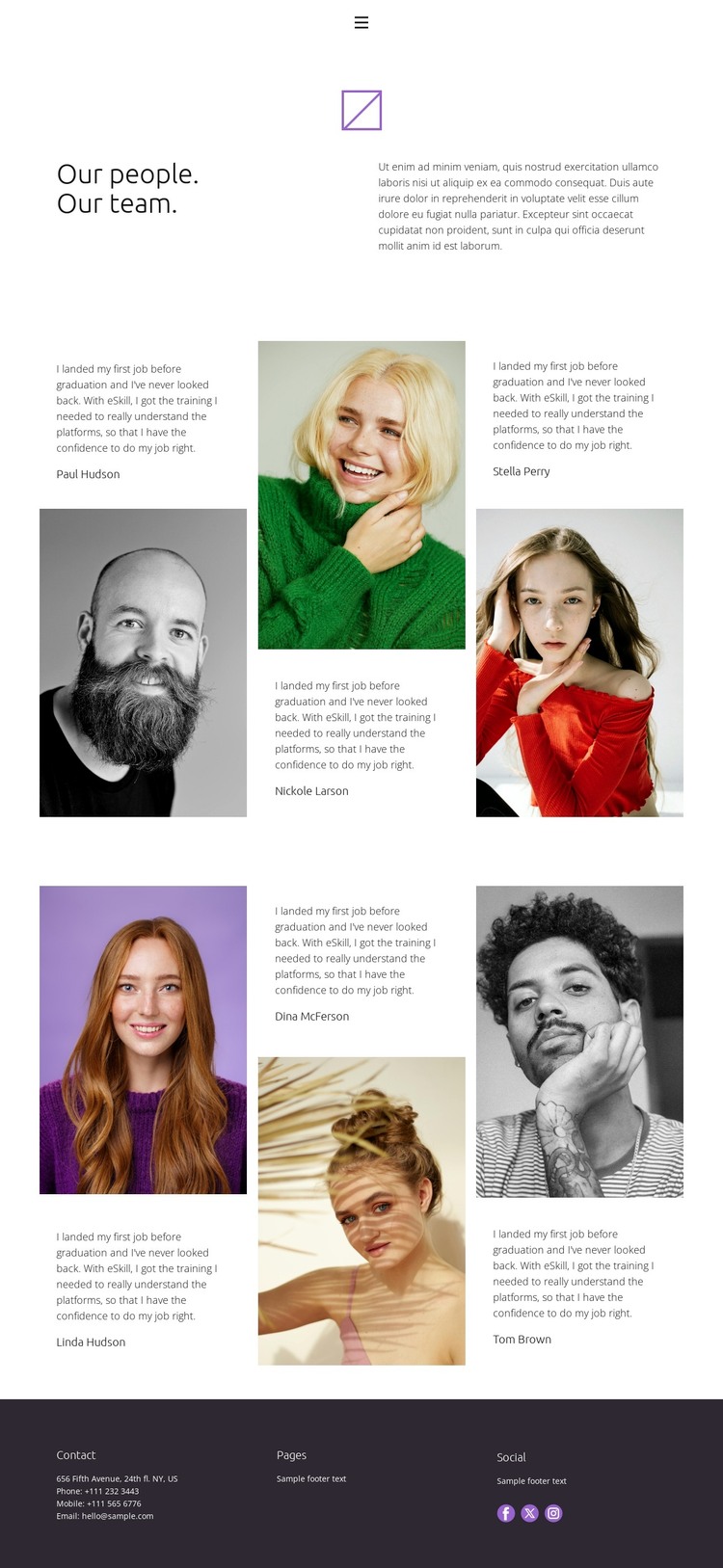
The six portrait-led profiles provide a strong page-oriented content area for a WordPress-managed site. Rather than presenting the people as anonymous decorative images, the design pairs each portrait with short testimonial-style text, creating individual content units that can represent team members, contributors, or other named participants after the demo content is replaced. The two groups of three also establish a repeated visual pattern without requiring the page to become a dense card grid.
The surrounding page structure supports that content role. A compact navigation row links Home, About, Team, and Contact, while the opening “Our people. Our team.” section explains the page before visitors reach the profiles. This creates a clear relationship between a permanent Team page and other page-oriented areas of a wider site. The verified design does not establish a blog, post feed, or other regularly updated WordPress content, so the most grounded interpretation is a people-focused page rather than an invented editorial system.
The footer adds shared site context through contact, pages, and social areas arranged in three columns. Facebook, Twitter, and Instagram links can sit alongside the profile content as outward-facing destinations, while the dark treatment clearly separates these site-wide details from the white profile area. In a WordPress theme project, this combination offers a coherent visual environment for permanent team content and related pages, with the navigation and footer giving the page a consistent place within the site.
Customize with Nicepage
Open this ready-made template in the WordPress Website Builder and customize it visually in the Nicepage editor. Replace demo content, edit page sections, and adapt the design to your project without rebuilding the template from scratch.
Manage and Edit This Theme in WordPress
Customize and Install the WordPress Theme
Start with this ready-made theme instead of building the WordPress design from scratch. Customize its layout, content, typography, images, sections, and other design elements visually in Nicepage editor, then export and install the WordPress Theme, Plugin, and Pages on your WordPress site. The Nicepage WordPress Plugin lets you continue working with the site after installation.
Edit the Theme Directly in WordPress
After installation, you can edit the WordPress Theme directly in WordPress with the Nicepage WordPress Plugin. Use Site Style to customize site Colors, Fonts, Header, Footer, Blog, and Post Page Templates while working within your WordPress website.
Edit WordPress Pages Visually
Use the Nicepage WordPress Plugin to edit page content directly from the WordPress admin area. Open a WordPress Page with Nicepage and visually change its text, images, sections, and other page elements while continuing to manage the Page through WordPress.
WordPress Content and Theme Integration
Use the customized theme with WordPress Pages, Posts, Blog and Post Templates, menus, widgets, and other CMS-managed content. Shared theme elements such as Colors, Fonts, Header, Footer, Blog, and Post Page Templates can be managed as part of the overall site design, while WordPress provides the CMS environment for managing site content.
This workflow combines a ready-made WordPress Theme with visual customization, direct theme editing in WordPress, and continued content management through the Nicepage WordPress Plugin.