Brand Identity WordPress Theme



Edit Template Offline
2. Create new page and search for id 6169217
Edit Template Online
Create Awesome Websites


Free Nicepage Builder
Keywords
Visual Project Groups Support Organized WordPress Content
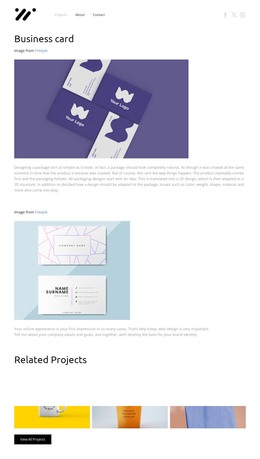
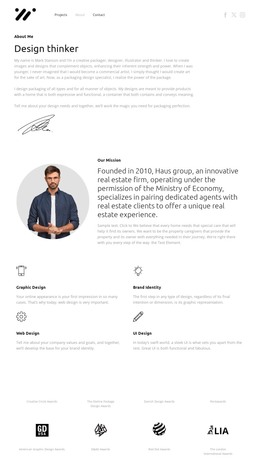
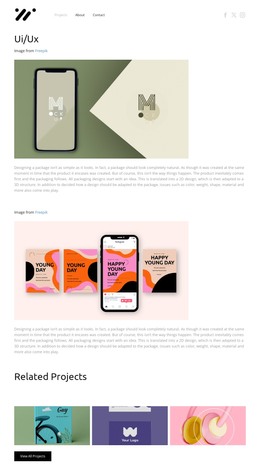
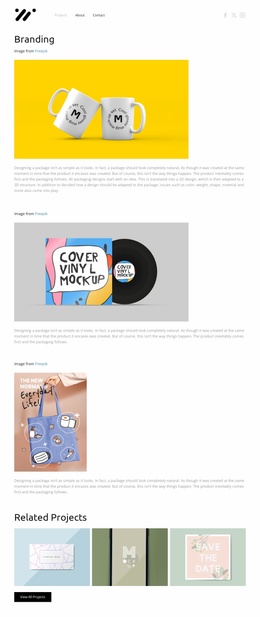
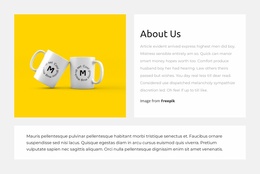
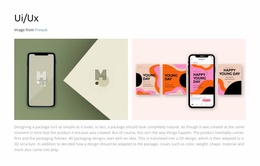
The project categories give the design a useful content interpretation for a WordPress-managed site. Branding, UI/UX, and Business card appear as distinct directions within Projects, allowing the visual portfolio to be understood through several related areas rather than as one undifferentiated stream. The seven-image collage can introduce the breadth of the work with colorful mockups and product imagery, while the later four-image row creates a separate project group with a more regular presentation.
The page-oriented navigation also supports a clear division between project content and supporting site information. About and Contact sit alongside Projects, while social links appear in both the header and footer. This repeated placement can keep external profile pathways connected to the portfolio presentation, and the dark footer provides a consistent closing region with centered branding and contact information. The analysis does not verify blog posts, categories beyond the project labels, or other WordPress-specific structures, so those should not be treated as existing template elements. Instead, the design’s strength as a WordPress theme lies in its ability to give permanent portfolio content a coherent visual frame while leaving the project galleries, category labels, navigation, and contact region as the main content relationships.
Customize with Nicepage
Open this ready-made template in the WordPress Website Builder and customize it visually in the Nicepage editor. Replace demo content, edit page sections, and adapt the design to your project without rebuilding the template from scratch.
Manage and Edit This Theme in WordPress
Customize and Install the WordPress Theme
Start with this ready-made theme instead of building the WordPress design from scratch. Customize its layout, content, typography, images, sections, and other design elements visually in Nicepage editor, then export and install the WordPress Theme, Plugin, and Pages on your WordPress site. The Nicepage WordPress Plugin lets you continue working with the site after installation.
Edit the Theme Directly in WordPress
After installation, you can edit the WordPress Theme directly in WordPress with the Nicepage WordPress Plugin. Use Site Style to customize site Colors, Fonts, Header, Footer, Blog, and Post Page Templates while working within your WordPress website.
Edit WordPress Pages Visually
Use the Nicepage WordPress Plugin to edit page content directly from the WordPress admin area. Open a WordPress Page with Nicepage and visually change its text, images, sections, and other page elements while continuing to manage the Page through WordPress.
WordPress Content and Theme Integration
Use the customized theme with WordPress Pages, Posts, Blog and Post Templates, menus, widgets, and other CMS-managed content. Shared theme elements such as Colors, Fonts, Header, Footer, Blog, and Post Page Templates can be managed as part of the overall site design, while WordPress provides the CMS environment for managing site content.
This workflow combines a ready-made WordPress Theme with visual customization, direct theme editing in WordPress, and continued content management through the Nicepage WordPress Plugin.