Drop us a line or two WordPress Theme


Edit Template Offline
2. Create new page and search for id 6267338
Edit Template Online
Create Awesome Websites


Free Nicepage Builder
Keywords
Page content and shared regions support a WordPress theme
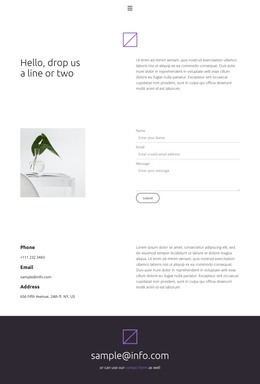
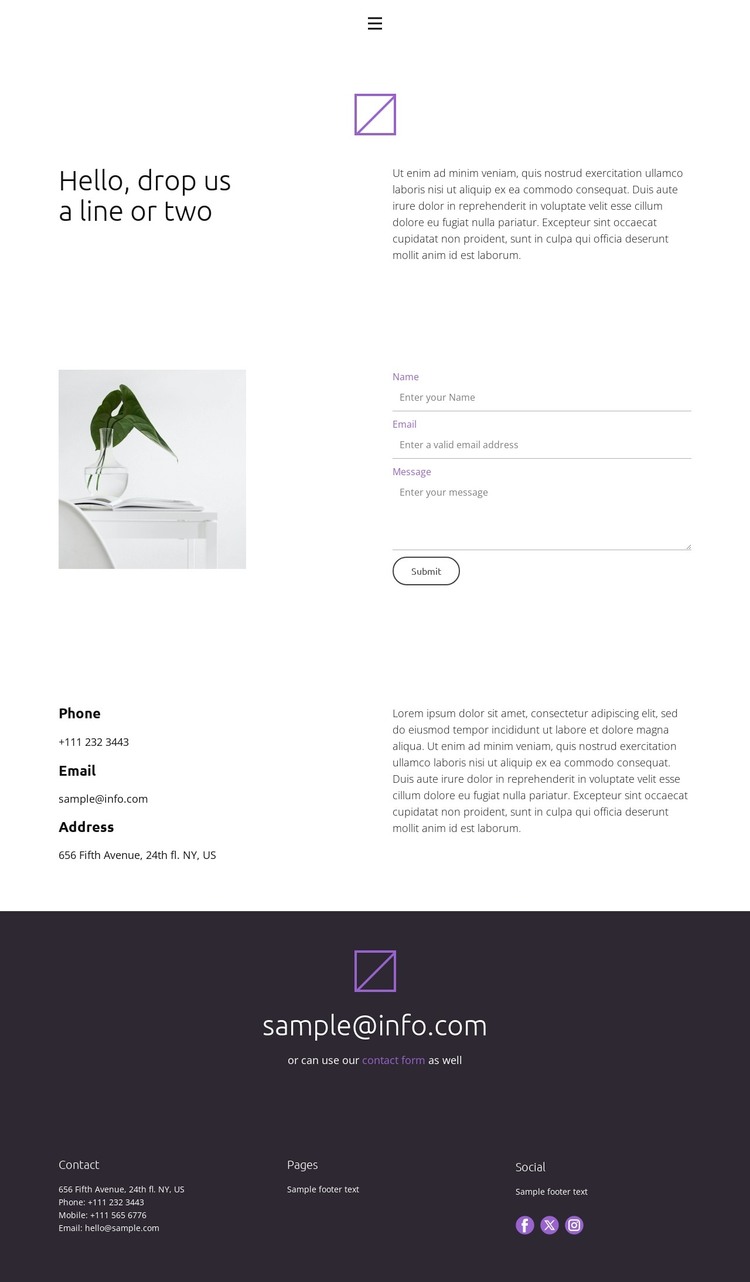
The contact page separates its information into page-oriented areas that can fit a WordPress-managed site. The compact header connects Home, About, Team, and Contact, giving the design a clear relationship to other site content without claiming that those additional pages are already included. The opening split section establishes the page subject with “Hello, drop us a line or two,” supporting copy, and a small brand image before visitors reach the main interaction.
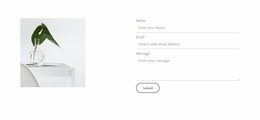
The central form creates a practical content area for a WordPress page. Name, email, and message inputs are arranged vertically beside a large supporting image, keeping the inquiry task visually distinct from the surrounding text. A separate details section presents phone, email, and address labels, allowing permanent contact information to sit alongside the page’s response mechanism. This division leaves room for the page content to be maintained independently while preserving the original visual relationship between image, form, and contact details.
The dark secondary callout repeats the contact-form route through an email display and a contact-form link. At the bottom, the dark footer gathers contact information, page-related text, and Facebook, Twitter, and Instagram links as shared site content. Together, the page, navigation, form, contact details, callout, and footer create a coherent theme foundation for WordPress Pages and related site content, without presenting demo addresses or email values as verified business information.
Customize with Nicepage
Open this ready-made template in the WordPress Website Builder and customize it visually in the Nicepage editor. Replace demo content, edit page sections, and adapt the design to your project without rebuilding the template from scratch.
Manage and Edit This Theme in WordPress
Customize and Install the WordPress Theme
Start with this ready-made theme instead of building the WordPress design from scratch. Customize its layout, content, typography, images, sections, and other design elements visually in Nicepage editor, then export and install the WordPress Theme, Plugin, and Pages on your WordPress site. The Nicepage WordPress Plugin lets you continue working with the site after installation.
Edit the Theme Directly in WordPress
After installation, you can edit the WordPress Theme directly in WordPress with the Nicepage WordPress Plugin. Use Site Style to customize site Colors, Fonts, Header, Footer, Blog, and Post Page Templates while working within your WordPress website.
Edit WordPress Pages Visually
Use the Nicepage WordPress Plugin to edit page content directly from the WordPress admin area. Open a WordPress Page with Nicepage and visually change its text, images, sections, and other page elements while continuing to manage the Page through WordPress.
WordPress Content and Theme Integration
Use the customized theme with WordPress Pages, Posts, Blog and Post Templates, menus, widgets, and other CMS-managed content. Shared theme elements such as Colors, Fonts, Header, Footer, Blog, and Post Page Templates can be managed as part of the overall site design, while WordPress provides the CMS environment for managing site content.
This workflow combines a ready-made WordPress Theme with visual customization, direct theme editing in WordPress, and continued content management through the Nicepage WordPress Plugin.