Gentle and minimalistic WordPress Theme


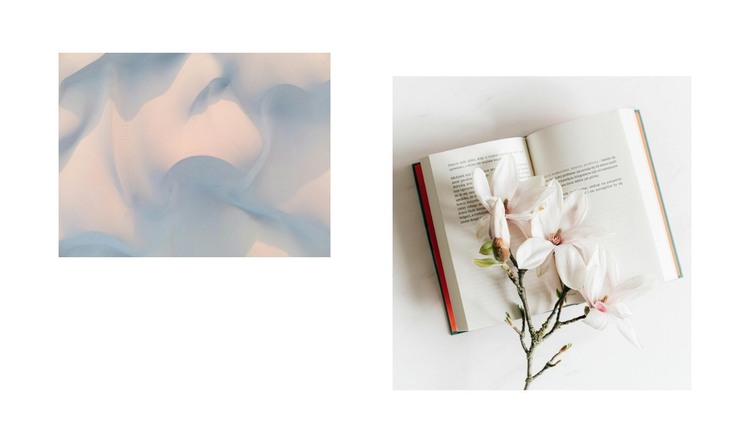
A Two-Image Composition for Stable WordPress Page Content
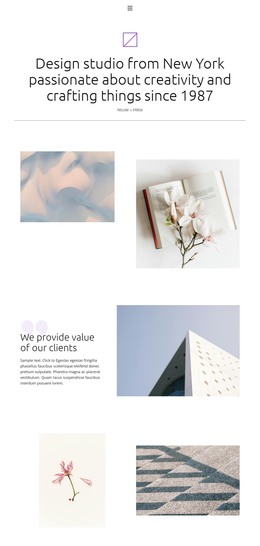
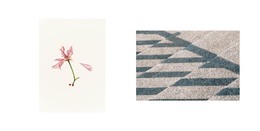
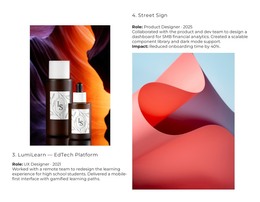
The block's content is concentrated in two decorative image regions: one on the left and one on the right. The right image is vertically lower, so the pair creates an asymmetrical rhythm instead of aligning along one shared top or bottom edge. That relationship is the defining structural feature of the section. The white background adds clear space around the images, and the contrast between pastel abstract imagery and a bright still-life photograph gives the visual pair a distinct progression.
In a WordPress-oriented project, the section can function as stable page content for a gallery, visual introduction, or art-and-design passage. It is concise enough to sit beside more detailed written content elsewhere, while its offset arrangement prevents a simple two-image row from feeling purely functional. Since the block contains no heading, paragraph, button, or confirmed interaction, its role remains focused on showing imagery rather than directing visitors through a separate action.
The surrounding WordPress site can manage the wider page and its other content areas, while this section preserves its own visual logic. Its value lies in offering a repeatable image presentation with a clear left-to-right relationship and a deliberately lowered second image. That makes it suitable when a page needs visual atmosphere without adding another text-heavy content group.
Customize with Nicepage
Open this ready-made template in the WordPress Website Builder and customize it visually in the Nicepage editor. Replace demo content, edit page sections, and adapt the design to your project without rebuilding the template from scratch.
Edit Template Offline
2. Create a new page or select existing
3. Click Add new block, search for id 6267346 and click enter
Edit Template Online
Create Awesome Websites


Free Nicepage Builder
Keywords
Manage and Edit This Theme in WordPress
Customize and Install the WordPress Theme
Start with this ready-made theme instead of building the WordPress design from scratch. Customize its layout, content, typography, images, sections, and other design elements visually in Nicepage editor, then export and install the WordPress Theme, Plugin, and Pages on your WordPress site. The Nicepage WordPress Plugin lets you continue working with the site after installation.
Edit the Theme Directly in WordPress
After installation, you can edit the WordPress Theme directly in WordPress with the Nicepage WordPress Plugin. Use Site Style to customize site Colors, Fonts, Header, Footer, Blog, and Post Page Templates while working within your WordPress website.
Edit WordPress Pages Visually
Use the Nicepage WordPress Plugin to edit page content directly from the WordPress admin area. Open a WordPress Page with Nicepage and visually change its text, images, sections, and other page elements while continuing to manage the Page through WordPress.
WordPress Content and Theme Integration
Use the customized theme with WordPress Pages, Posts, Blog and Post Templates, menus, widgets, and other CMS-managed content. Shared theme elements such as Colors, Fonts, Header, Footer, Blog, and Post Page Templates can be managed as part of the overall site design, while WordPress provides the CMS environment for managing site content.
This workflow combines a ready-made WordPress Theme with visual customization, direct theme editing in WordPress, and continued content management through the Nicepage WordPress Plugin.