Passionate about creativity WordPress Theme
Edit Template Offline
2. Create new page and search for id 6267335
Edit Template Online
Create Awesome Websites


Free Nicepage Builder
Keywords
Testimonial and Program Content Within an Editorial Theme
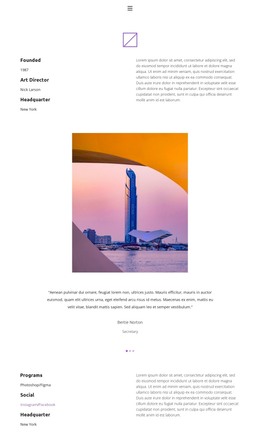
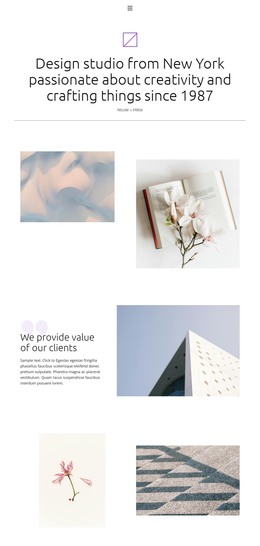
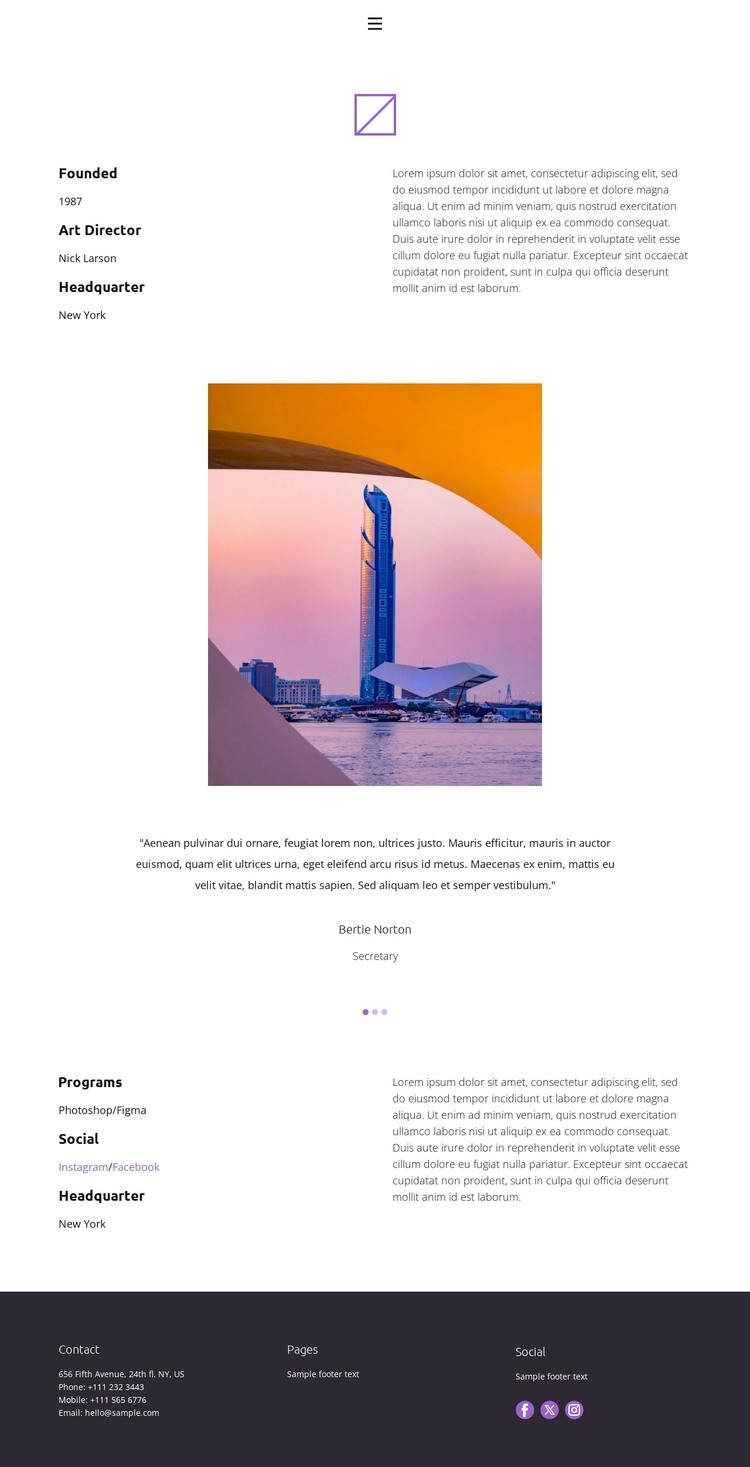
The split About section is well suited to page-oriented content because it separates concise organizational details from longer descriptive text. That relationship gives a WordPress-managed site a stable place for the main About content while keeping the page readable and visually restrained. The standalone photograph works as an independent editorial element between the profile and the centered testimonial carousel, preventing the page from becoming a continuous wall of text.
The three-slide carousel introduces a repeatable content pattern that could accommodate verified testimonials, team perspectives, or other rotating quotations after the sample material is replaced. The Programs section offers a second page-content area, combining Photoshop and Figma references with Instagram and Facebook links and a headquarters reference. Those elements can support permanent information on an About page while leaving room for regularly updated posts or announcements elsewhere in the site; the analysis does not confirm that blog content already exists.
The footer reinforces the theme’s shared content structure through Contact, Pages, and Social columns, with Facebook, Twitter, and Instagram links. This combination gives WordPress-oriented content a consistent visual setting: enduring page information can remain alongside recurring editorial material without losing the compact navigation and cool neutral presentation. Demo names, dates, sample location details, and placeholder quotations should be treated only as structural examples, not as verified business claims.
Customize with Nicepage
Open this ready-made template in the WordPress Website Builder and customize it visually in the Nicepage editor. Replace demo content, edit page sections, and adapt the design to your project without rebuilding the template from scratch.
Manage and Edit This Theme in WordPress
Customize and Install the WordPress Theme
Start with this ready-made theme instead of building the WordPress design from scratch. Customize its layout, content, typography, images, sections, and other design elements visually in Nicepage editor, then export and install the WordPress Theme, Plugin, and Pages on your WordPress site. The Nicepage WordPress Plugin lets you continue working with the site after installation.
Edit the Theme Directly in WordPress
After installation, you can edit the WordPress Theme directly in WordPress with the Nicepage WordPress Plugin. Use Site Style to customize site Colors, Fonts, Header, Footer, Blog, and Post Page Templates while working within your WordPress website.
Edit WordPress Pages Visually
Use the Nicepage WordPress Plugin to edit page content directly from the WordPress admin area. Open a WordPress Page with Nicepage and visually change its text, images, sections, and other page elements while continuing to manage the Page through WordPress.
WordPress Content and Theme Integration
Use the customized theme with WordPress Pages, Posts, Blog and Post Templates, menus, widgets, and other CMS-managed content. Shared theme elements such as Colors, Fonts, Header, Footer, Blog, and Post Page Templates can be managed as part of the overall site design, while WordPress provides the CMS environment for managing site content.
This workflow combines a ready-made WordPress Theme with visual customization, direct theme editing in WordPress, and continued content management through the Nicepage WordPress Plugin.