Design studio from New York WordPress Theme


Edit Template Offline
2. Create new page and search for id 6267334
Edit Template Online
Create Awesome Websites


Free Nicepage Builder
Keywords
Portfolio Pairs and Service Content Create WordPress Page Areas
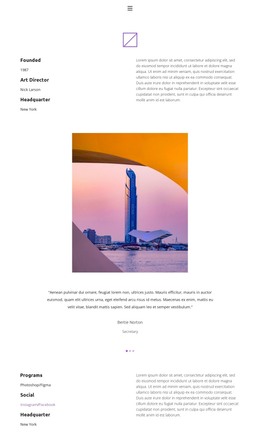
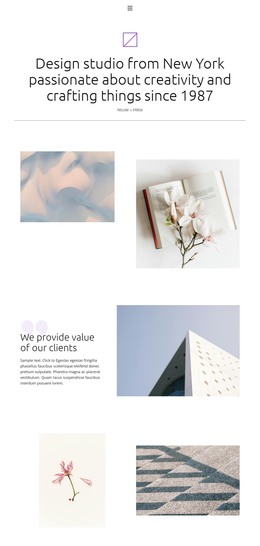
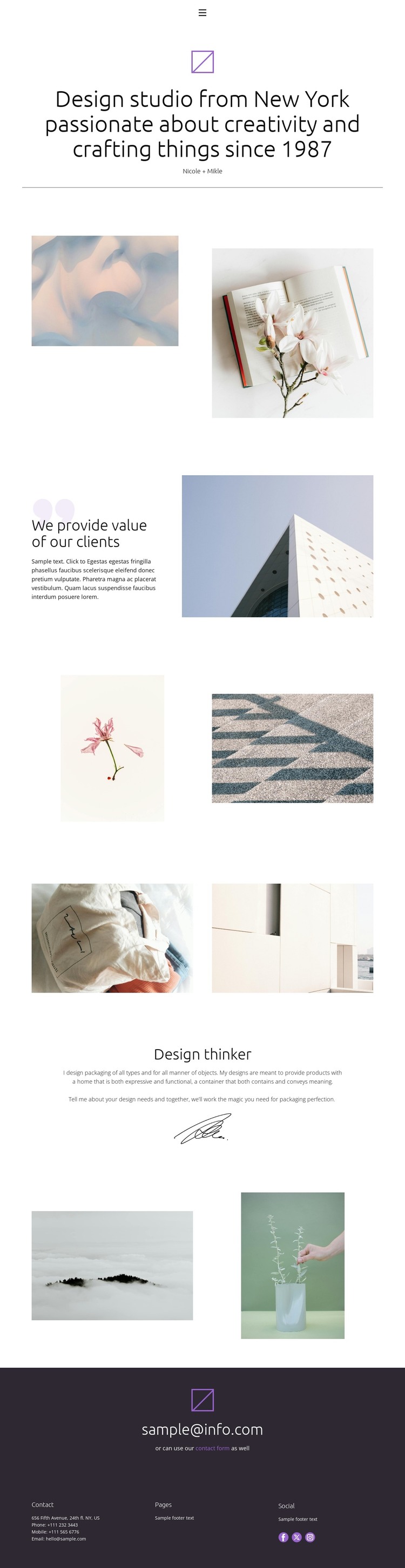
The page’s strongest content areas are clearly separated: a compact navigation header, a centered studio introduction, several paired portfolio galleries, a value statement, a packaging design explanation, and a final contact prompt. That division gives a WordPress-oriented project practical page content to maintain without treating the sample names, email addresses, or footer details as verified business information.
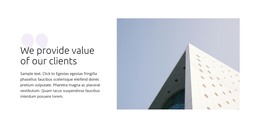
The image pairs can represent recurring creative work, while the value-proposition and Design thinker sections provide more permanent explanatory content around that work. This relationship is useful for a theme because visual examples and service messaging have different editorial roles: portfolio material may change as projects are added, while the studio introduction and packaging design description can remain part of the core page. The navigation also provides a concise route between the Home, About, Team, and Contact areas already identified in the design.
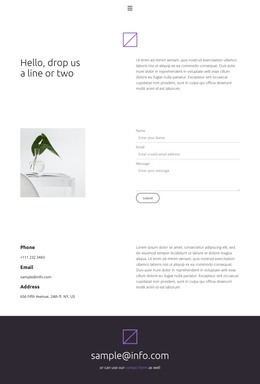
At the end, the contact prompt connects the visual presentation to a response path through its email reference and contact-form link. The dark footer then gathers page references and social links into shared site content. In WordPress, these distinct areas can be interpreted through page-oriented content and later expanded with additional publishable material, while the paired imagery, restrained typography, and generous white space continue to define the theme’s character.
Customize with Nicepage
Open this ready-made template in the WordPress Website Builder and customize it visually in the Nicepage editor. Replace demo content, edit page sections, and adapt the design to your project without rebuilding the template from scratch.
Manage and Edit This Theme in WordPress
Customize and Install the WordPress Theme
Start with this ready-made theme instead of building the WordPress design from scratch. Customize its layout, content, typography, images, sections, and other design elements visually in Nicepage editor, then export and install the WordPress Theme, Plugin, and Pages on your WordPress site. The Nicepage WordPress Plugin lets you continue working with the site after installation.
Edit the Theme Directly in WordPress
After installation, you can edit the WordPress Theme directly in WordPress with the Nicepage WordPress Plugin. Use Site Style to customize site Colors, Fonts, Header, Footer, Blog, and Post Page Templates while working within your WordPress website.
Edit WordPress Pages Visually
Use the Nicepage WordPress Plugin to edit page content directly from the WordPress admin area. Open a WordPress Page with Nicepage and visually change its text, images, sections, and other page elements while continuing to manage the Page through WordPress.
WordPress Content and Theme Integration
Use the customized theme with WordPress Pages, Posts, Blog and Post Templates, menus, widgets, and other CMS-managed content. Shared theme elements such as Colors, Fonts, Header, Footer, Blog, and Post Page Templates can be managed as part of the overall site design, while WordPress provides the CMS environment for managing site content.
This workflow combines a ready-made WordPress Theme with visual customization, direct theme editing in WordPress, and continued content management through the Nicepage WordPress Plugin.