Flour and soul team WordPress Theme


Edit Template Offline
2. Create new page and search for id 6546551
Edit Template Online
Create Awesome Websites


Free Nicepage Builder
Keywords
Profile content and recurring site areas suit a bakery theme structure
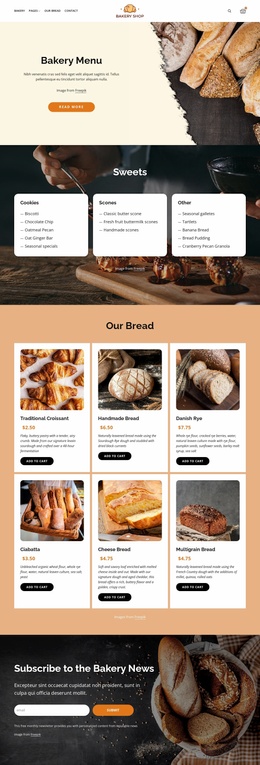
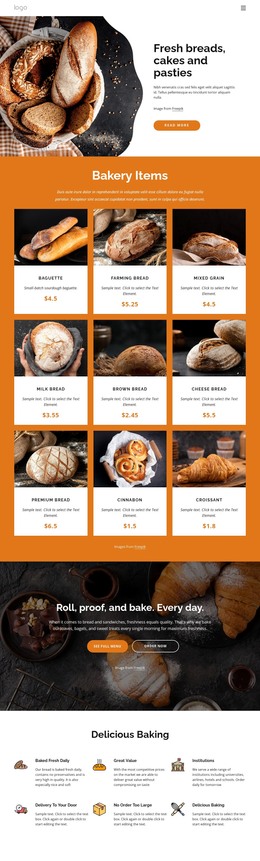
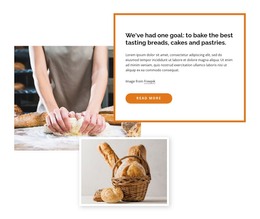
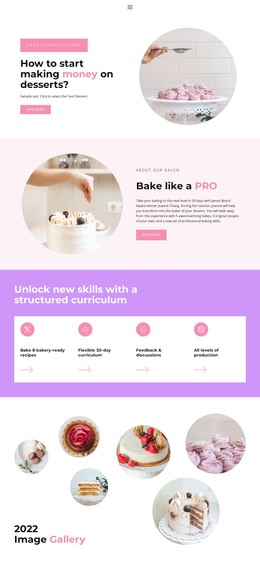
The page-oriented content is clearly divided into a team introduction and a repeated profile group. The opening photograph, Bakery Team heading, paragraph, and Read more button can serve as permanent page content that explains the purpose of the section. Below it, three consistently formatted cards present names, portraits, and bakery roles, giving the design a reusable pattern for people-focused content rather than a one-off text arrangement.
The footer broadens that page content into shared website elements. Quick Links and Help support navigation, the Get In Touch area holds contact information, Facebook, Twitter, and Instagram provide social destinations, and the email subscription form creates a separate audience-communication area. Together, these regions help the theme connect a team page with the wider content environment of a bakery website.
For a WordPress-oriented project, the confirmed facts support a practical distinction between permanent page information and recurring visual regions. The template does not itself verify posts, blog listings, categories, or other dynamic WordPress structures, so those should not be presented as existing components. Instead, the design can keep its visual direction while page content, staff details, contact values, and signup messaging are replaced with maintained project information. The three-card pattern also offers a clear basis for expanding related people or story sections later.
Customize with Nicepage
Open this ready-made template in the WordPress Website Builder and customize it visually in the Nicepage editor. Replace demo content, edit page sections, and adapt the design to your project without rebuilding the template from scratch.
Manage and Edit This Theme in WordPress
Customize and Install the WordPress Theme
Start with this ready-made theme instead of building the WordPress design from scratch. Customize its layout, content, typography, images, sections, and other design elements visually in Nicepage editor, then export and install the WordPress Theme, Plugin, and Pages on your WordPress site. The Nicepage WordPress Plugin lets you continue working with the site after installation.
Edit the Theme Directly in WordPress
After installation, you can edit the WordPress Theme directly in WordPress with the Nicepage WordPress Plugin. Use Site Style to customize site Colors, Fonts, Header, Footer, Blog, and Post Page Templates while working within your WordPress website.
Edit WordPress Pages Visually
Use the Nicepage WordPress Plugin to edit page content directly from the WordPress admin area. Open a WordPress Page with Nicepage and visually change its text, images, sections, and other page elements while continuing to manage the Page through WordPress.
WordPress Content and Theme Integration
Use the customized theme with WordPress Pages, Posts, Blog and Post Templates, menus, widgets, and other CMS-managed content. Shared theme elements such as Colors, Fonts, Header, Footer, Blog, and Post Page Templates can be managed as part of the overall site design, while WordPress provides the CMS environment for managing site content.
This workflow combines a ready-made WordPress Theme with visual customization, direct theme editing in WordPress, and continued content management through the Nicepage WordPress Plugin.