Elevate your style WordPress Theme



Edit Template Offline
2. Create new page and search for id 6159169
Edit Template Online
Create Awesome Websites


Free Nicepage Builder
Keywords
Value Principles and Project Content Support a WordPress Theme Structure
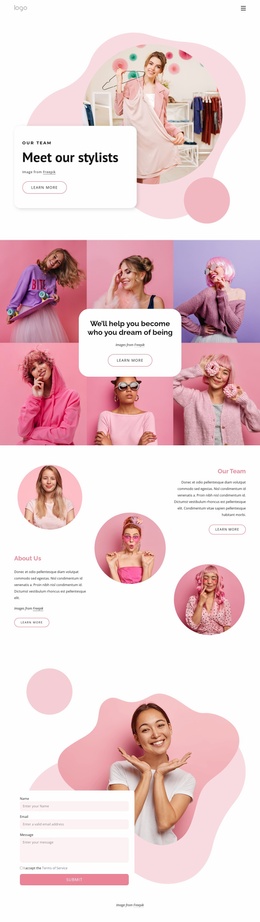
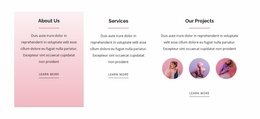
The four value principles give this design a clear page-oriented content group that can remain central to a fashion styling site: Integrity, Quality over Quantity, Collaboration, and Forward-Thinking. Alongside that group, the About Us, Services, and Our Projects panels separate organizational background, service information, and visual work. This combination creates more than a single promotional statement; it provides distinct areas that can be maintained as permanent page content while the visual direction remains unified.
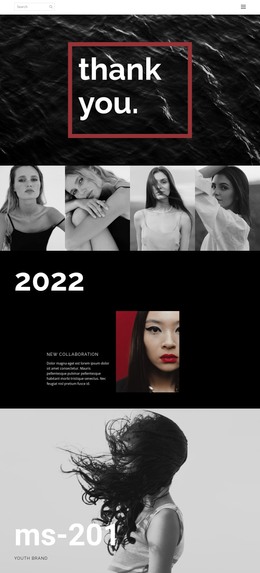
The three-image project group is especially useful for interpreting the design in a WordPress environment because it gives the project area a concrete visual focus. The three testimonial cards add another recurring content pattern, although their sample names, roles, and quotations should be replaced with verified material rather than treated as real client evidence. The “Meet the team” label introduces team-related content without proving that a complete team directory exists. Home Page, About, and Contacts links also establish a simple navigation framework for moving between core content areas.
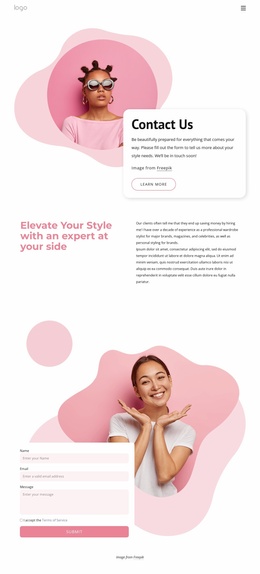
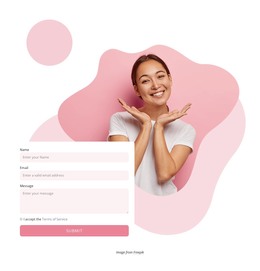
The contact form closes the page with name, email, message, and terms-acceptance fields, connecting the informational sections with visitor inquiries. Together, the page content, repeated cards, project imagery, shared navigation, and contact area can be interpreted as a WordPress theme foundation where permanent service content and future updates continue within the same fashion-focused design system.
Customize with Nicepage
Open this ready-made template in the WordPress Website Builder and customize it visually in the Nicepage editor. Replace demo content, edit page sections, and adapt the design to your project without rebuilding the template from scratch.
Manage and Edit This Theme in WordPress
Customize and Install the WordPress Theme
Start with this ready-made theme instead of building the WordPress design from scratch. Customize its layout, content, typography, images, sections, and other design elements visually in Nicepage editor, then export and install the WordPress Theme, Plugin, and Pages on your WordPress site. The Nicepage WordPress Plugin lets you continue working with the site after installation.
Edit the Theme Directly in WordPress
After installation, you can edit the WordPress Theme directly in WordPress with the Nicepage WordPress Plugin. Use Site Style to customize site Colors, Fonts, Header, Footer, Blog, and Post Page Templates while working within your WordPress website.
Edit WordPress Pages Visually
Use the Nicepage WordPress Plugin to edit page content directly from the WordPress admin area. Open a WordPress Page with Nicepage and visually change its text, images, sections, and other page elements while continuing to manage the Page through WordPress.
WordPress Content and Theme Integration
Use the customized theme with WordPress Pages, Posts, Blog and Post Templates, menus, widgets, and other CMS-managed content. Shared theme elements such as Colors, Fonts, Header, Footer, Blog, and Post Page Templates can be managed as part of the overall site design, while WordPress provides the CMS environment for managing site content.
This workflow combines a ready-made WordPress Theme with visual customization, direct theme editing in WordPress, and continued content management through the Nicepage WordPress Plugin.