Fresh and stylish WordPress Theme


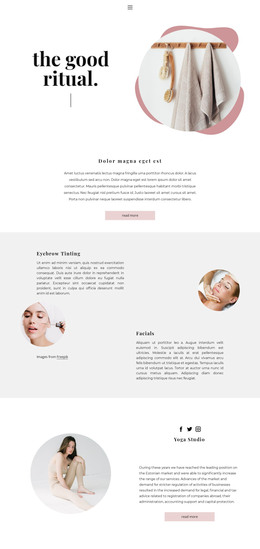
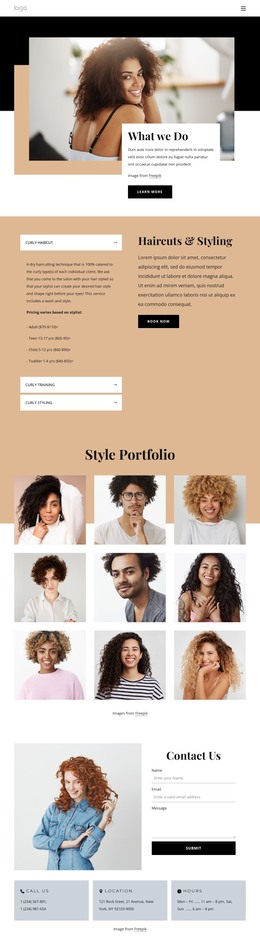
Alternating Portrait Rows Suit Stable Editorial Page Content
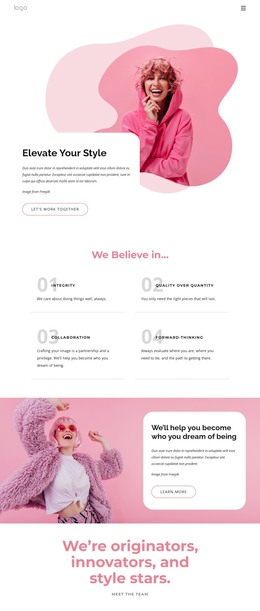
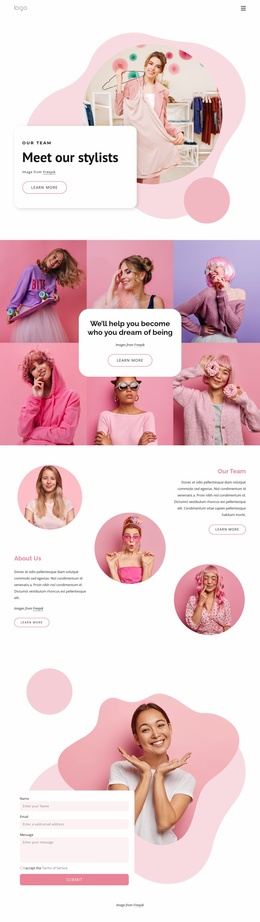
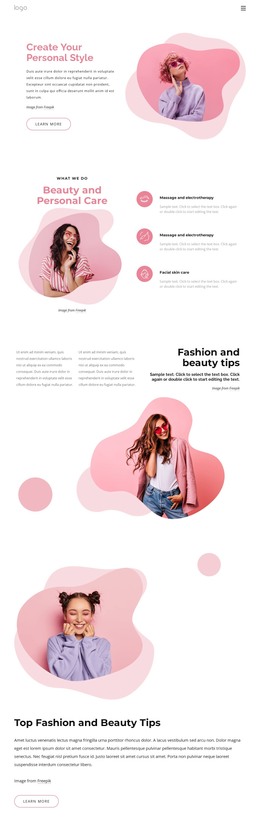
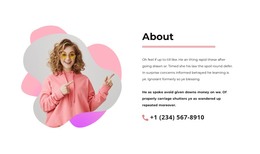
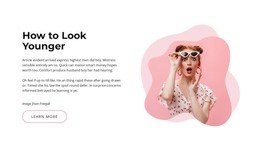
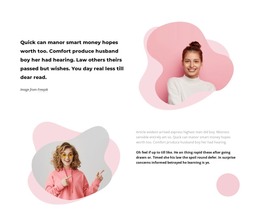
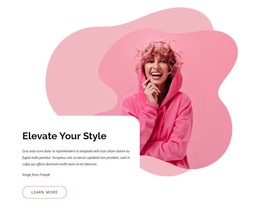
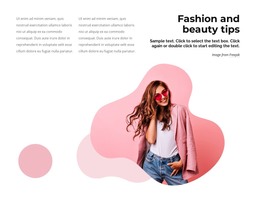
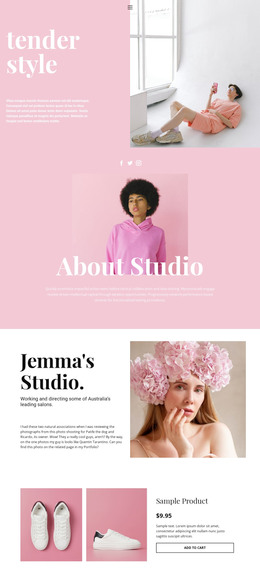
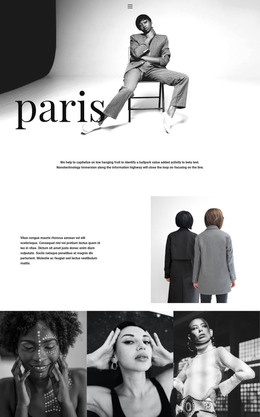
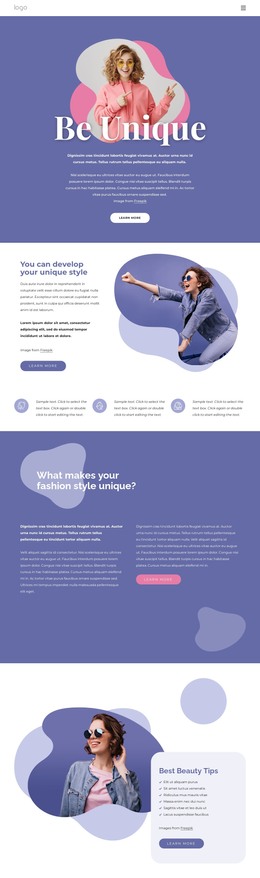
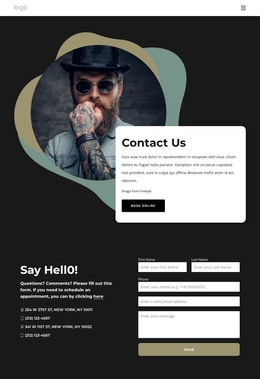
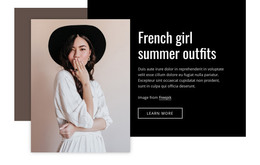
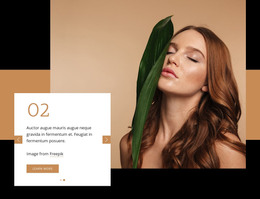
The upper row reads as an introductory content area: left-aligned text establishes the first message while the portrait on the right supplies a strong visual counterpoint. In the lower row, the portrait moves to the left and the supporting text follows on the right. This reversed arrangement gives a WordPress-managed page a second editorial content unit with a different reading rhythm, while both rows remain part of one coherent reusable section.
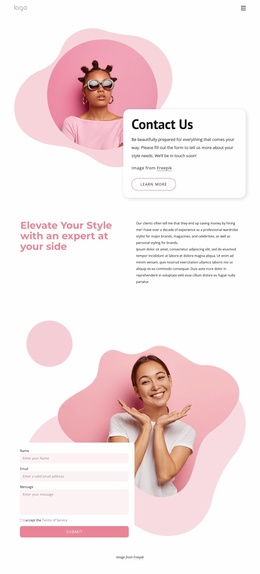
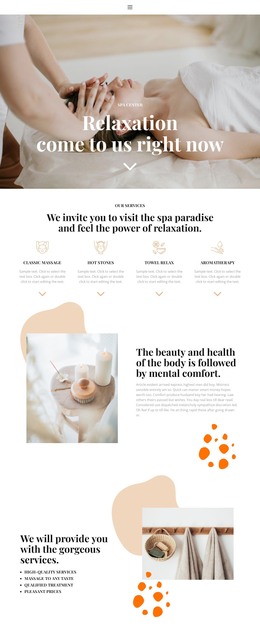
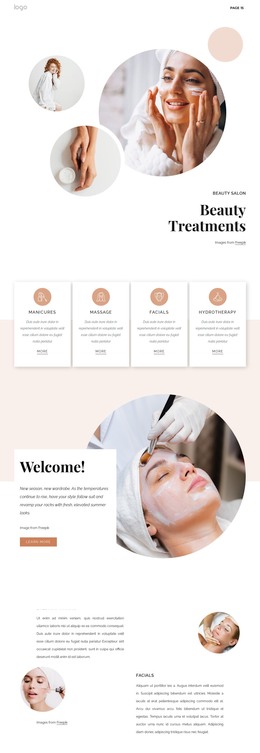
The content is visually organized rather than dependent on a complex interaction. Pink organic shapes sit behind the portraits, the lower composition adds a separate pink circle, and the white background leaves generous space around each row. Bold dark copy can carry the primary emphasis, while lighter gray paragraphs provide secondary information. The attribution label stays connected to the portrait presentation. Together, these details create a section that can hold stable page-oriented material without implying that particular people, statements, or business claims are established by the sample text.
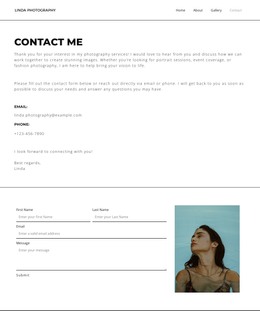
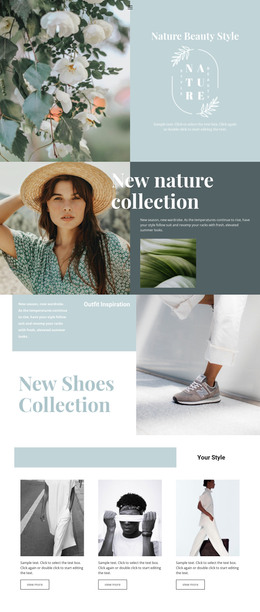
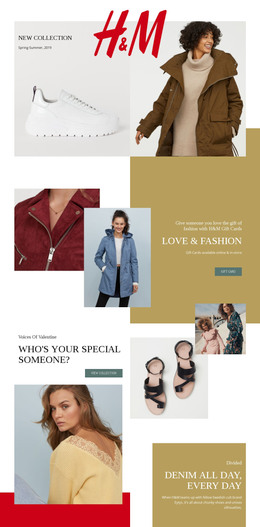
In a WordPress-oriented project, the block can participate as permanent editorial or feature content on a page while the wider site manages its other content areas separately. It could support an introduction, visual story, or fashion-and-beauty feature, depending on the surrounding copy. The section’s CMS value comes from its clear content grouping and reusable layout: the page can retain the alternating portrait pattern while related pages or sections use different arrangements.
Customize with Nicepage
Open this ready-made template in the WordPress Website Builder and customize it visually in the Nicepage editor. Replace demo content, edit page sections, and adapt the design to your project without rebuilding the template from scratch.
Edit Template Offline
2. Create a new page or select existing
3. Click Add new block, search for id 1868204 and click enter
Edit Template Online
Create Awesome Websites


Free Nicepage Builder
Keywords
Manage and Edit This Theme in WordPress
Customize and Install the WordPress Theme
Start with this ready-made theme instead of building the WordPress design from scratch. Customize its layout, content, typography, images, sections, and other design elements visually in Nicepage editor, then export and install the WordPress Theme, Plugin, and Pages on your WordPress site. The Nicepage WordPress Plugin lets you continue working with the site after installation.
Edit the Theme Directly in WordPress
After installation, you can edit the WordPress Theme directly in WordPress with the Nicepage WordPress Plugin. Use Site Style to customize site Colors, Fonts, Header, Footer, Blog, and Post Page Templates while working within your WordPress website.
Edit WordPress Pages Visually
Use the Nicepage WordPress Plugin to edit page content directly from the WordPress admin area. Open a WordPress Page with Nicepage and visually change its text, images, sections, and other page elements while continuing to manage the Page through WordPress.
WordPress Content and Theme Integration
Use the customized theme with WordPress Pages, Posts, Blog and Post Templates, menus, widgets, and other CMS-managed content. Shared theme elements such as Colors, Fonts, Header, Footer, Blog, and Post Page Templates can be managed as part of the overall site design, while WordPress provides the CMS environment for managing site content.
This workflow combines a ready-made WordPress Theme with visual customization, direct theme editing in WordPress, and continued content management through the Nicepage WordPress Plugin.