Create your pesonal style WordPress Theme



Edit Template Offline
2. Create new page and search for id 1848895
Edit Template Online
Create Awesome Websites


Free Nicepage Builder
Keywords
Editorial sections give WordPress content a clear page-oriented visual system
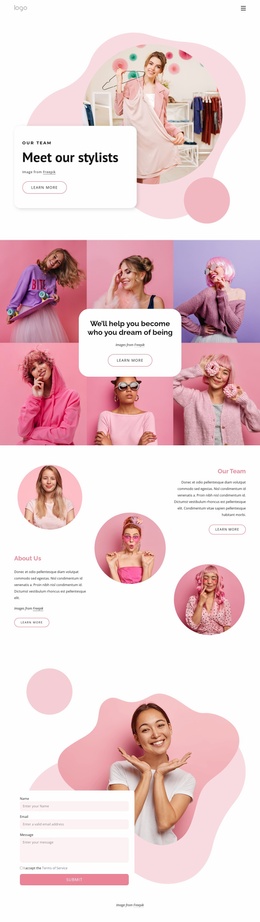
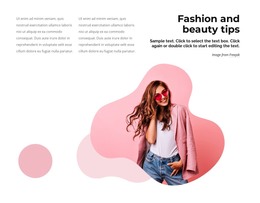
The page’s editorial sections create several distinct areas for presenting content in a WordPress-oriented project. The “Fashion and beauty tips” block pairs a large fashion image with a heading, supporting copy, and two shorter text columns, producing a format suited to explanatory or regularly refreshed material. The featured “Top Fashion and Beauty Tips” area adds another article-style presentation, while the education-focused section supplies a separate text-led treatment beside a large beauty image.
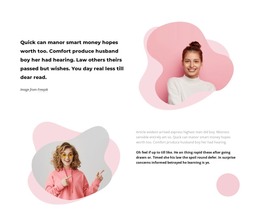
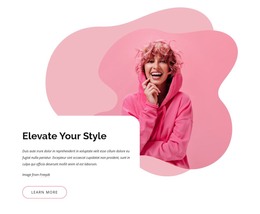
These editorial patterns sit alongside permanent page content rather than replacing it. The beauty and personal-care section organizes three repeated service items, including massage, electrotherapy, and facial skin care, and the opening section establishes the personal-style subject with a clear learn-more action. This separation can help a WordPress project keep core service information visually distinct from articles, guidance, or other content that may grow over time. The analysis verifies these sections, but it does not verify existing WordPress Posts or categories.
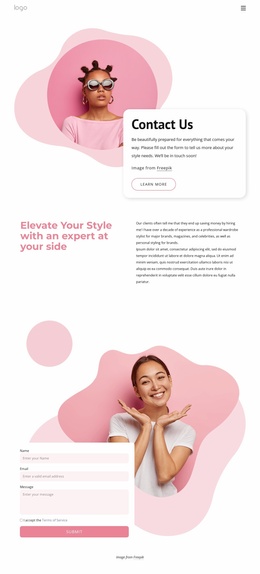
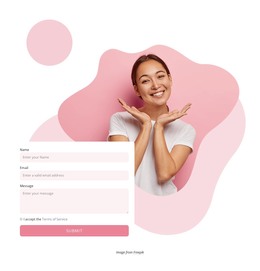
The navigation labels Home Page, About, and Contacts provide a straightforward page relationship, and the final contact region gives visitors a focused interaction point. Its form contains name, email, and message inputs with a submit action beside a large beauty image. That combination lets the design accommodate page content, editorial material, and inquiries within one consistent theme direction, without turning the template into a claim about an existing WordPress content setup.
Customize with Nicepage
Open this ready-made template in the WordPress Website Builder and customize it visually in the Nicepage editor. Replace demo content, edit page sections, and adapt the design to your project without rebuilding the template from scratch.
Manage and Edit This Theme in WordPress
Customize and Install the WordPress Theme
Start with this ready-made theme instead of building the WordPress design from scratch. Customize its layout, content, typography, images, sections, and other design elements visually in Nicepage editor, then export and install the WordPress Theme, Plugin, and Pages on your WordPress site. The Nicepage WordPress Plugin lets you continue working with the site after installation.
Edit the Theme Directly in WordPress
After installation, you can edit the WordPress Theme directly in WordPress with the Nicepage WordPress Plugin. Use Site Style to customize site Colors, Fonts, Header, Footer, Blog, and Post Page Templates while working within your WordPress website.
Edit WordPress Pages Visually
Use the Nicepage WordPress Plugin to edit page content directly from the WordPress admin area. Open a WordPress Page with Nicepage and visually change its text, images, sections, and other page elements while continuing to manage the Page through WordPress.
WordPress Content and Theme Integration
Use the customized theme with WordPress Pages, Posts, Blog and Post Templates, menus, widgets, and other CMS-managed content. Shared theme elements such as Colors, Fonts, Header, Footer, Blog, and Post Page Templates can be managed as part of the overall site design, while WordPress provides the CMS environment for managing site content.
This workflow combines a ready-made WordPress Theme with visual customization, direct theme editing in WordPress, and continued content management through the Nicepage WordPress Plugin.