We are a company of builders WordPress Theme


Edit Template Offline
2. Create new page and search for id 6104774
Edit Template Online
Create Awesome Websites


Free Nicepage Builder
Keywords
Project Tiles and Subscription Content Create Distinct WordPress Areas
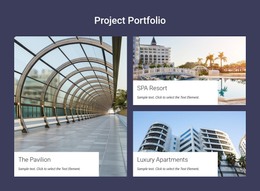
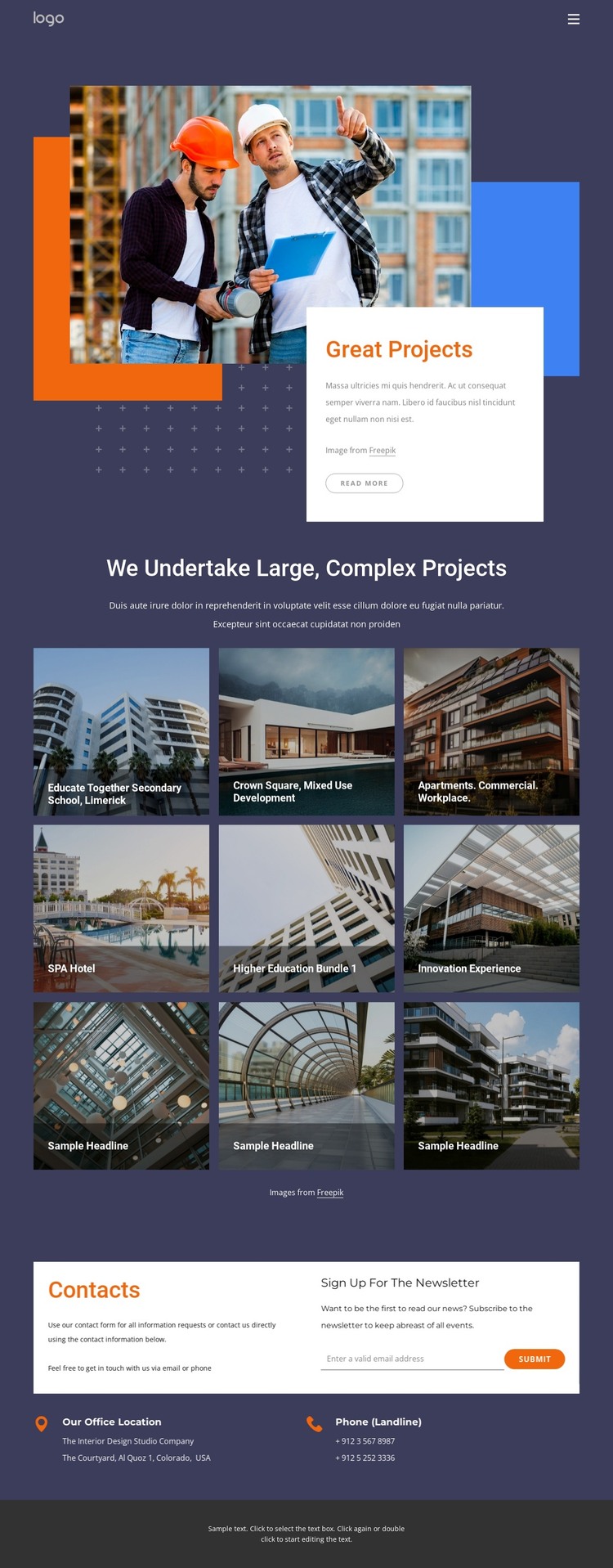
The project gallery provides the clearest page-oriented content structure for a WordPress-managed site. Nine repeated image tiles and captions create separate presentation areas for architecture and construction work, while named examples such as Educate Together Secondary School, Limerick, and Crown Square, Mixed Use Development give the portfolio content recognizable entry points. The categories shown across the design—apartments, commercial, workplace, higher education, and SPA hotel—can guide the organization of future page content, but the source does not prove that WordPress Posts, categories, or blog structures already exist.
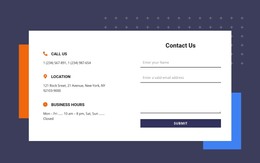
The contact section supports a different type of content relationship. Office-location and phone information form permanent contact content, while the adjacent “Sign up for the newsletter” panel introduces a recurring communication purpose. Keeping these areas beside one another allows a WordPress project to distinguish stable company information from content that may be updated over time, without changing the visual character of the page. The opening showcase and compact navigation also provide shared page elements that can frame additional content.
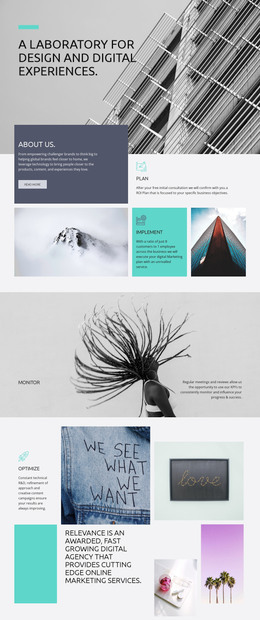
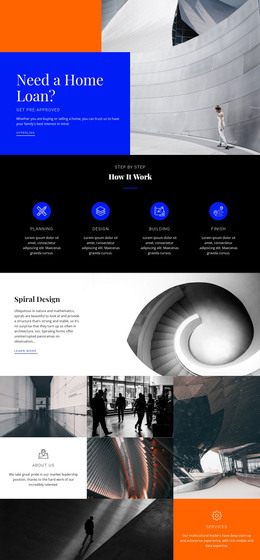
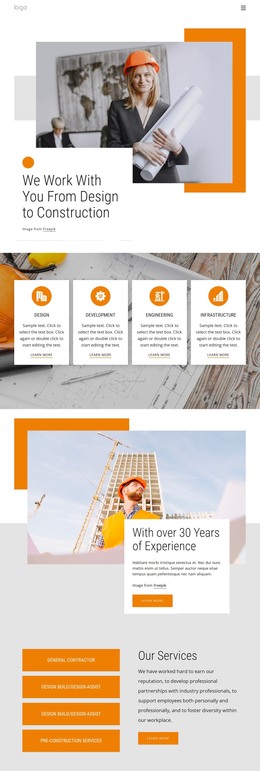
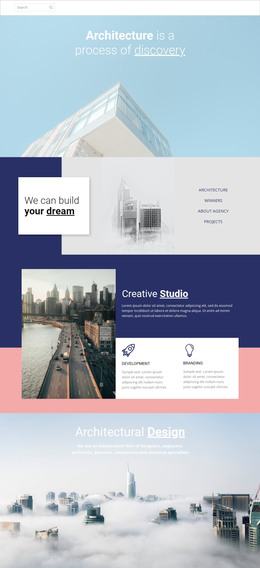
The dark navy and purple backgrounds, white panels, orange and blue accents, and compact sans-serif typography give these content areas a consistent theme direction. In a WordPress project, that visual system can connect permanent portfolio pages with later editorial or project updates, provided those additions are created separately. The design therefore contributes a concrete content-and-visual foundation rather than merely a generic CMS label.
Customize with Nicepage
Open this ready-made template in the WordPress Website Builder and customize it visually in the Nicepage editor. Replace demo content, edit page sections, and adapt the design to your project without rebuilding the template from scratch.
Manage and Edit This Theme in WordPress
Customize and Install the WordPress Theme
Start with this ready-made theme instead of building the WordPress design from scratch. Customize its layout, content, typography, images, sections, and other design elements visually in Nicepage editor, then export and install the WordPress Theme, Plugin, and Pages on your WordPress site. The Nicepage WordPress Plugin lets you continue working with the site after installation.
Edit the Theme Directly in WordPress
After installation, you can edit the WordPress Theme directly in WordPress with the Nicepage WordPress Plugin. Use Site Style to customize site Colors, Fonts, Header, Footer, Blog, and Post Page Templates while working within your WordPress website.
Edit WordPress Pages Visually
Use the Nicepage WordPress Plugin to edit page content directly from the WordPress admin area. Open a WordPress Page with Nicepage and visually change its text, images, sections, and other page elements while continuing to manage the Page through WordPress.
WordPress Content and Theme Integration
Use the customized theme with WordPress Pages, Posts, Blog and Post Templates, menus, widgets, and other CMS-managed content. Shared theme elements such as Colors, Fonts, Header, Footer, Blog, and Post Page Templates can be managed as part of the overall site design, while WordPress provides the CMS environment for managing site content.
This workflow combines a ready-made WordPress Theme with visual customization, direct theme editing in WordPress, and continued content management through the Nicepage WordPress Plugin.