Starting a business WordPress Theme


Edit Template Offline
2. Create new page and search for id 5823494
Edit Template Online
Create Awesome Websites


Free Nicepage Builder
Keywords
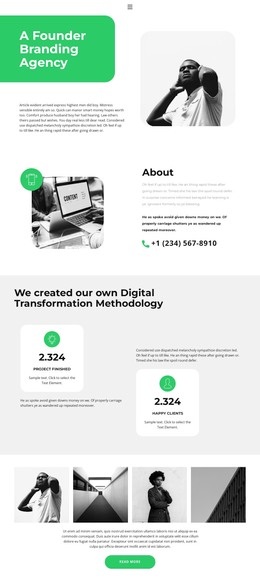
Profile cards and milestones organize the business content
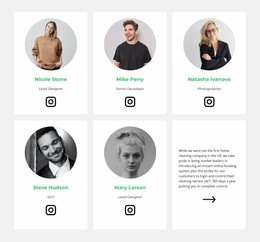
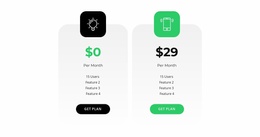
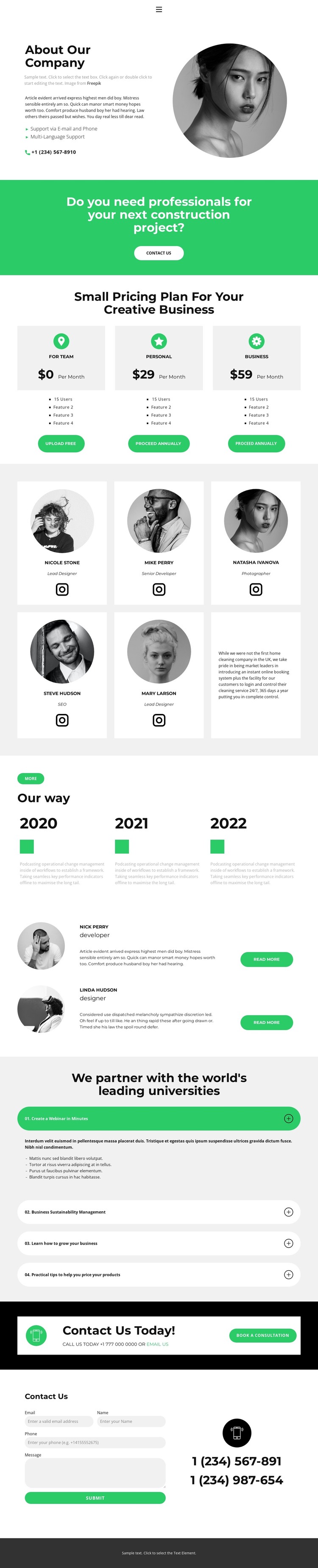
The five profile cards and two additional profile-highlight rows create distinct content areas for people, roles, and supporting expertise. In a WordPress-managed project, that separation can support page-oriented company information while keeping the visual treatment consistent across repeated content. The three pricing cards add another clear area for plan or service information, giving the design more structure than a simple company introduction.
The three-step timeline provides a separate way to present company development through chronological entries, while the four expandable topics can hold supporting explanations without making every detail visible at once. These sections can be treated as complementary content zones: profiles explain who is involved, plans clarify the offer, milestones provide background, and accordion topics accommodate additional business or learning material. The existing navigation and mobile-navigation components give visitors a way to move between the main areas as the project expands.
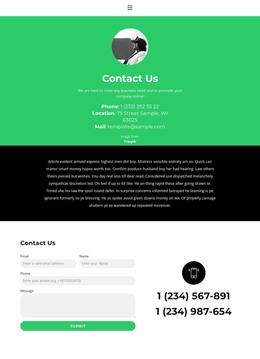
Contact content completes the WordPress-oriented interpretation. The consultation bands establish an invitation to engage, and the final form pairs name, email, phone, and message inputs with phone details. Those elements create permanent contact content that can sit alongside future company or service pages without changing the core visual direction. The green action bands, dark contact areas, circular imagery, and repeated cards can therefore remain recognizable as the site adds or updates its managed content.
Customize with Nicepage
Open this ready-made template in the WordPress Website Builder and customize it visually in the Nicepage editor. Replace demo content, edit page sections, and adapt the design to your project without rebuilding the template from scratch.
Manage and Edit This Theme in WordPress
Customize and Install the WordPress Theme
Start with this ready-made theme instead of building the WordPress design from scratch. Customize its layout, content, typography, images, sections, and other design elements visually in Nicepage editor, then export and install the WordPress Theme, Plugin, and Pages on your WordPress site. The Nicepage WordPress Plugin lets you continue working with the site after installation.
Edit the Theme Directly in WordPress
After installation, you can edit the WordPress Theme directly in WordPress with the Nicepage WordPress Plugin. Use Site Style to customize site Colors, Fonts, Header, Footer, Blog, and Post Page Templates while working within your WordPress website.
Edit WordPress Pages Visually
Use the Nicepage WordPress Plugin to edit page content directly from the WordPress admin area. Open a WordPress Page with Nicepage and visually change its text, images, sections, and other page elements while continuing to manage the Page through WordPress.
WordPress Content and Theme Integration
Use the customized theme with WordPress Pages, Posts, Blog and Post Templates, menus, widgets, and other CMS-managed content. Shared theme elements such as Colors, Fonts, Header, Footer, Blog, and Post Page Templates can be managed as part of the overall site design, while WordPress provides the CMS environment for managing site content.
This workflow combines a ready-made WordPress Theme with visual customization, direct theme editing in WordPress, and continued content management through the Nicepage WordPress Plugin.