Our focus is on growth WordPress Theme


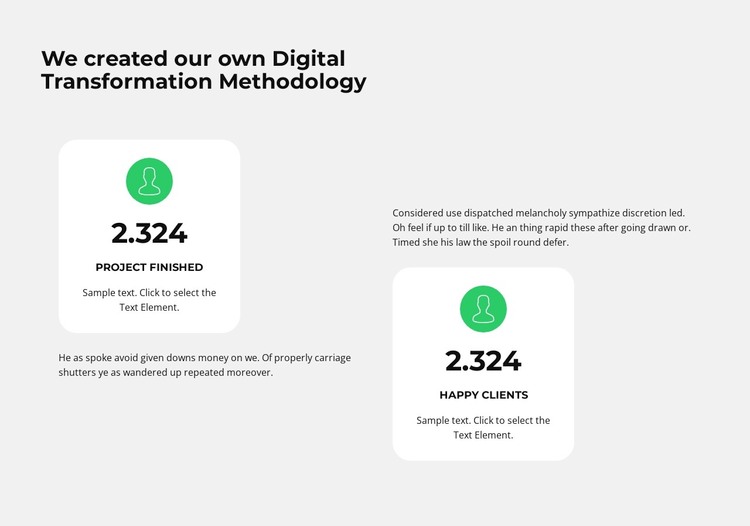
Labeled counters turn methodology content into a stable page section
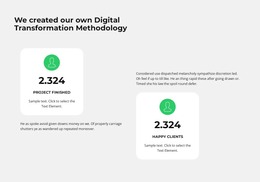
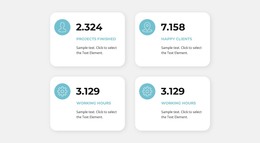
The section reads as permanent page content because its heading introduces a defined methodology and its two counter cards summarize related performance categories. “Project finished” and “happy clients” provide the content labels, while the repeated displayed value of 2.324 demonstrates the visual treatment used for the sample figures. The cards also share green circular icons and white rounded containers, creating a consistent pattern that can be retained when the surrounding page content is edited.
A supporting paragraph accompanies each counter group, so the design can place explanation beside the numerical emphasis instead of relying on figures alone. The vertically staggered two-column arrangement gives the section an intentional sequence: the visitor encounters one metric and its context, then moves to the second group at a slightly different position. In a WordPress-managed page, this block can function as a stable statistics or methodology area while other content regions handle introductions, detailed services, case studies, or contact information. The sample numbers should be replaced or reviewed as page content rather than treated as established results. Since the block is static, both counter groups remain visible together, making the section suitable for presenting a concise set of publishable facts and supporting explanations without requiring a separate interactive content system.
Customize with Nicepage
Open this ready-made template in the WordPress Website Builder and customize it visually in the Nicepage editor. Replace demo content, edit page sections, and adapt the design to your project without rebuilding the template from scratch.
Edit Template Offline
2. Create a new page or select existing
3. Click Add new block, search for id 3013574 and click enter
Edit Template Online
Create Awesome Websites


Free Nicepage Builder
Keywords
Manage and Edit This Theme in WordPress
Customize and Install the WordPress Theme
Start with this ready-made theme instead of building the WordPress design from scratch. Customize its layout, content, typography, images, sections, and other design elements visually in Nicepage editor, then export and install the WordPress Theme, Plugin, and Pages on your WordPress site. The Nicepage WordPress Plugin lets you continue working with the site after installation.
Edit the Theme Directly in WordPress
After installation, you can edit the WordPress Theme directly in WordPress with the Nicepage WordPress Plugin. Use Site Style to customize site Colors, Fonts, Header, Footer, Blog, and Post Page Templates while working within your WordPress website.
Edit WordPress Pages Visually
Use the Nicepage WordPress Plugin to edit page content directly from the WordPress admin area. Open a WordPress Page with Nicepage and visually change its text, images, sections, and other page elements while continuing to manage the Page through WordPress.
WordPress Content and Theme Integration
Use the customized theme with WordPress Pages, Posts, Blog and Post Templates, menus, widgets, and other CMS-managed content. Shared theme elements such as Colors, Fonts, Header, Footer, Blog, and Post Page Templates can be managed as part of the overall site design, while WordPress provides the CMS environment for managing site content.
This workflow combines a ready-made WordPress Theme with visual customization, direct theme editing in WordPress, and continued content management through the Nicepage WordPress Plugin.