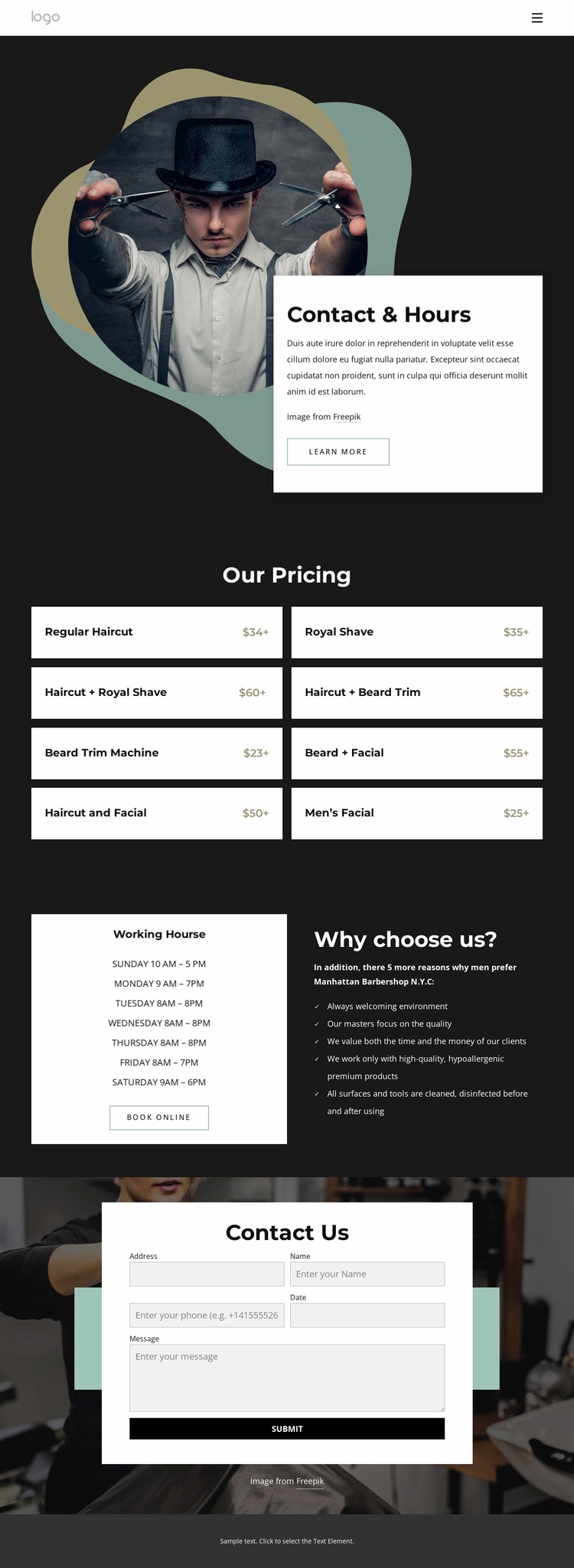
Barbershop contacts and hours Website Template


Edit Template Offline
2. Create new page and search for id 5252501
Edit Template Online
Create Awesome Websites


Free Nicepage Builder
Keywords
Pricing, Hours, and Contact Establish the Core Site Foundation
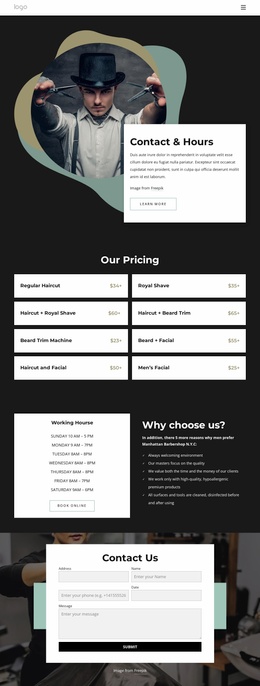
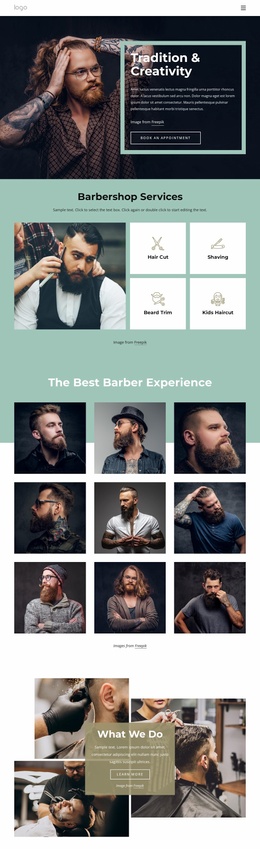
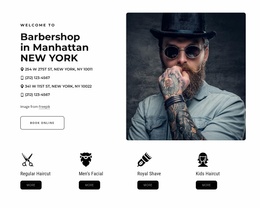
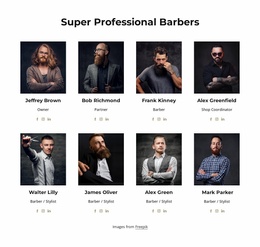
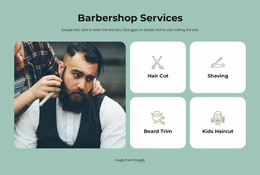
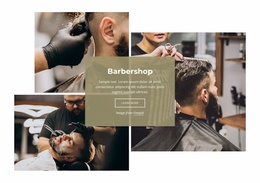
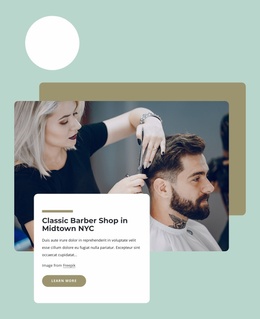
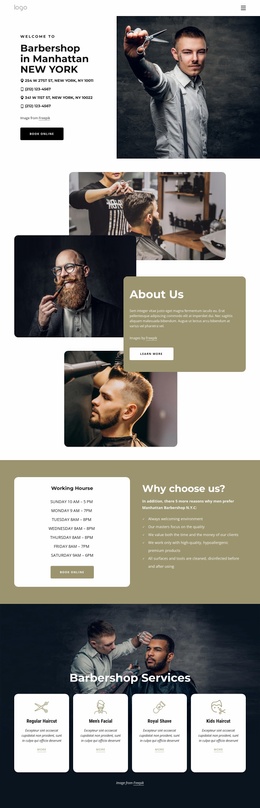
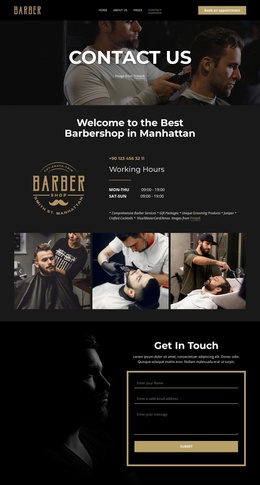
The page already defines several content areas that a broader barbershop website could build around. Contact & Hours supplies the introductory service context, using barber photography and a prominent information card to establish the project’s subject. The eight-card pricing section then creates a central service category that could remain part of the main page while related pages expand individual grooming offerings, booking information, or shop details.
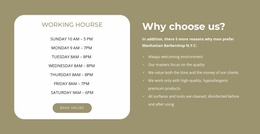
The split section contributes a second kind of foundation. Its weekly hours panel answers an immediate practical question, while the neighboring reasons list provides supporting information about the service. The Book Online action connects these areas to visitor response, and the final Contact Us form gives the site a dedicated communication point. Together, these blocks define a useful information architecture for a small service website without claiming that additional pages already exist.
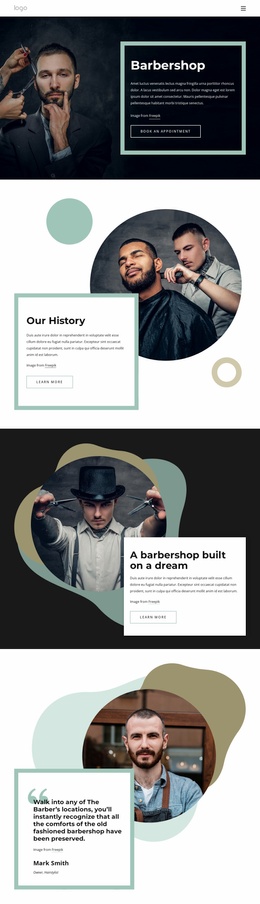
The visual system also supports expansion. Charcoal surfaces, white content cards, barber imagery, and muted green, teal, and warm accents can guide related service or information pages so they remain connected to the starting design. The mobile stacking behavior provides a consistent content order for smaller screens. As a website template foundation, the value lies in the clear categories already present: services and prices, operating availability, reasons to choose the shop, booking, and contact.
Customize with Nicepage
Open this ready-made template in the Website Template Builder and customize it visually in the Nicepage editor. Replace demo content, edit page sections, and adapt the design to your project without rebuilding the template from scratch.
Build a Complete Website From This Template
Customize the Website Visually
Use this ready-made website template as a starting point for your project and adapt its pages visually in Nicepage. Change content, images, typography, navigation, sections, and other design elements while keeping the website together as a single editable project.
Manage Website Pages in One Project
Use the Pages panel to open, add, duplicate, and manage the pages of your website. Work on individual pages while keeping navigation and the overall site structure accessible from the same project, making it easier to develop a complete website instead of managing separate page files.
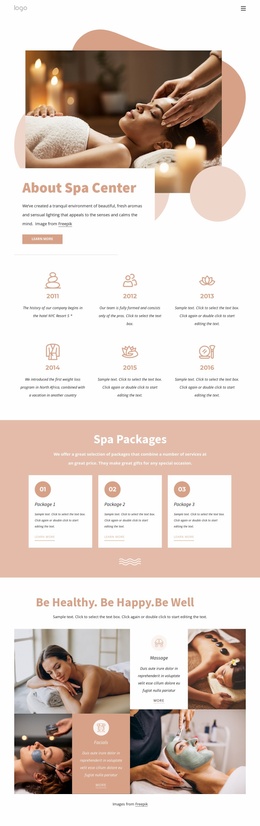
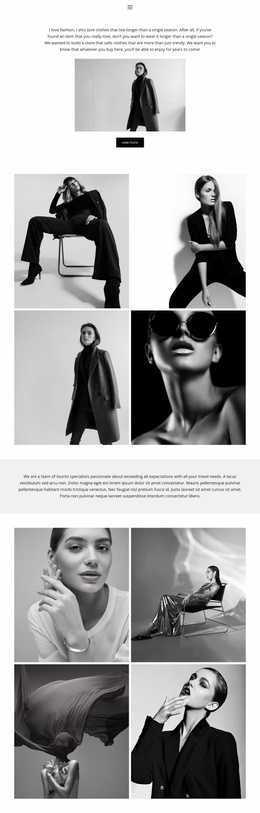
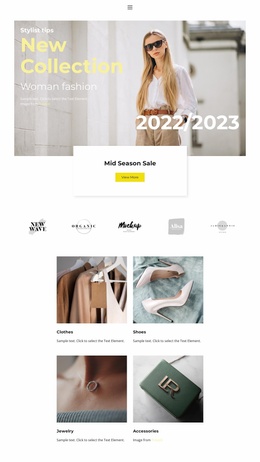
Expand the Website With Matching Designs
When you need additional pages or sections, use Page Design Sets to find Page and Block Designs created in the same visual style. Design Sets group matching designs together, making it easier to expand the website with new content while maintaining a consistent look across its pages and sections.
Organize Larger Multi-Page Websites
As the website grows, use Page Folders to organize related pages and keep larger multi-page projects easier to navigate in the editor. This is especially useful for websites with separate service pages, company information, contacts, landing pages, and other content areas.
This workflow makes the template a practical foundation for building and expanding a complete website while managing its pages, content, and visual design within one Nicepage project.

Design Set (22)
-

-
-
-
-
-
-
-
-
-
-
-
-
-
-
Customize Any TemplateDownload
-
-