Elevate Your Game WordPress Theme


Edit Template Offline
2. Create new page and search for id 6437058
Edit Template Online
Create Awesome Websites


Free Nicepage Builder
Keywords
Service Cards and Page Navigation Suit WordPress Content Areas
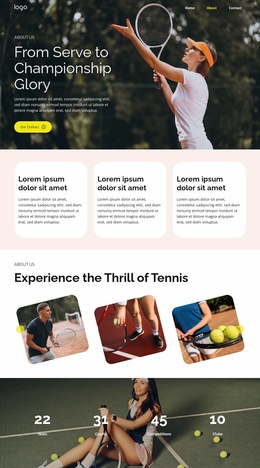
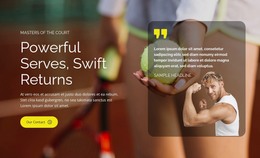
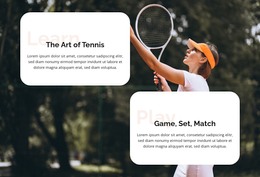
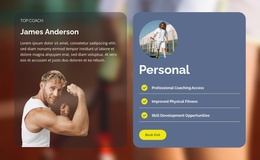
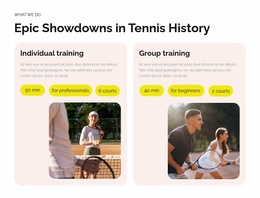
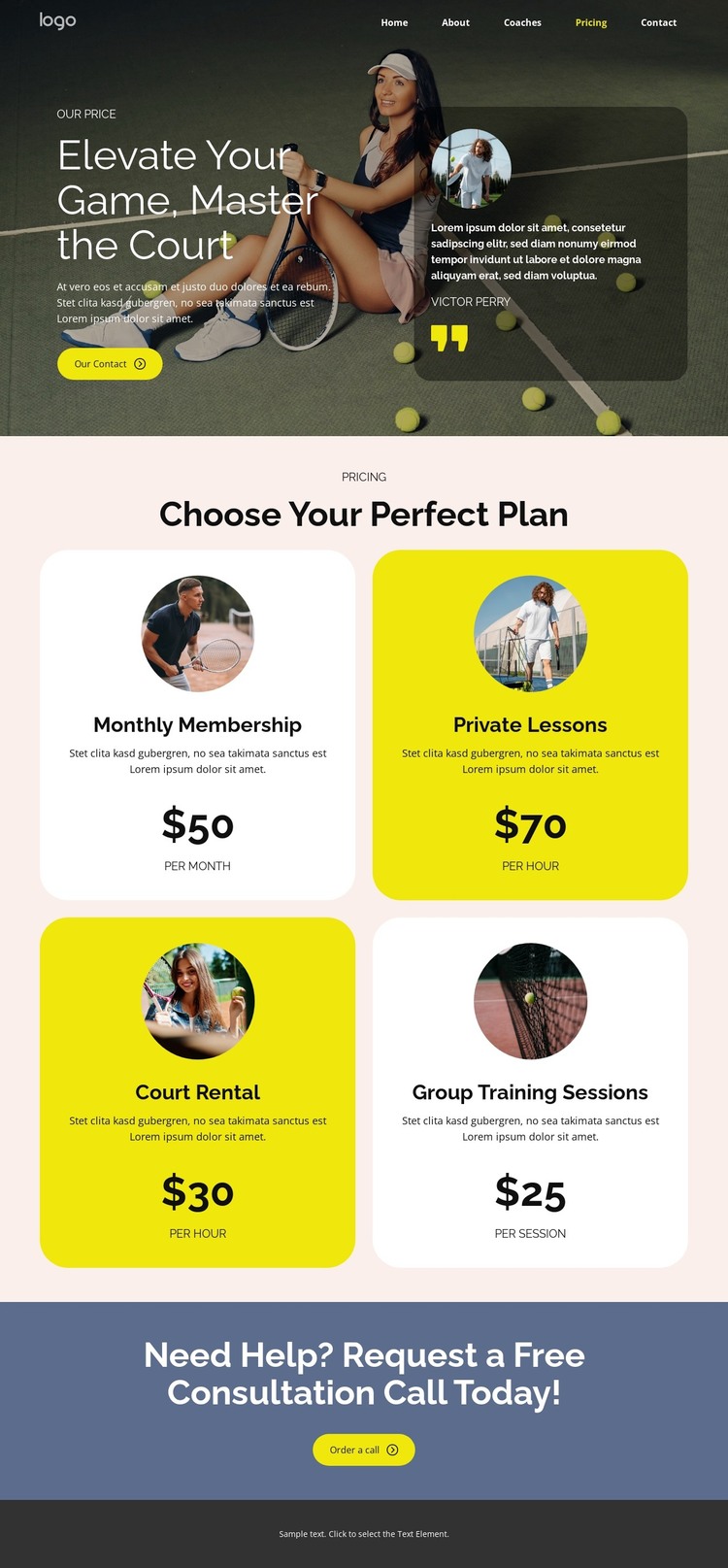
The page-oriented content is clearly divided into areas that can belong to a WordPress-managed sports site. Home, About, Coaches, Pricing, and Contact links establish navigation between core topics, while the two-row header also keeps the request-a-call action visible. The hero supplies a strong permanent introduction through tennis imagery, a court-focused heading, a contact action, and testimonial-style content that can support the site’s main message.
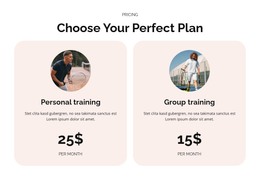
The pricing section gives the design its most reusable content relationship. Four rounded cards distinguish Monthly Membership, Private Lessons, Court Rental, and Group Training Sessions, with monthly, hourly, and per-session billing units shown alongside the choices. This arrangement makes the cards suitable for page content that needs to explain different services without presenting them as one undifferentiated description. Their repeated visual treatment keeps the service information connected to the broader theme.
The separate blue consultation section provides a natural contact area after the offer comparison. Its request-a-call heading and button can remain part of the page’s permanent response content, while the footer supplies a shared closing region for the site design. In a WordPress project, this theme interpretation is therefore based on page navigation, service information, pricing content, and contact intent—not on assuming that blog posts or other CMS structures already exist. The visual system can continue around additional managed content as the project develops.
Customize with Nicepage
Open this ready-made template in the WordPress Website Builder and customize it visually in the Nicepage editor. Replace demo content, edit page sections, and adapt the design to your project without rebuilding the template from scratch.
Manage and Edit This Theme in WordPress
Customize and Install the WordPress Theme
Start with this ready-made theme instead of building the WordPress design from scratch. Customize its layout, content, typography, images, sections, and other design elements visually in Nicepage editor, then export and install the WordPress Theme, Plugin, and Pages on your WordPress site. The Nicepage WordPress Plugin lets you continue working with the site after installation.
Edit the Theme Directly in WordPress
After installation, you can edit the WordPress Theme directly in WordPress with the Nicepage WordPress Plugin. Use Site Style to customize site Colors, Fonts, Header, Footer, Blog, and Post Page Templates while working within your WordPress website.
Edit WordPress Pages Visually
Use the Nicepage WordPress Plugin to edit page content directly from the WordPress admin area. Open a WordPress Page with Nicepage and visually change its text, images, sections, and other page elements while continuing to manage the Page through WordPress.
WordPress Content and Theme Integration
Use the customized theme with WordPress Pages, Posts, Blog and Post Templates, menus, widgets, and other CMS-managed content. Shared theme elements such as Colors, Fonts, Header, Footer, Blog, and Post Page Templates can be managed as part of the overall site design, while WordPress provides the CMS environment for managing site content.
This workflow combines a ready-made WordPress Theme with visual customization, direct theme editing in WordPress, and continued content management through the Nicepage WordPress Plugin.